215184 183 Revision A
Figure 6.17: Medium Configuration Flighting Plug –
Right Side
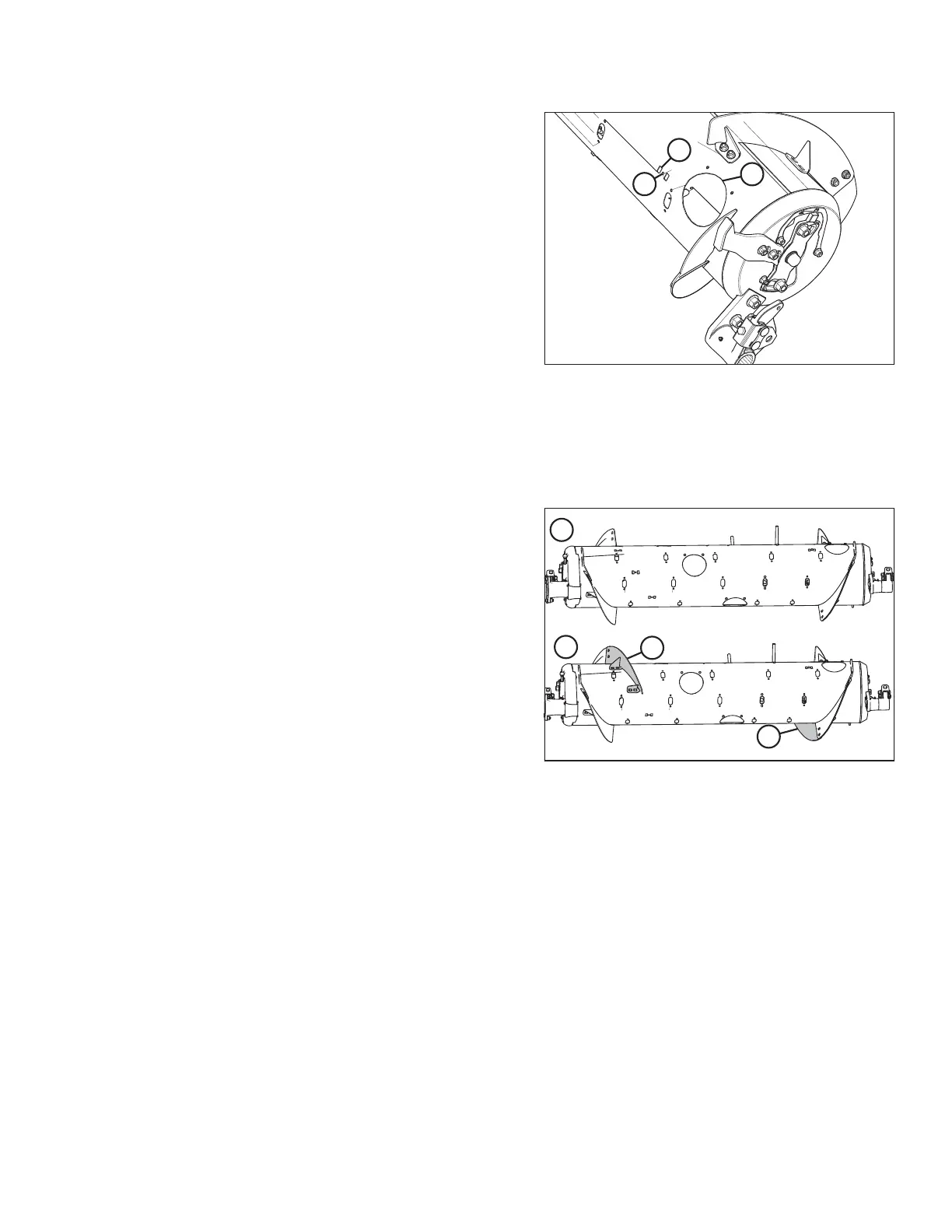
9. Removing the long flightings left empty flighting slots in the
auger that were not needed to install the new shorter
flightings. Use access hole (A) to position a flighting slot
plug (B) from inside the feed auger in each empty slot and
secure with a 20 mm long M6 hex head bolt (C) and tee
nut. Use plugs and hardware retained from a previous step.
10. Install additional auger fingers. A total of 22 auger fingers is
recommended for this configuration. For instructions, refer
to 6.2.10 Installing Feed Auger Fingers, page 198.
6.2.2 Converting from Wide Configuration to Medium Configuration
One flighting kit (MD #287031) is required to convert the feed auger from Wide configuration to Medium configuration.
Figure 6.18: Auger Configurations – Rear View
1 - Wide Configuration 2 - Medium Configuration
Wide and Medium auger configurations are shown at right.
When converting from Wide configuration to Medium
configuration, you will need to install new flightings (A).
1. Improve access and ease installation by removing the float module from the combine. For instructions, refer to the
header operator’s manual or technical manual.
FLOAT MODULE SETUP AT DEALER



 To Next Page