215184 326 Revision A
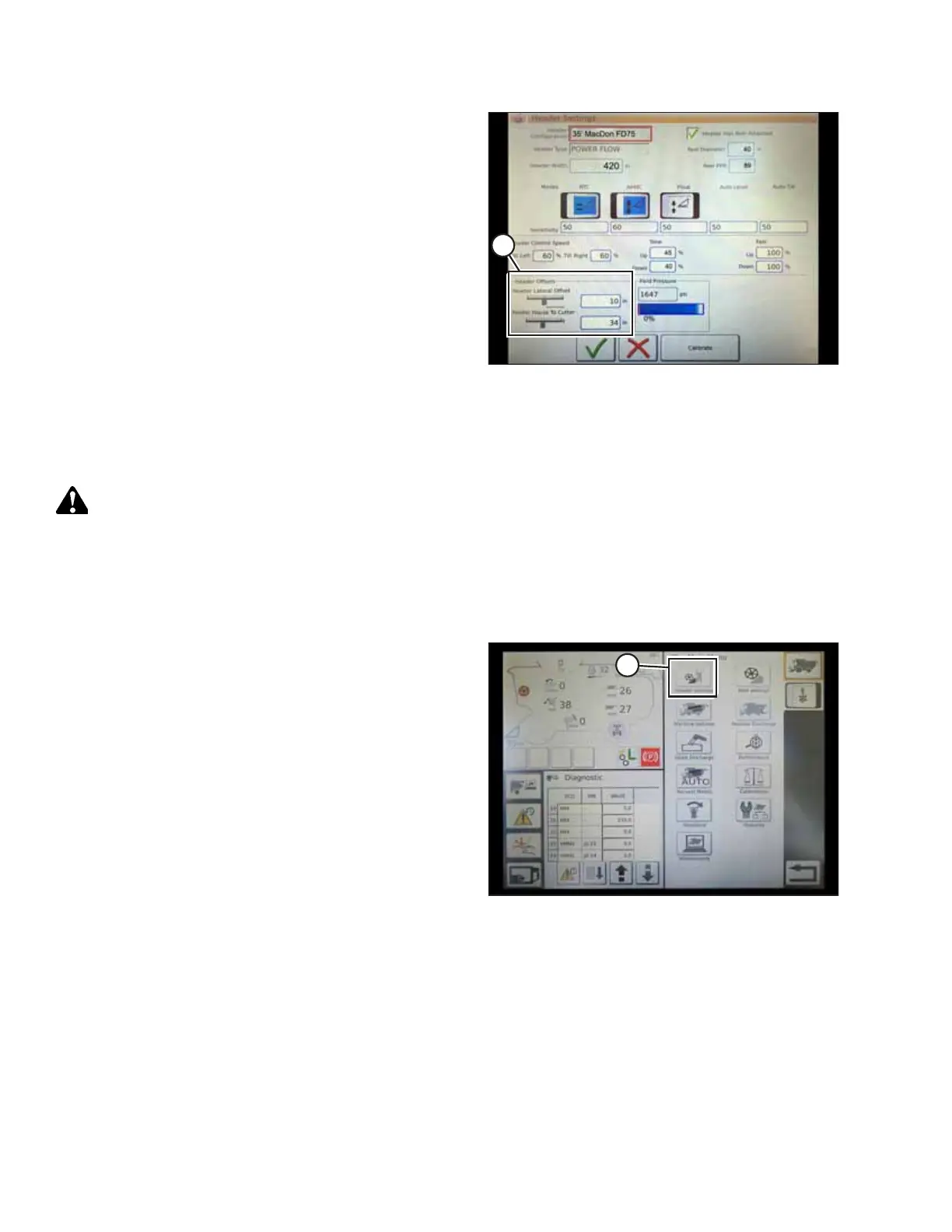
Figure 9.39: Header Offset Settings
4. Header Offsets (A): Offset distances are important for yield
mapping. There are two adjustable dimensions on the
HEADER SETTINGS page:
• Header Lateral Offset: the distance between the
centerline of the header and the centerline of the
machine. This should be set at 0 for a MacDon header.
• Feeder House to Cutter: the distance from the machine
interface to the cutterbar. This should be set at 68 for a
MacDon header.
Calibrating the Header – AGCO IDEAL
™
Series
The auto header control functions are configured on the HEADER SETTINGS page.
WARNING
Clear the area of other persons, pets etc. Keep children away from machinery. Walk around the machine to be sure no
one is under, on, or close to it.
NOTE:
Up-to-date images of the IDEAL
™
combine display were not available at time of publishing. For instructions, refer to the
combine operator’s manual for updates.
Figure 9.40: Combine Main Menu
1. On the COMBINE MAIN MENU, touch HEADER
SETTINGS (A).
SETTING UP AUTO HEADER HEIGHT CONTROL



 To Next Page