215184 56 Revision A
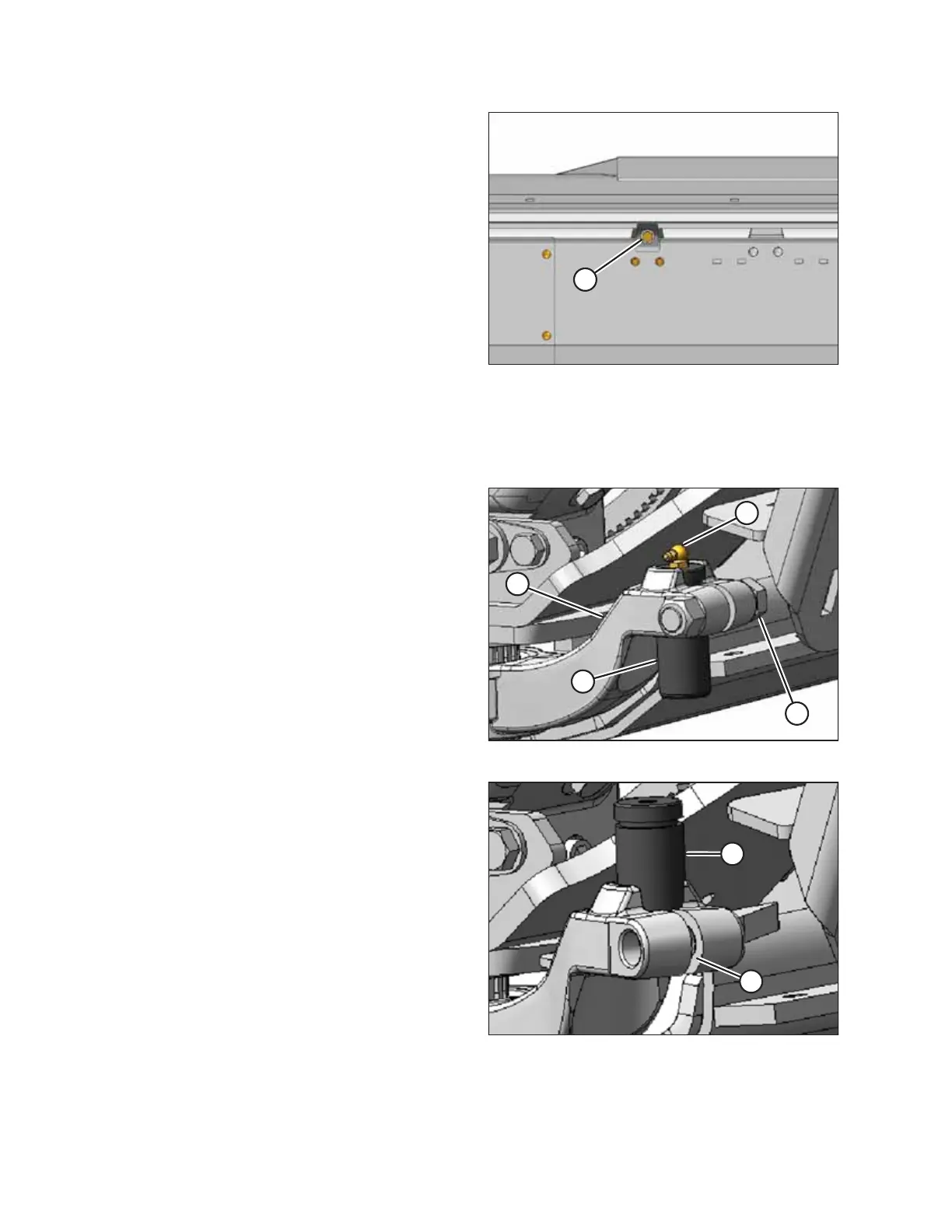
Figure 3.89: Clamp Bolt
2. Tighten clamp bolt (A) at the upper outboard end of
backsheet to secure deck.
3.2.8 Installing Right End Knife
1. Remove knife from shipping position (if not already removed).
Figure 3.90: Pitman Arm
2. At right side of header, remove grease fitting (A) from
pin (D) in pitman arm (B).
3. Remove nut and bolt (C).
Figure 3.91: Pitman Arm
4. Slightly pry apart split (A) in pitman arm so that pin (B) can
be tapped upward.
ASSEMBLING THE HEADER AND FLOAT MODULE



 To Next Page