215184 70 Revision A
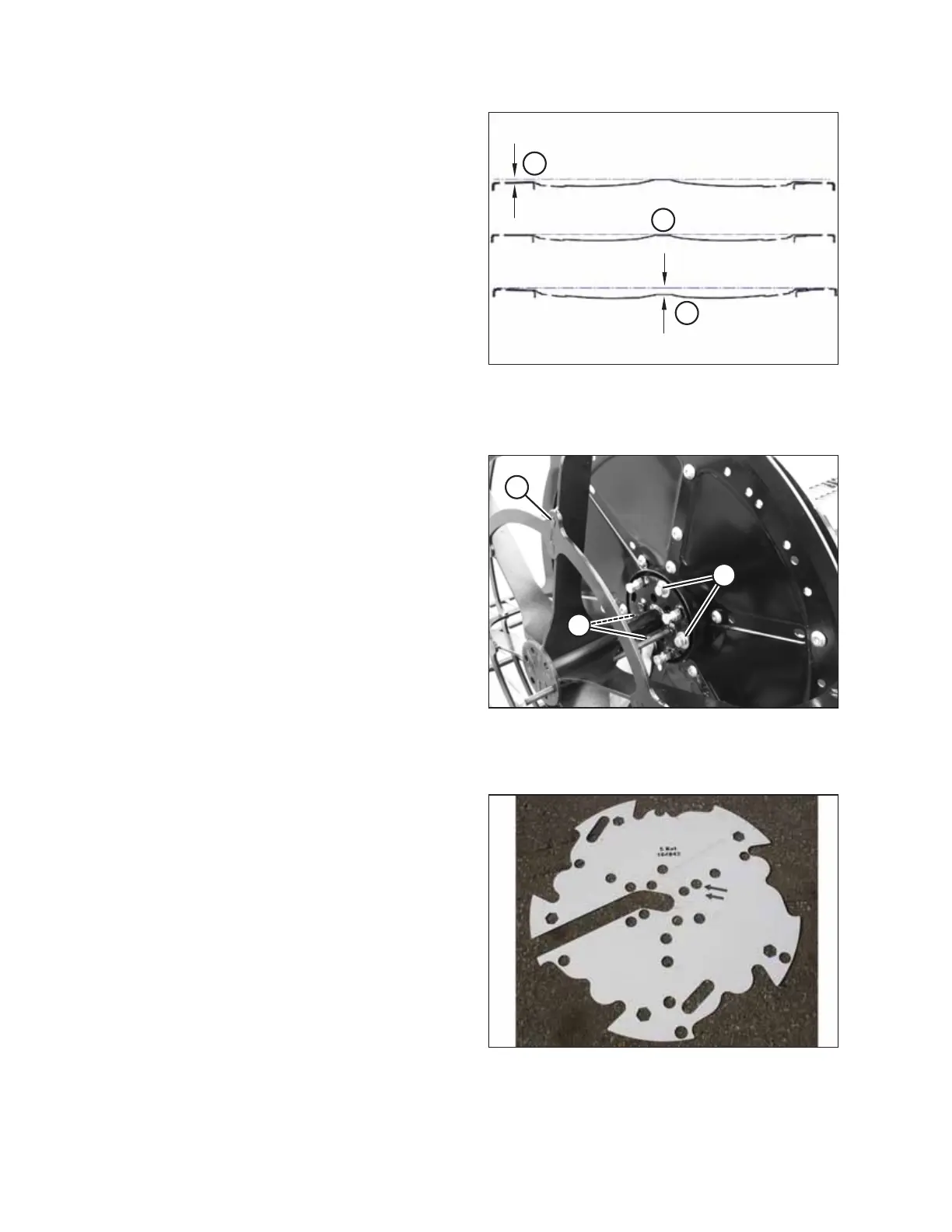
Figure 3.128: Disc Contour Dimensions
A - Condition 1: 3 mm (1/8 in.)
B - Condition 2: 3 mm (1/8 in.)
C - Normal
11. If necessary, adjust contour as follows:
a. Condition 1: Increase protrusion of adjusting screws.
Refer to Step 1, page 66.
b. Condition 2: Decrease protrusion of adjusting screws.
Refer to Step 1, page 66.
c. Loosen all bolts on disc and repeat Step 5, page 68 to
Step 10, page 69.
Figure 3.129: Jig Removal
12. Remove four bolts (B) securing jig (A) to reel tube.
13. Remove jig. Use jacking bolt if necessary to remove the jig
from the disc.
Installing Tine Tubes
Figure 3.130: Template
NOTE:
A template is required to attach tine tubes to reel discs. The
template is included with first shipment of headers to each setup
location.
ASSEMBLING THE HEADER AND FLOAT MODULE



 To Next Page