215184 69 Revision A
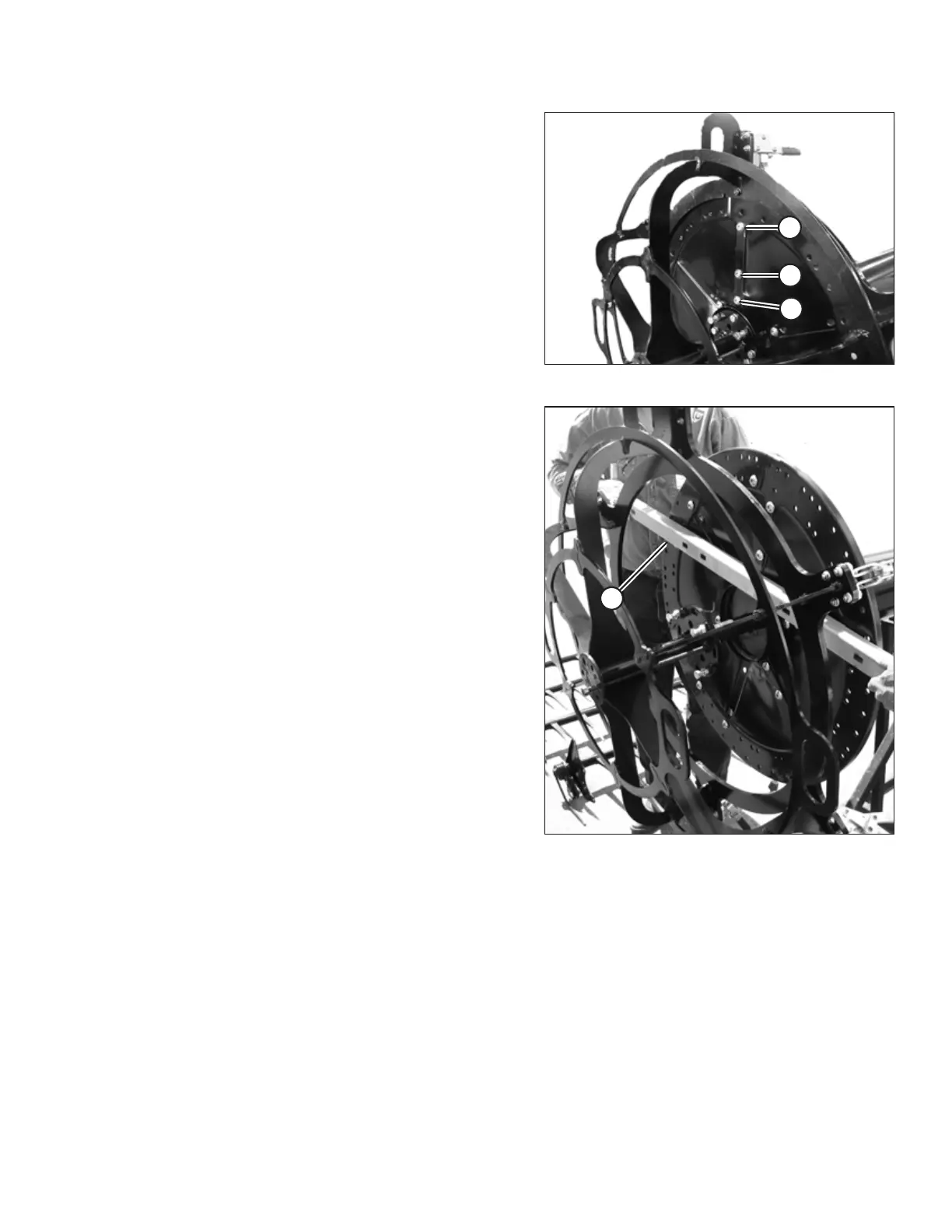
Figure 3.126: Disc Bolts
7. Tighten three bolts at each seam using sequence shown
(1, 2, 3).
8. Check that all bolts are tight. Do NOT tighten the other two
discs at this time.
9. Release clamps.
NOTE:
Jig can remain attached to reel tube until straightness
checks and adjustments are complete.
Figure 3.127: Checking Disc Contour
10. Using a verified straight edge (A), check the contour of the
disc at three locations. The disc must NOT exceed the
dimensions shown in Figure 3.128, page 70.
ASSEMBLING THE HEADER AND FLOAT MODULE



 To Next Page