215184 88 Revision A
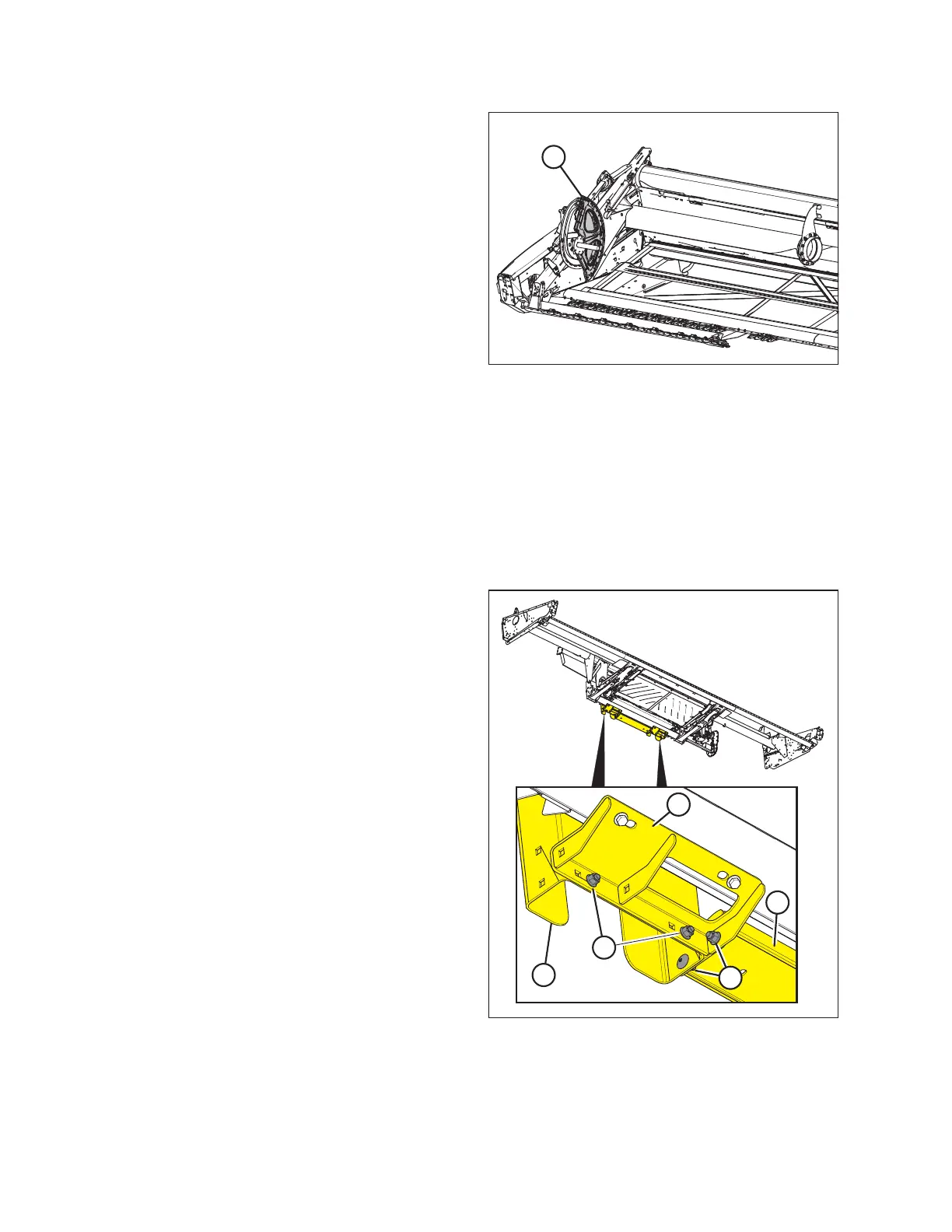
Figure 3.171: Reel Disc Sectors
10. Remove reel disc sectors (A) from right end reel
support arm.
3.3.2 Removing Shipping Stands and Supports
Unless otherwise specified, discard stands, shipping material, and hardware. The removable stands are painted yellow.
IMPORTANT:
If the header is being shipped to a Dealer after assembly, do NOT remove the shipping stands, guards, and fork slider
channels at this time. Proceed to Step 12, page 92.
Removing shipping stands from the float module
Figure 3.172: Shipping Stands and Lower Brace
1. Remove two bolts (A) securing right fork channel (B) to
shipping stand (C).
NOTE:
To access the bolts at the lower stand support, the header
must be supported with 150 mm (6 in.) blocks, as directed
in Step 5, page 18.
2. Remove two bolts (D) securing right fork channel (B) to
lower brace (E).
3. Repeat the steps above for the left side.
ASSEMBLING THE HEADER AND FLOAT MODULE



 To Next Page