215184 388 Revision A
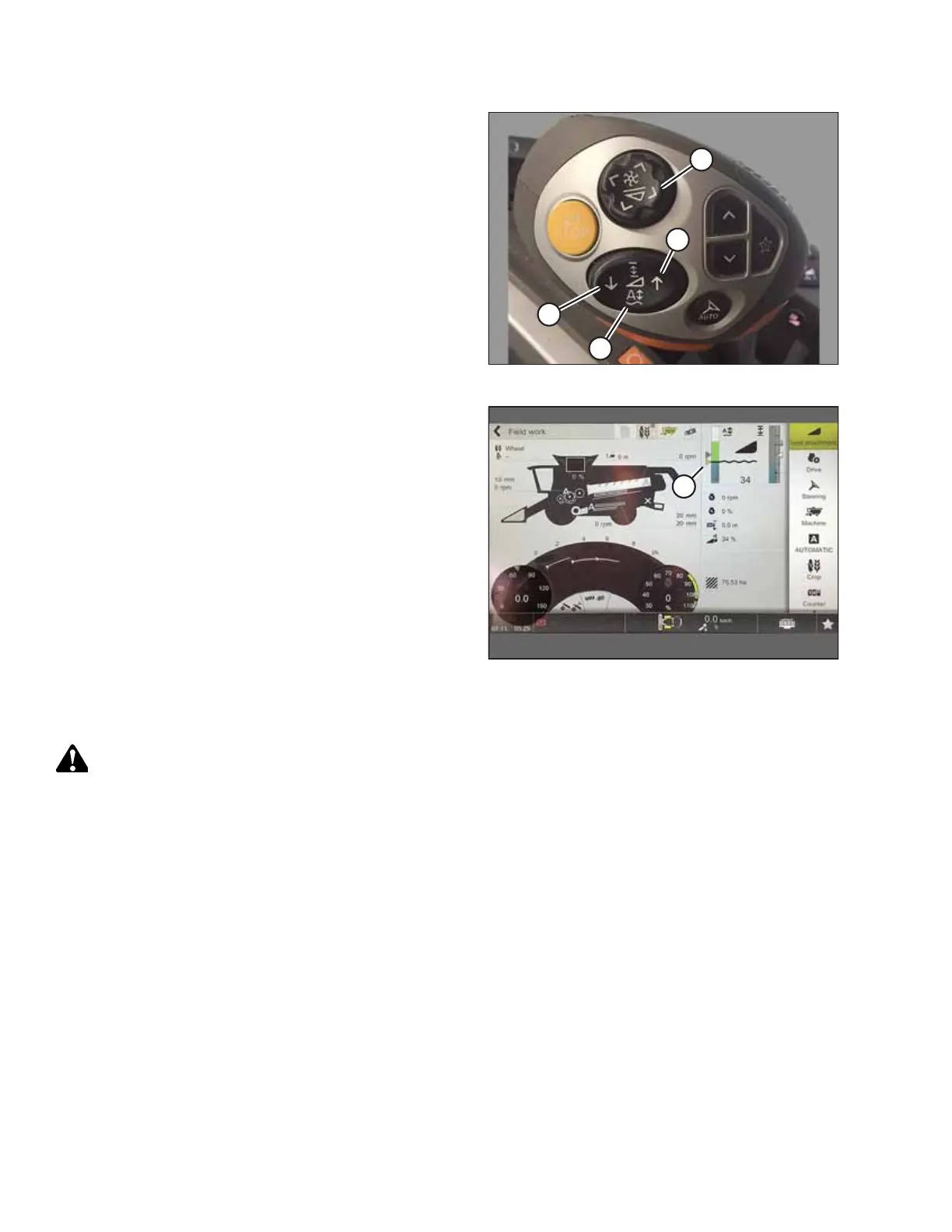
Figure 9.188: Multifunction Lever
1. Set desired cutting height with feederhouse raise/lower
buttons (A) on the multifunction lever.
2. Set desired reel position with buttons (B).
3. Press and hold AUTO HEIGHT PRESET button (C) to store
settings.
Figure 9.189: CEBIS Main Page
A triangle (A) appears on the header height gauge indicating the
preset level.
Setting the Sensitivity of the Auto Header Height Control – CLAAS 8000/7000 Series
WARNING
Clear the area of other persons, pets etc. Keep children away from machinery. Walk around the machine to be sure no
one is under, on, or close to it.
NOTE:
Changes may have been made to the combine controls or display since this document was published. Refer to the combine
operator’s manual for updates.
SETTING UP AUTO HEADER HEIGHT CONTROL



 To Next Page