215184 209 Revision A
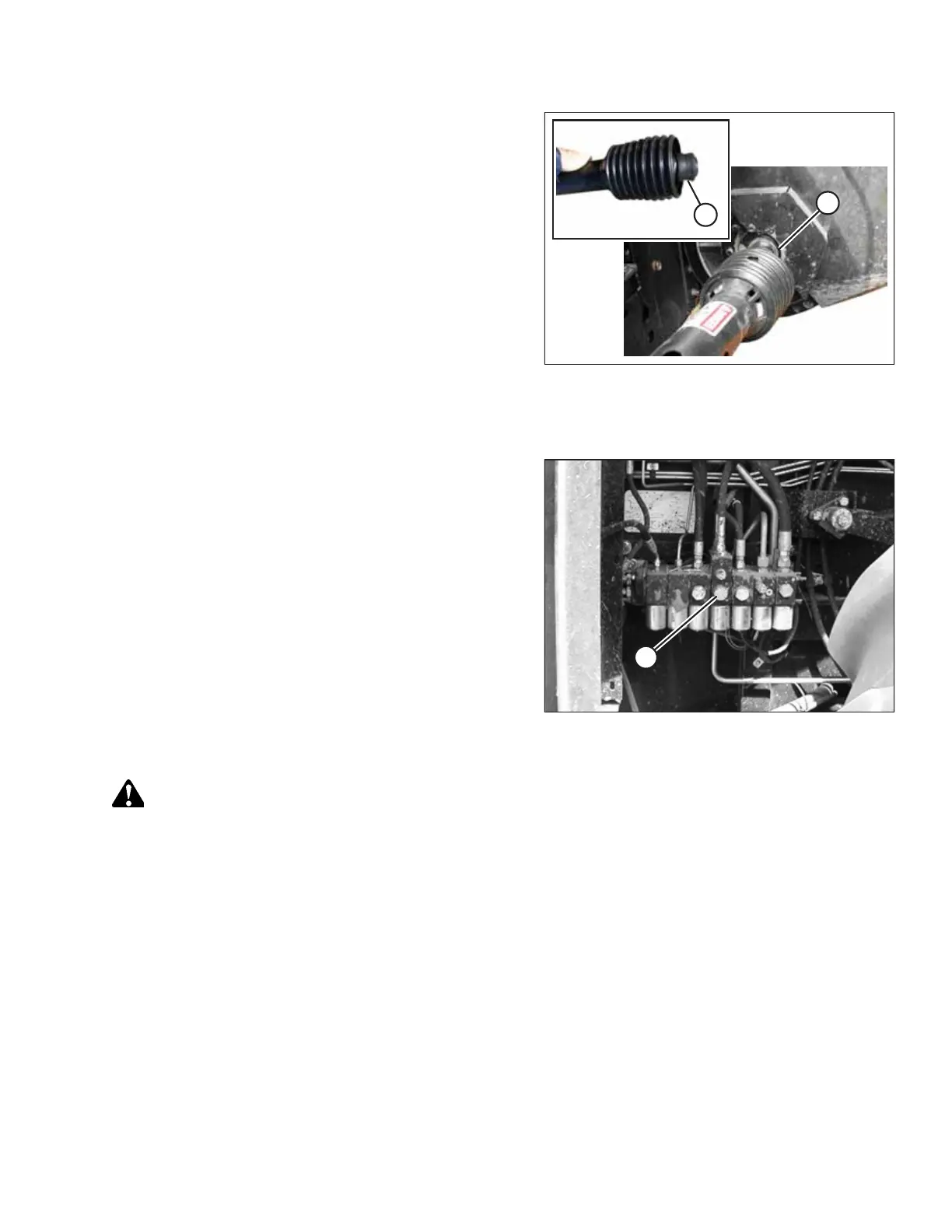
Figure 7.10: Driveline
16. Pull back collar (A) on the end of the driveline, and push
the driveline onto combine output shaft (B) until the
collar locks.
17. Proceed to 7.7 Completing Header Assembly, page 249.
7.1.2 Installing Reel Fore-Aft / Header Tilt Selector Switch and Harness
Figure 7.11: Converted Gleaner R72 Shown
Gleaner combines prior to model year 2014 are not equipped to
accommodate hydraulic reel fore-aft and header tilt options.
The following additional items are required and not supplied by
MacDon:
• Valve (A) (AGCO #71389745)
• Hoses
• Electrical components
• Couplers
NOTE:
Model year 2014 and later Gleaner combines will have the
above parts factory-installed.
To enable the reel fore-aft and header tilt options, install the
switch and harness as follows:
WARNING
To avoid injury or death from unexpected start-up of machine, always stop the engine and remove the key from the
ignition before leaving the operator’s seat for any reason.
1. Lower and tilt the combine feeder house all the way forward if equipped. This will ensure that the electrical harnesses
will be installed with sufficient slack.
2. Shut down the engine, and remove the key from the ignition.
3. Disconnect the negative cable from the combine battery. For instructions, refer to the combine manual.
IMPORTANT:
If you do not disconnect the battery before connecting the cab draper control harness to the combine’s auxiliary
power connectors, electrical components may be damaged.
ATTACHING HEADER TO COMBINE



 To Next Page