215184 468 Revision A
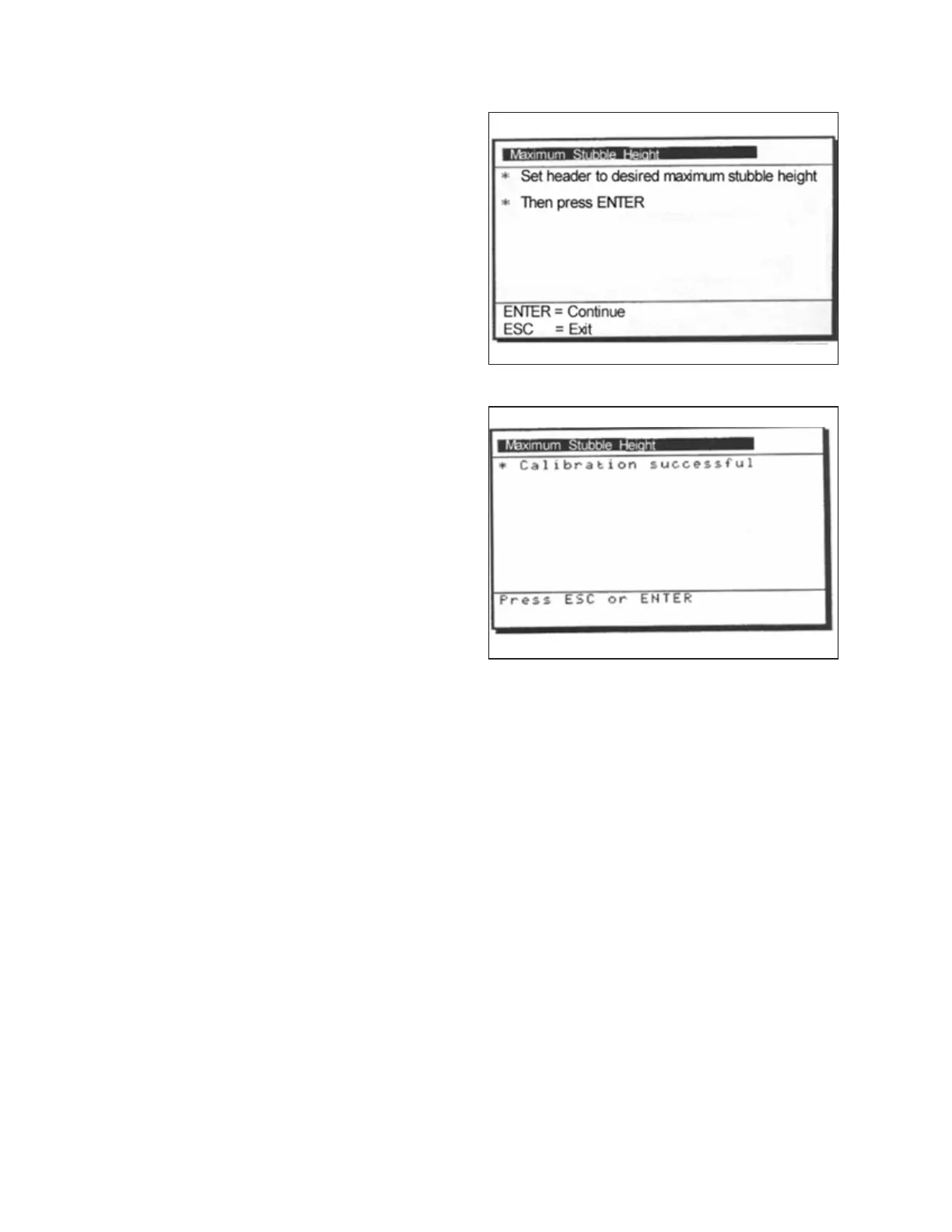
Figure 9.362: New Holland Calibration Dialog Box
1. Select the MAXIMUM STUBBLE HEIGHT calibration dialog
box. As you proceed through the calibration process, the
display will automatically update to show the next step.
Figure 9.363: New Holland Calibration Dialog Box
2. Move header to the correct position using the header up or
down control switch on the multifunction handle.
3. Press ENTER to continue. As you proceed through the
calibration process, the display will automatically update to
show the next step.
4. Press ENTER or ESC to close the calibration screen. The
calibration is now complete.
SETTING UP AUTO HEADER HEIGHT CONTROL



 To Next Page