215184 373 Revision A
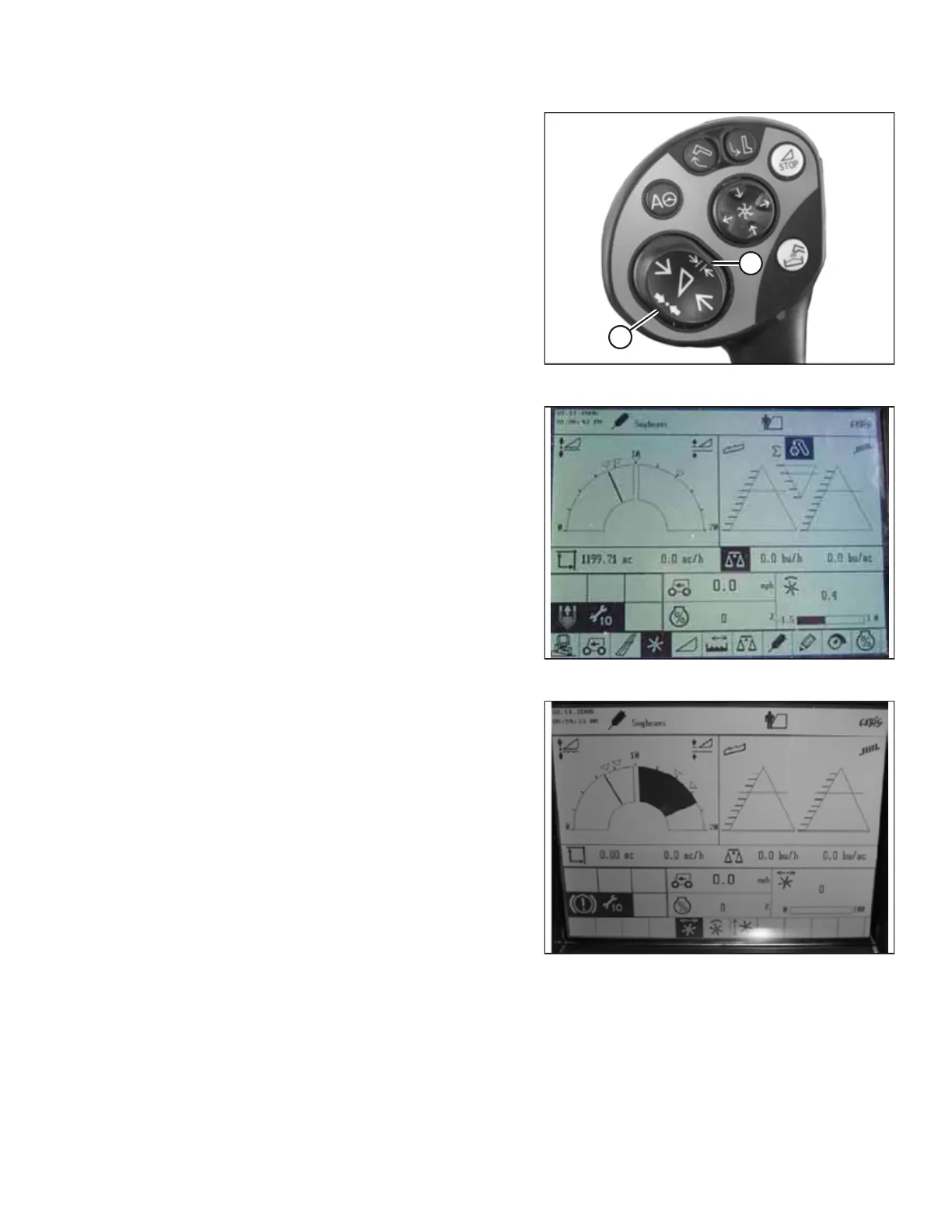
Figure 9.151: CLAAS Control Handle Buttons
5. Press and hold button (A) or button (B) for 3 seconds to
store the setting into the CEBIS (an alarm will sound when
the new setting has been stored).
NOTE:
Whenever button (A) or button (B) is pressed for 3 seconds,
the current positions for reel speed and cutting height are
stored.
Figure 9.152: CLAAS Combine Display
Figure 9.153: CLAAS Combine Display
6. Use the < or > key to select the REEL WINDOW. Window
E15 will display the current advance or retard speed of the
reel in relation to the ground speed.
SETTING UP AUTO HEADER HEIGHT CONTROL



 To Next Page