215184 315 Revision A
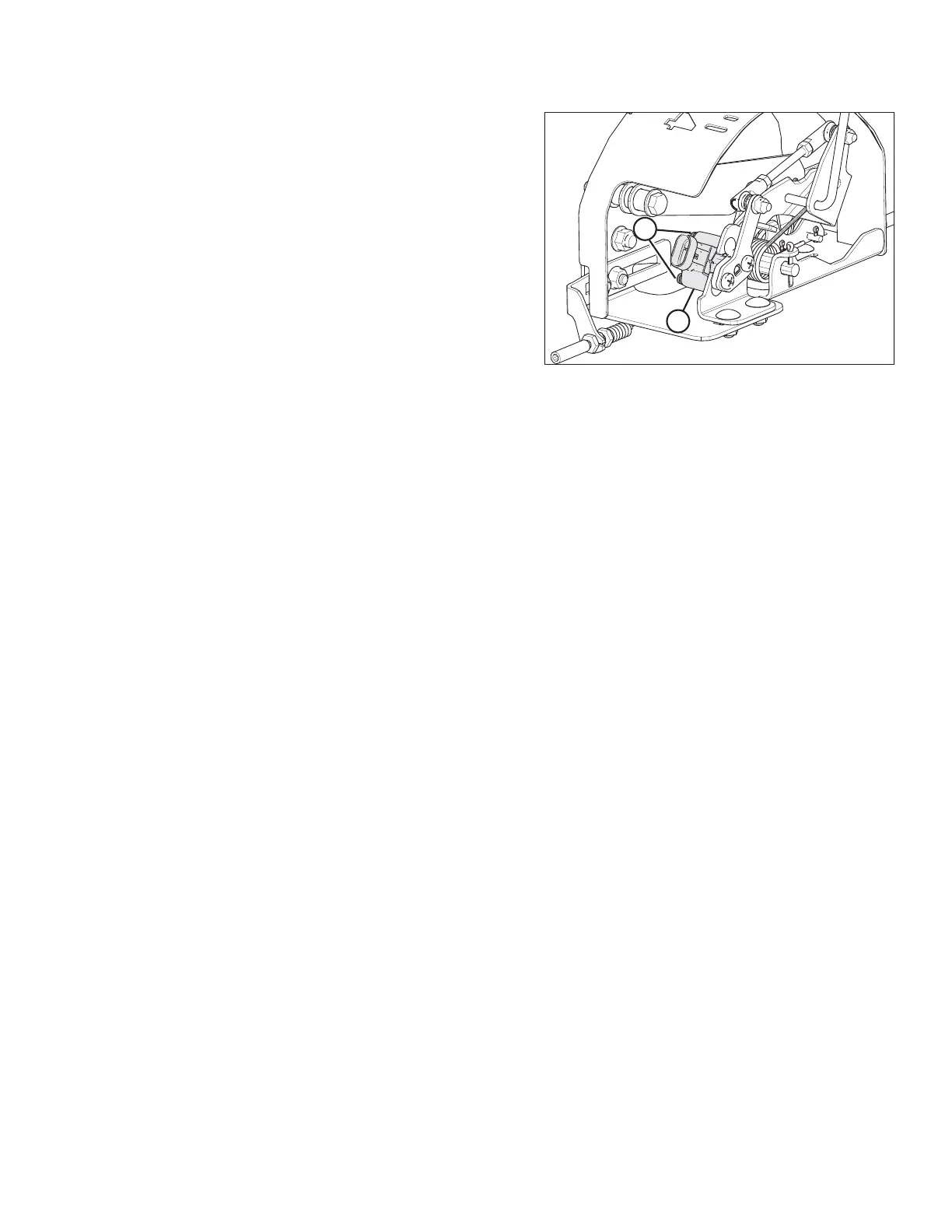
Figure 9.18: AHHC Sensor Assembly
2. Follow these steps to adjust the low voltage limit:
a. Extend guard angle fully; the header angle indicator
should be at D.
b. Fully lower header on the ground; the float indicator
should be at 4.
c. Check the low voltage limit using the combine display
or voltmeter. For voltage limit chart, refer to Table 9.1,
page 307.
d. Loosen sensor-mounting nuts (A).
e. Rotate sensor (B) clockwise to increase low voltage
limit or counterclockwise to decrease it.
f. Tighten sensor-mounting nuts (A).
3. After making adjustments, recheck both the upper and
lower voltage limits to make sure they are within the
required range according to Table 9.1, page 307.
SETTING UP AUTO HEADER HEIGHT CONTROL



 To Next Page