215184 361 Revision A
NOTE:
For best performance of the auto header height control (AHHC) system, perform these procedures with the center-link set
to D. When setup and calibration are complete, adjust the center-link back to desired header angle. For instructions, refer
to Header Angle in the header operator’s manual.
NOTE:
Changes may have been made to the combine controls or display since this document was published. Refer to the combine
operator’s manual for updates.
NOTE:
If the header float is set too light, it can prevent AHHC calibration. You may need to set the float heavier for the calibration
procedure so the header doesn’t separate from the float module.
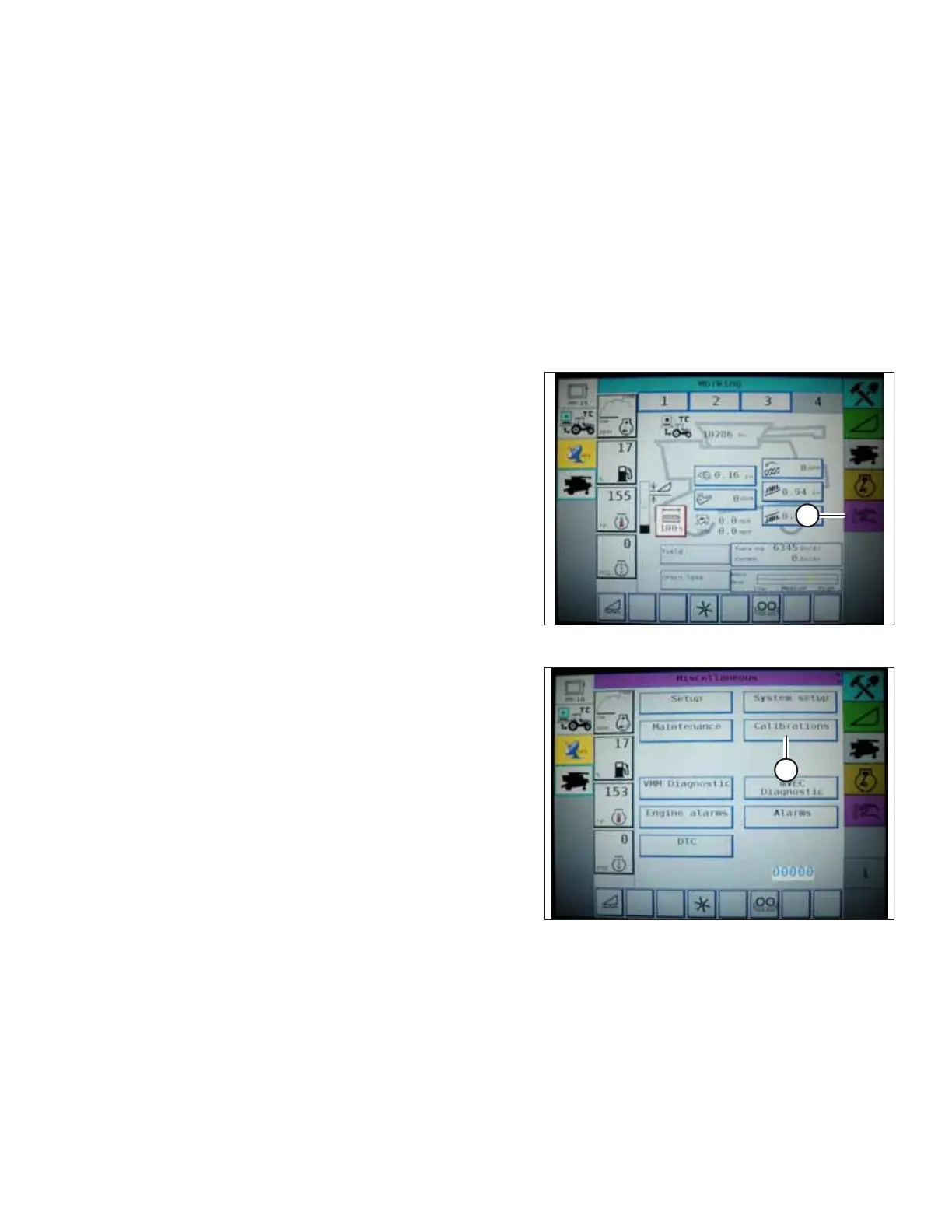
1. Ensure center-link is set to D.
Figure 9.125: Challenger Combine Display
2. On the FIELD screen, press DIAGNOSTICS icon (A). The
MISCELLANEOUS screen appears.
Figure 9.126: Challenger Combine Display
3. Press CALIBRATIONS button (A). The CALIBRATIONS screen
appears.
SETTING UP AUTO HEADER HEIGHT CONTROL



 To Next Page