215184 381 Revision A
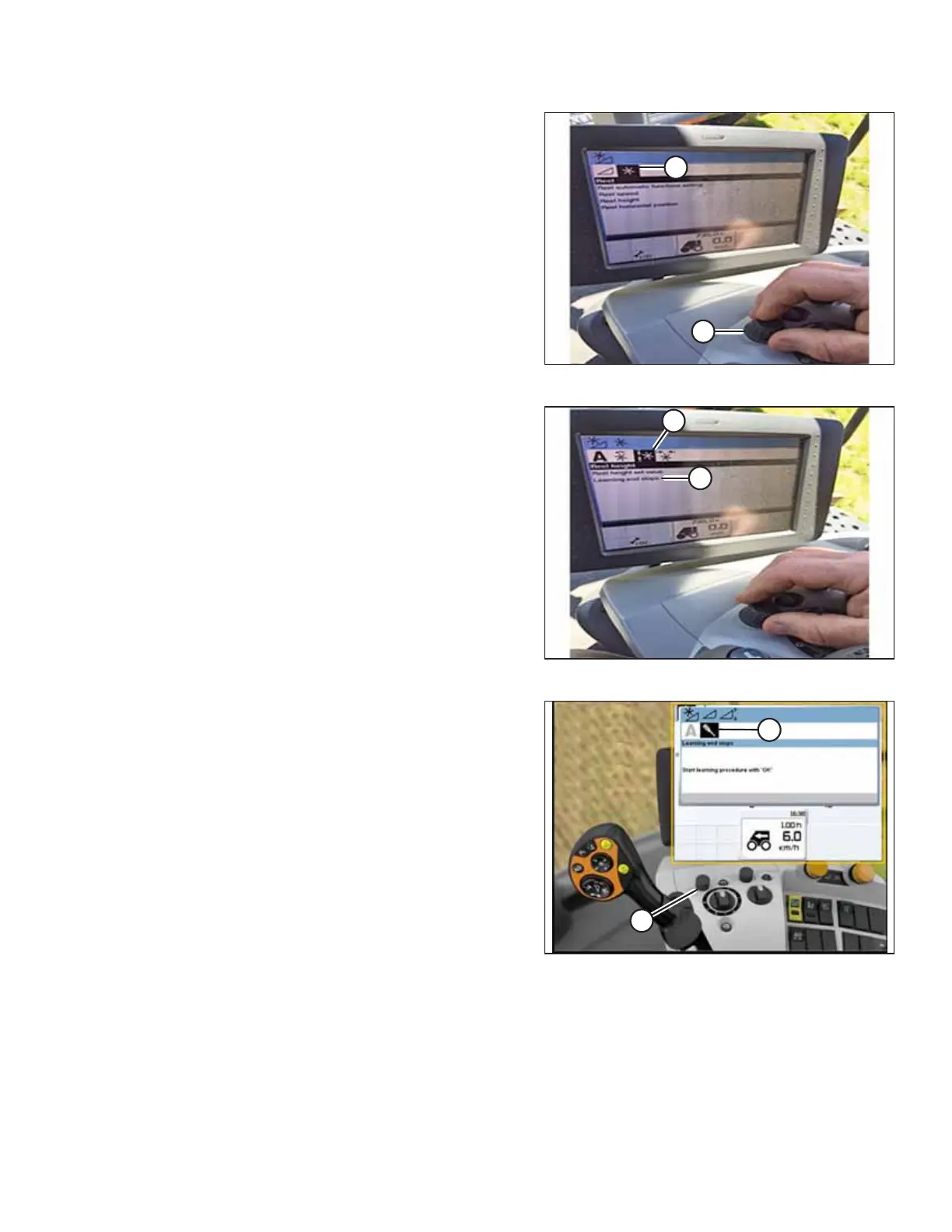
Figure 9.171: CLAAS Combine Display and Console
3. Use control knob (A) to highlight REEL icon (B), and press
control knob (A) to select it.
Figure 9.172: CLAAS Combine Display and Console
4. Highlight REEL HEIGHT icon (A), and press control knob to
select it.
5. Select LEARNING END STOPS (B) from the list.
Figure 9.173: CLAAS Combine Display, Console, and
Control Handle
6. Use control knob (A) to highlight screwdriver icon (B).
SETTING UP AUTO HEADER HEIGHT CONTROL



 To Next Page