215184 386 Revision A
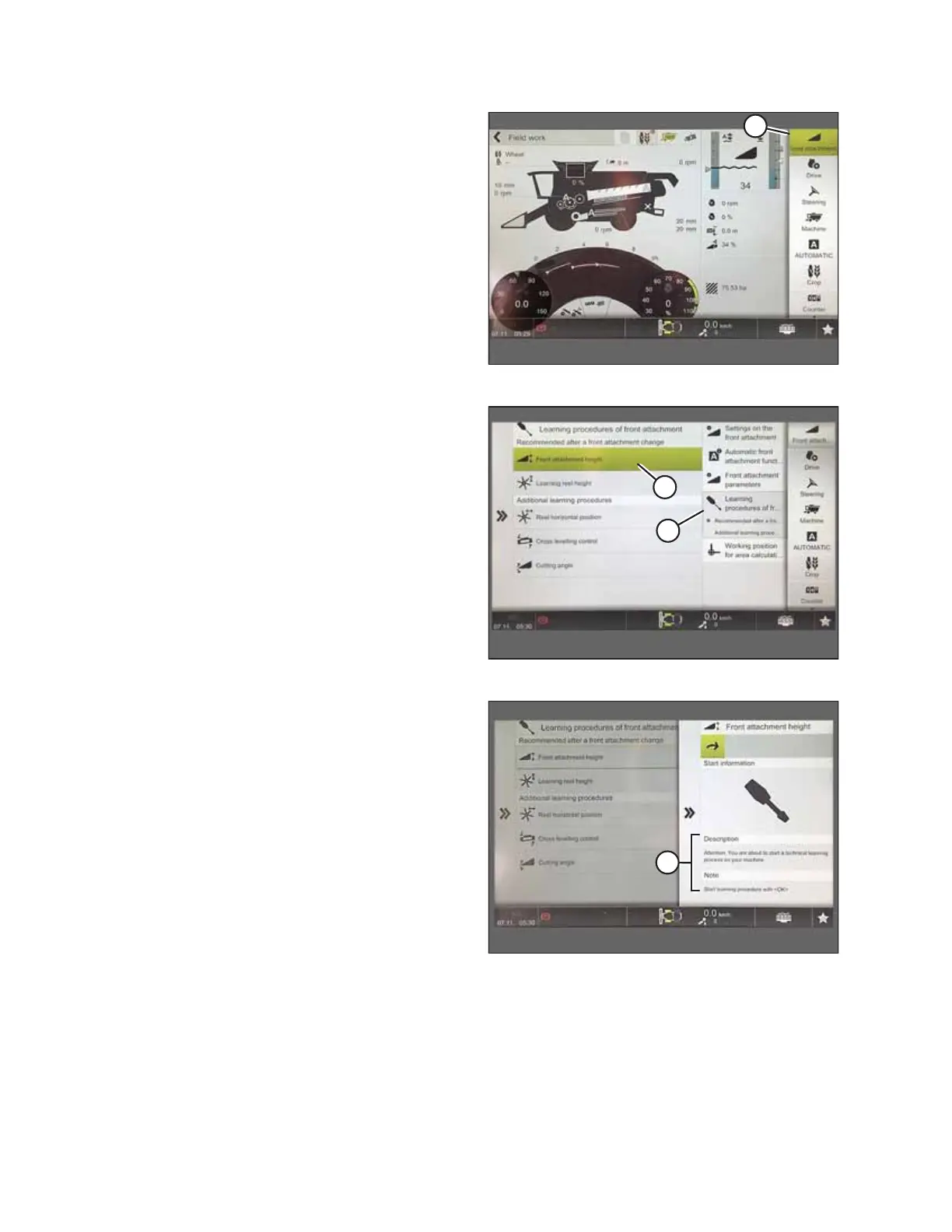
Figure 9.183: CEBIS Main Page
1. From the main page, select FRONT ATTACHMENT (A).
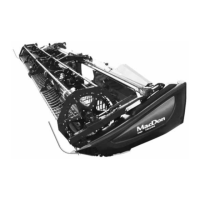
Figure 9.184: Learning Procedures Page
2. Select LEARNING PROCEDURES (A) from the menu.
3. SELECT FRONT ATTACHMENT HEIGHT (B).
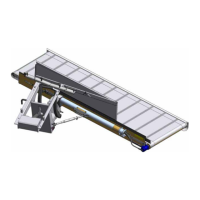
Figure 9.185: Front Attachment Height Page
4. Follow the prompts that appear in Description and Notes
fields (A).
SETTING UP AUTO HEADER HEIGHT CONTROL


 To Next Page