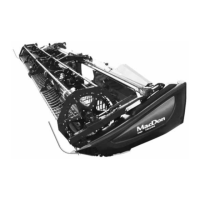
215184 408 Revision A
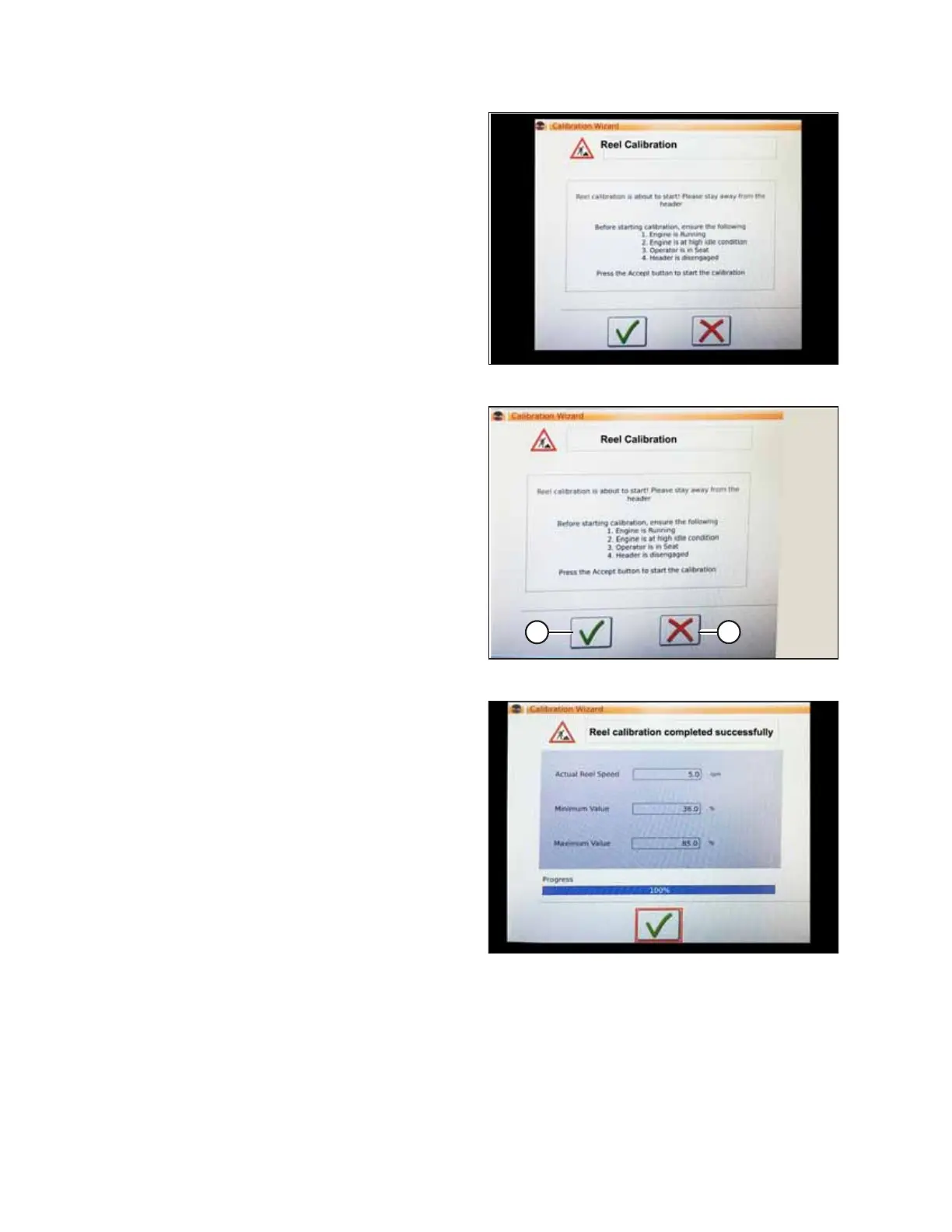
Figure 9.225: Calibration Wizard
The CALIBRATION WIZARD opens and displays a hazard
warning.
Figure 9.226: Calibration Wizard
4. Make sure to meet all the conditions listed in the
CALIBRATION WIZARD warning. Press green check mark (A)
to accept and start reel calibration. Pressing red X (B) will
cancel the calibration procedure.
Figure 9.227: Calibration Progress
5. A message appears in the CALIBRATION WIZARD stating
that reel calibration has started. The reel will begin turning
slowly and increase to high speed. A progress bar is
provided. If necessary, touch the red X to cancel.
Otherwise, wait for the message that reel calibration has
completed successfully. Touch the green check mark to
save the calibrated settings.
SETTING UP AUTO HEADER HEIGHT CONTROL


 To Next Page