215184 483 Revision A
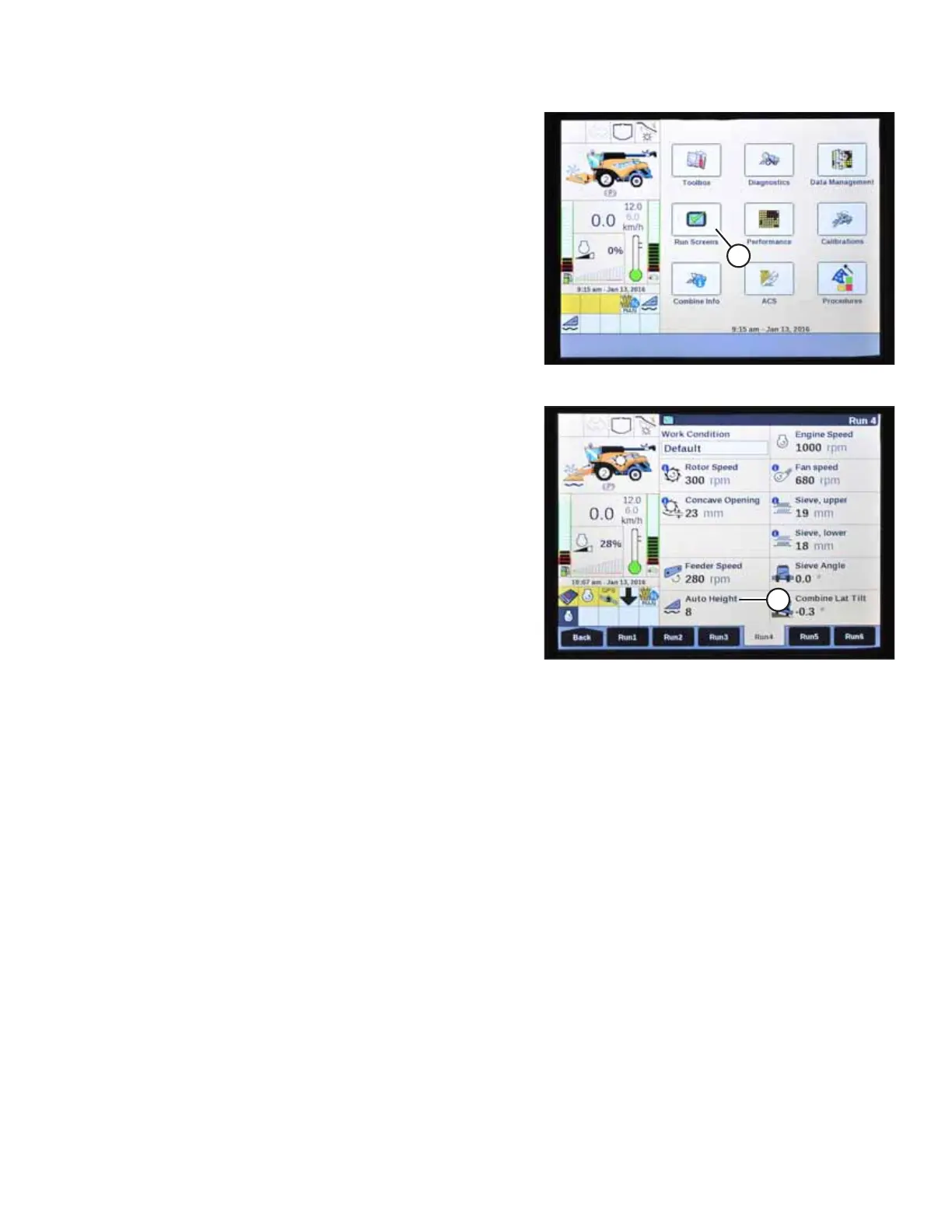
Figure 9.396: New Holland Combine Display
8. Lower header to the ground.
9. Select RUN SCREENS (A) on the main screen.
Figure 9.397: New Holland Combine Display
10. Select the RUN tab that shows MANUAL HEIGHT.
NOTE:
The MANUAL HEIGHT field may appear on any of the RUN
tabs. When an auto height preset button is pressed, the
display will change to AUTO HEIGHT (A).
11. Press one of the auto height preset buttons to select a
preset cutting height.
SETTING UP AUTO HEADER HEIGHT CONTROL



 To Next Page