Rev.1
Page 1-
30
It is possible to select STANDARD (default setting), INTELLIGENT (automatic drying that adjusts its duration longer or shorter than standard
drying on the basis of the volume and/or quantity and type of load) or EXTRA (drying extended by a selectable value, recommended for critical
loads). Move using the + and - keys and confirm with the ↵ key.
e With large loads or special materials, the STANDARD option may not provide a perfect result. In this case, extend the drying phase by
using the EXTRA mode.
e With particularly complex types of loads (such as wrapped instruments in a "container" for sterilization) "intelligent" drying may not work
correctly, with worse than expected results. In these cases, use the STANDARD or EXTRA options, depending on the need.
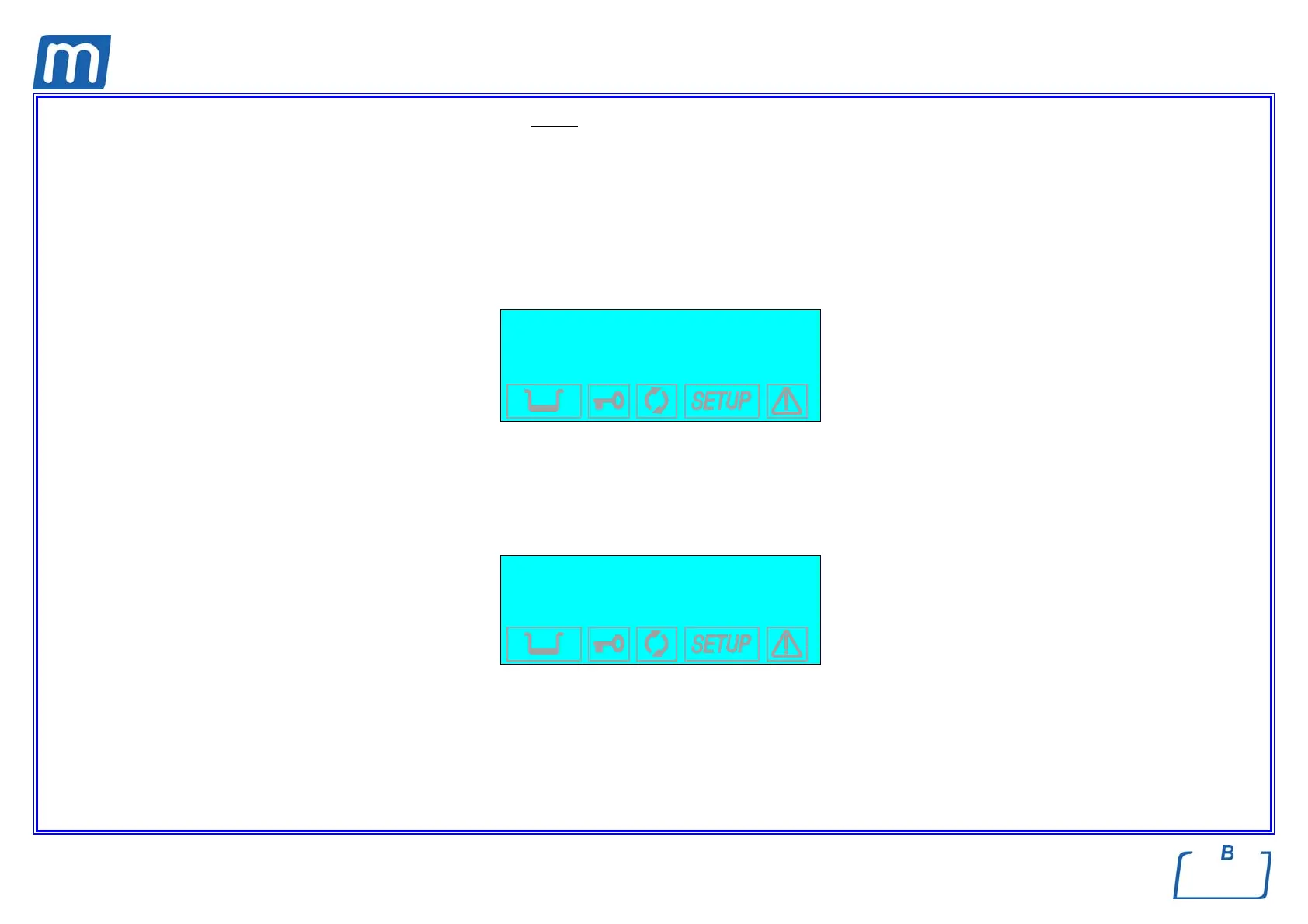
When the EXTRA option is activated, the following screen appears:
EXTRA: XX min
+/-to set
↵ to enter
to exit
which permits setting the duration of extra drying from between 1 and 15 minutes (time to be added to the STANDARD DRYING time). Set the value using the +
and - keys and confirm the selection with the ↵ key.
e The selection can be changed at any time by following the procedure described above.
e Whenever an identical sterilization program is already present in another position, the selection is not accepted. The following warning
appears on the display, along with a beep:
THIS PROGRAM IS
ALREADY PRESET



 To Next Page