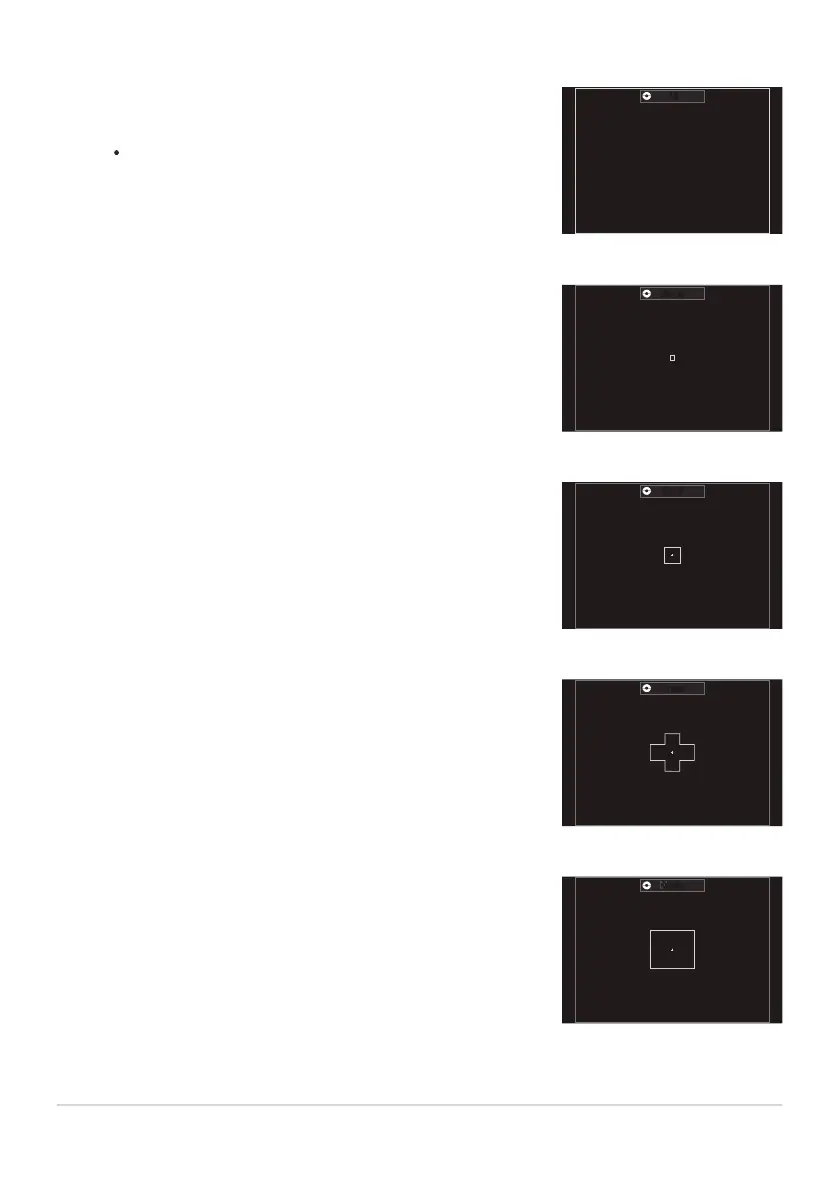
The camera chooses the target used for focus from all available
targets.
The camera chooses from 1053 (39 × 27) targets during
still photography and from 741 (39 × 19) targets in movie
mode.
Select a single focus target.
Select a small-sized group of targets. The camera chooses the
target used for focus from within the selected group.
Select a group of targets arranged in a cross. The camera
chooses the target used for focus from within the selected
group.
Select a middle-sized group of targets. The camera chooses
the target used for focus from within the selected group.
bAll
XSingle
oSmall
nCross
mMiddle
107
Choosing an AF Target Mode (AF Target Mode)


 To Next Page
 Loading...




