Exterior Covers (MF Model)
SM 4-37 D0AP/D0C4/D0C5/D0C6/M0BQ/M0D1
&
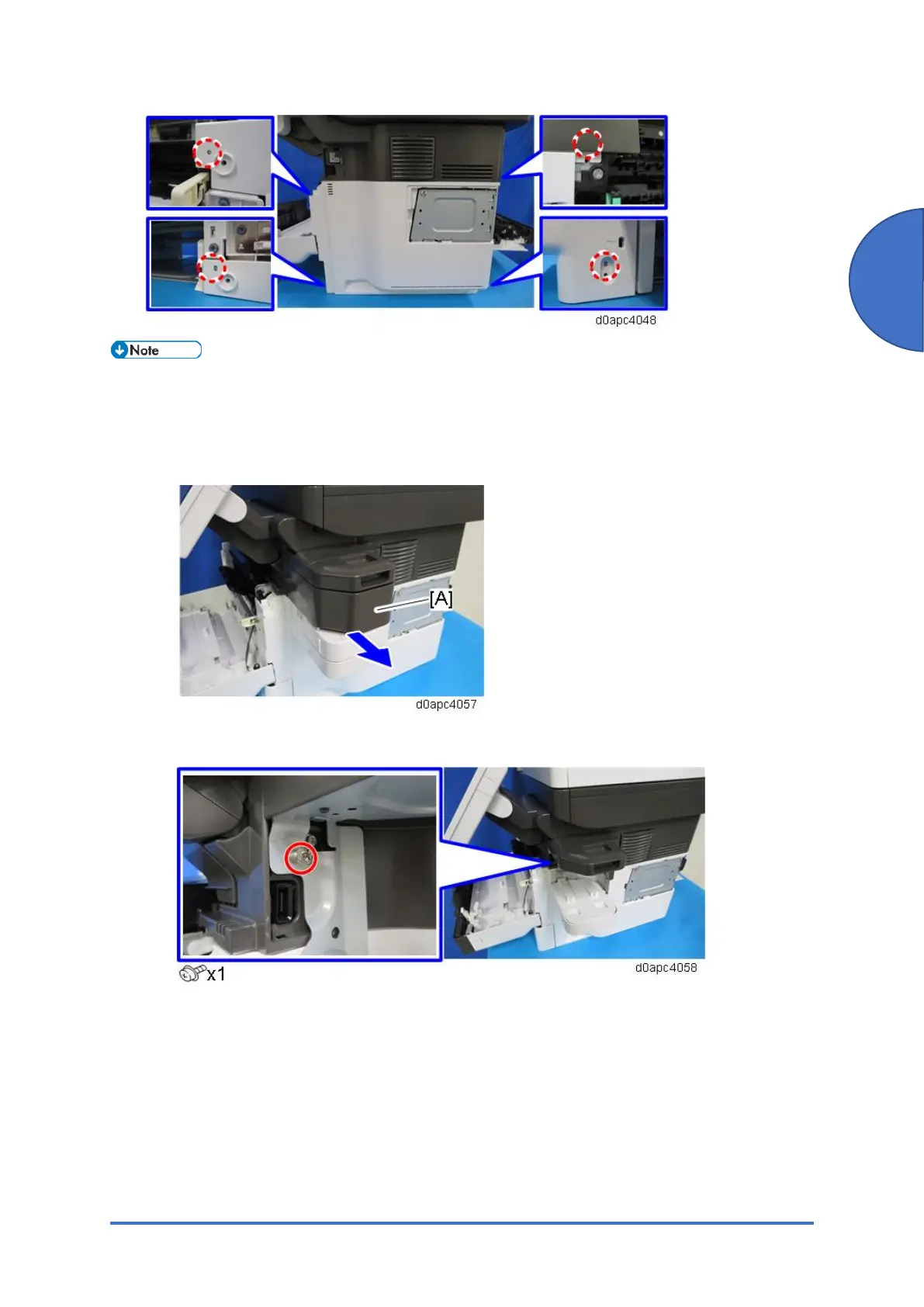
If the optional offline stapler is installed, do the following, instead of removing the connector
cover in step 4. Do not remove the stapler unit cradle attached to the right cover with
double-sided tape.
1. Pull out the stapler unit [A] from the stapler unit cradle.
2. Loosen the screw.


 To Next Page
 Loading...







