Offline Stapler Type M34 (D3EP-02)
D0AP/D0C4/D0C5/D0C6/M0BQ/M0D1 2-42 SM
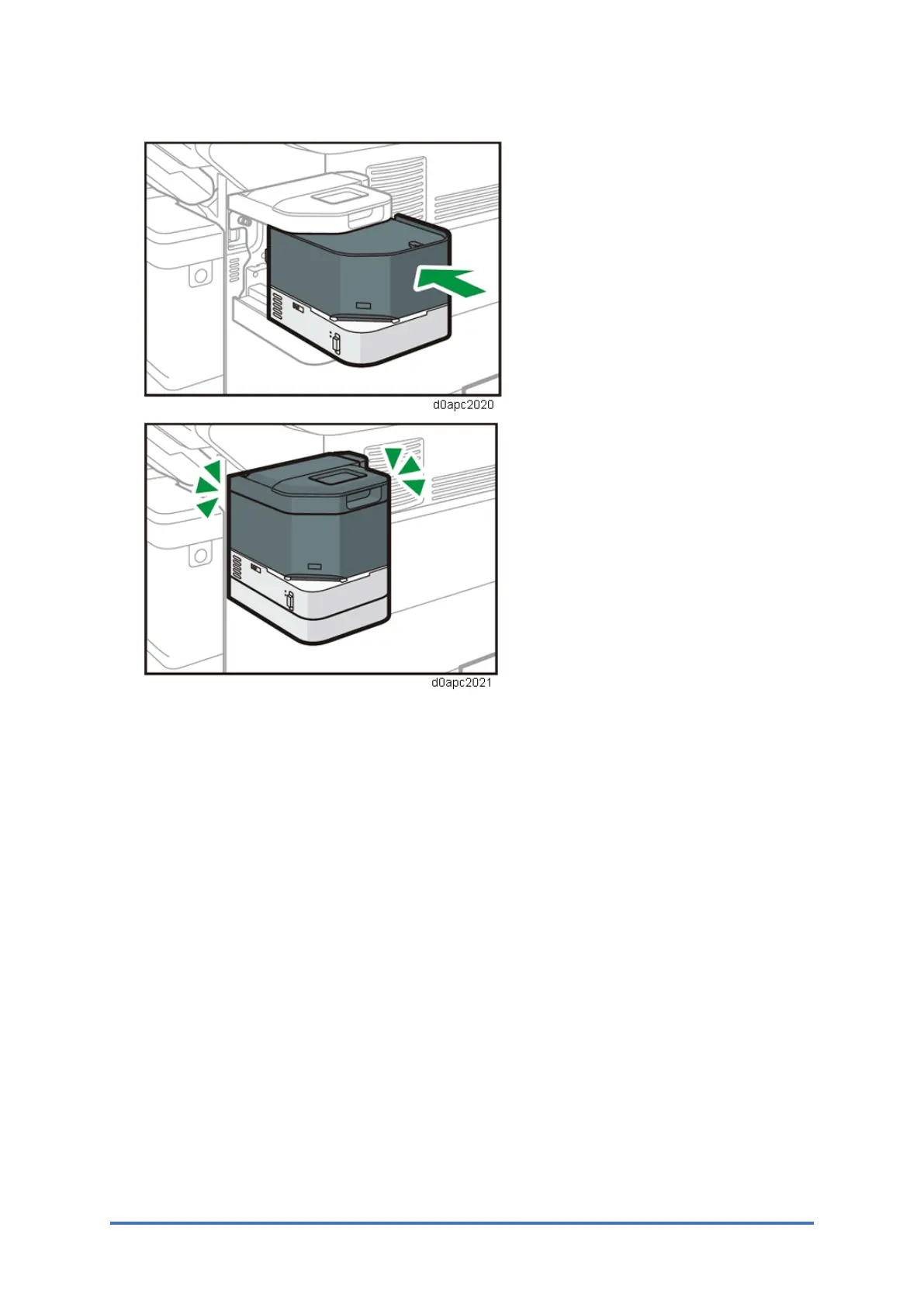
6. Insert the staple unit into the stapler unit cradle. Push the staple unit firmly into the back.
7. Turn the machine’s power on.
The power of the offline stapler also turns on.
Precautions During Use
• During repeated use, wait more than 3 sec. between stapling.
• When using the stapler never turn the main machine off or set it in the Energy Save Mode.
This will cause the machine to stop, the stack may jam in the stapler and you will not be
able to remove it.
• If paper becomes jammed in the stapler, remove the staple unit from its mount, set it on the
machine again and turn on the machine. This will re-initialize stapler and you will be able to
remove the jammed stack.
• The staple cartridge is removed by lifting, not pressing down, so if the cartridge is struck
and disconnected, the staples past the point of disconnection cannot be lifted out. If this
occurs the staple cartridge must be replaced.



 To Next Page