Hard Disk Drive Option Type P18 (M543-01)
SM 2-47 D0AP/D0C4/D0C5/D0C6/M0BQ/M0D1
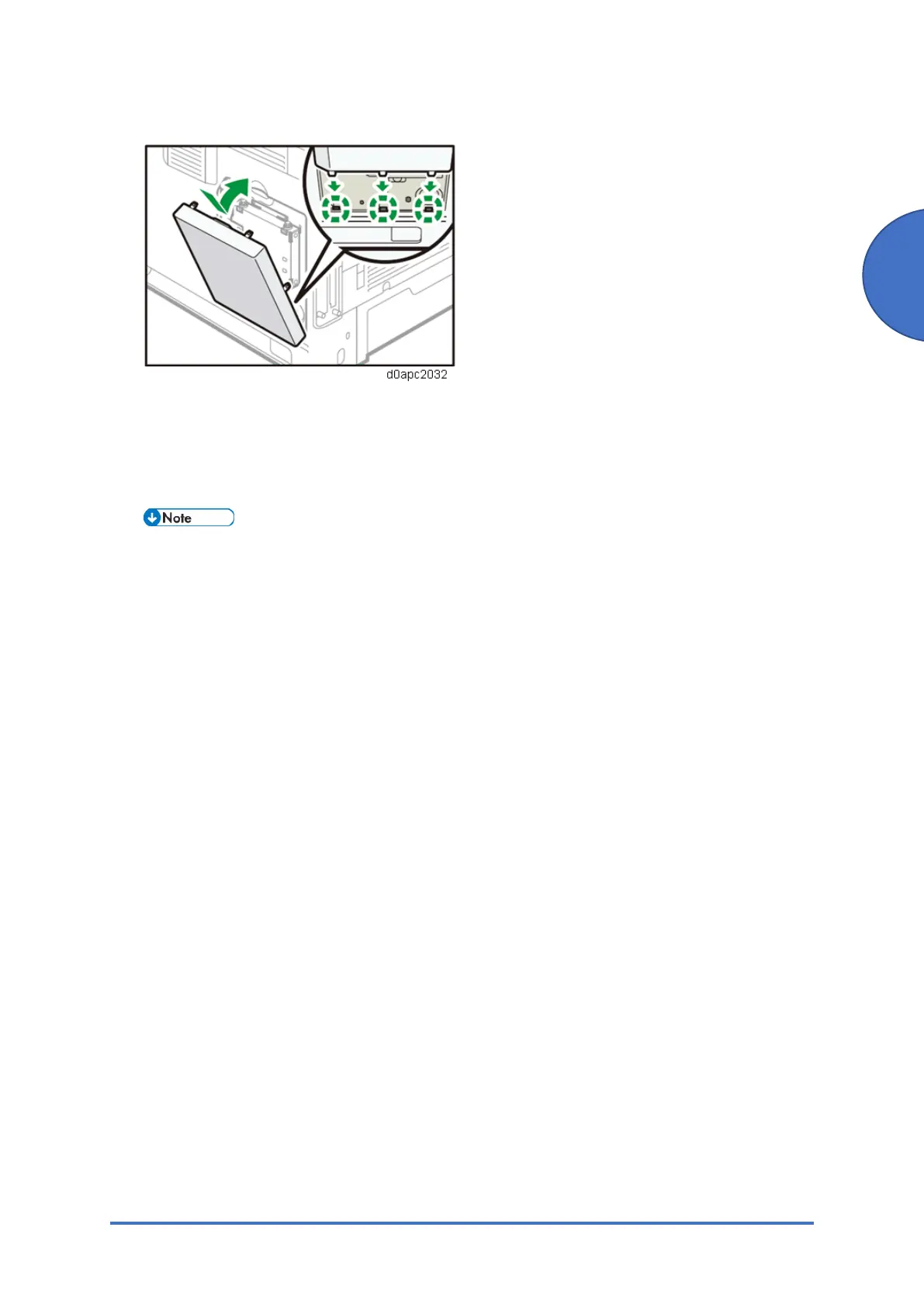
9. Attach the supplied HDD cover.
10. Plug in the power cord, and then turn on the machine.
When you switch the power on, a message is displayed indicating that the external hard
disk drive will be formatted.
11. Print the configuration page to confirm the installation
If it is correctly installed, "Hard Disk" will appear for "Device Connection" on the
configuration page.



 To Next Page