Error Codes
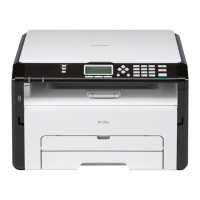
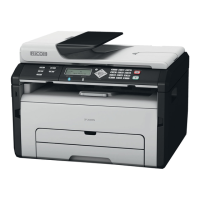
SM 31 D0C5/D0C6/D0C4/D0AP FAX UNIT
(D0C5/D0C6
/D0C4/D0AP)
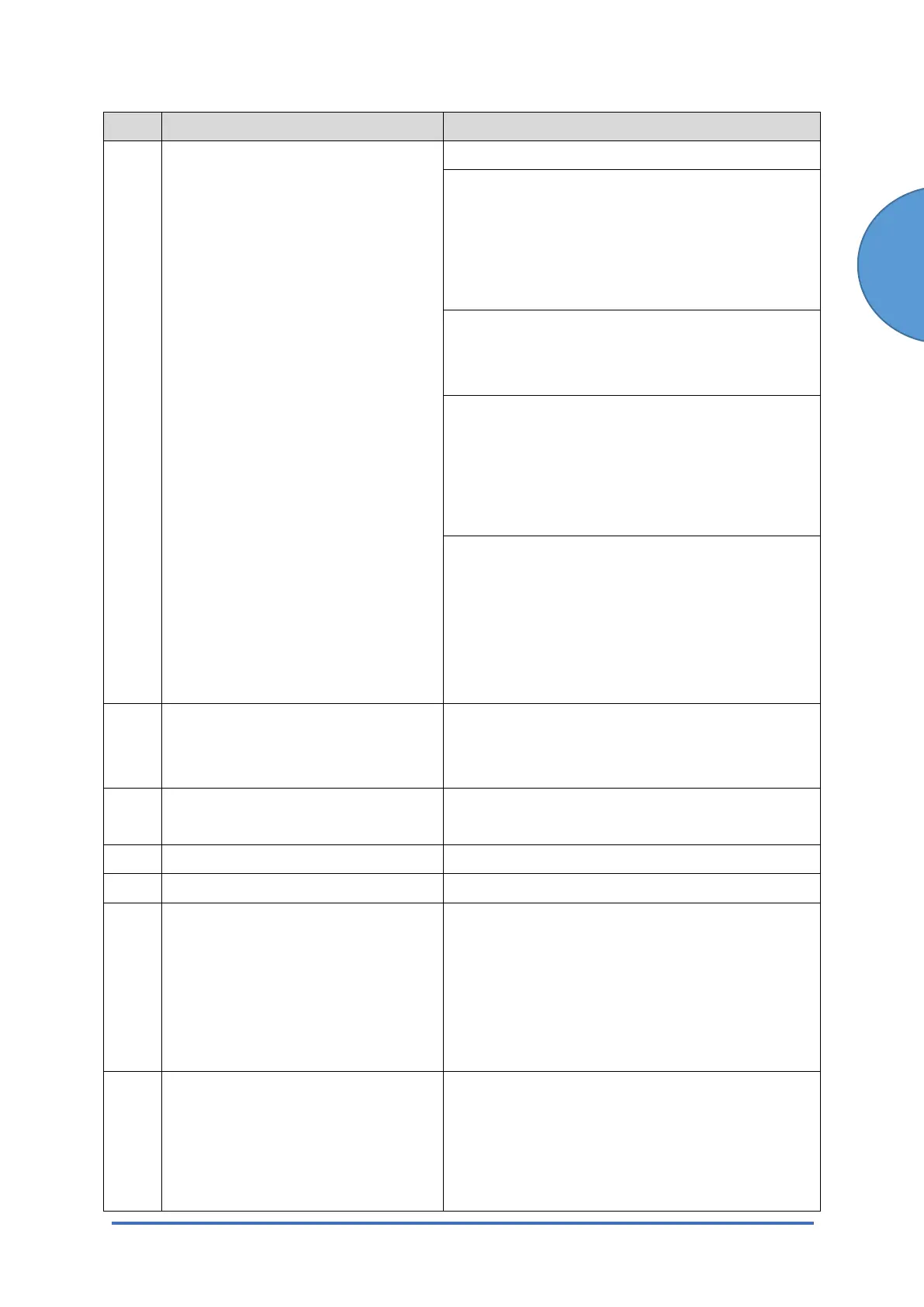
Code Meaning Suggested Cause/Action
• Check if the settings of the SMTP are correct.
Check the DNS server.
• Check if the DNS server works normally and
is connected to the network.
• Check if the settings of the DNS server are
correct.
Check the network.
• Check if the LAN works normally.
• Check if the no firewall exists.
Check the destination folder for the data transfer.
• Check if the destination folder works
normally.
• Check if the settings of the destination folder
are correct.
Ask an administrator of the direct SMTP server in
which the data is supposed to be transferred.
• Check if the destination SMTP server works
normally.
• Check if the settings of the destination SMTP
server are correct.
15-01 POP3/IMAP4 Server Not Registered
• At startup, the system detected that the IP
address of the POP3/IMAP4 server has not
been registered in the machine.
15-02 POP3/IMAP4 Mail Account
Information Not Registered
• The POP3/IMAP4 mail account has not been
registered.
15-03 Mail Address Not Registered
• The mail address has not been registered.
15-10 DCS Mail Receive Error
• Error other than 15-11 to 15-18.
15-11 Connection Error The DNS or POP3/IMAP4 server could not be
found:
• The IP address for DNS or POP3/IMAP4
server is not stored in the machine.
• The DNS IP address is not registered.
• Network not operating correctly.
15-12 Authorization Error POP3/IMAP4 send authorization failed:
• Incorrect IFAX user name or password.
• Access was attempted by another device,
such as the PC.
• POP3/IMAP4 settings incorrect.


 To Next Page