Embroidering Quilting
204
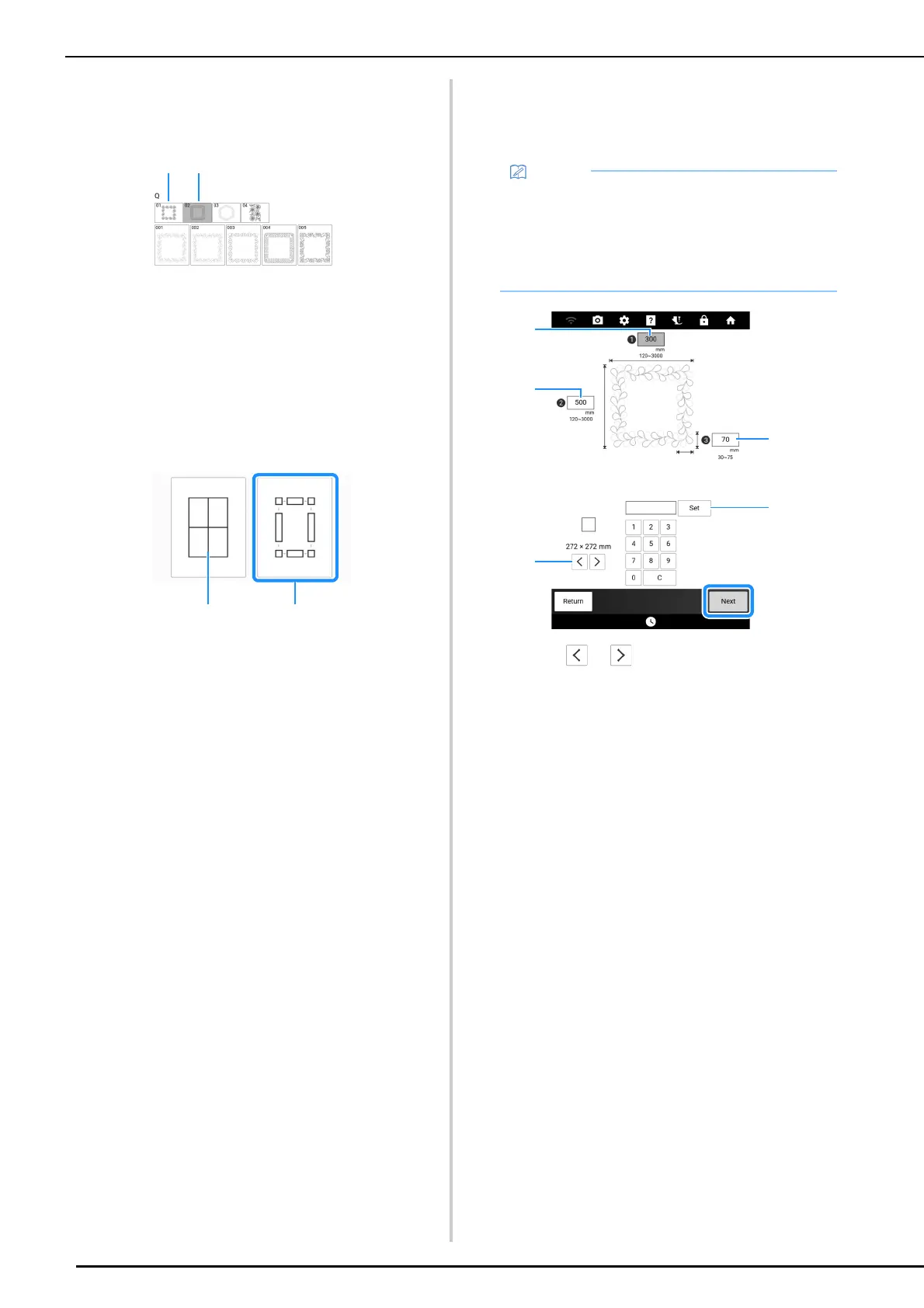
3 Select a sub-category.
For this example, select two-color
rectangular quilting border patterns.
a Single-color rectangular quilting border patterns
b Two-color rectangular quilting border patterns
4 Select the pattern that you want to
embroider, and then touch [Set].
5 Select how to divide the pattern. For this
example, select “Semi-Auto split quilt
sash”.
a Auto split quilt sash
For details, refer to “Embroidering Quilting Border
Patterns (Auto Split Quilt Sash)” on page 201
b Semi-Auto split quilt sash
6 Specify the size of embroidery frame to
be used and the size of the quilting
border, and then touch [Next].
a Touch or to select the embroidery frame
size.
b Specify the width (A), height (B) and quilting border
width (C), and then touch [Set].
• Mark the upper-right corner of the quilt border
with a chalk pencil. On the machine’s screen,
enter the horizontal and vertical
measurements to match the orientation of the
quilt with the marked corner positioned in the
upper right.



 To Next Page