Embroidering Quilting
205
Advanced Embroidery
5
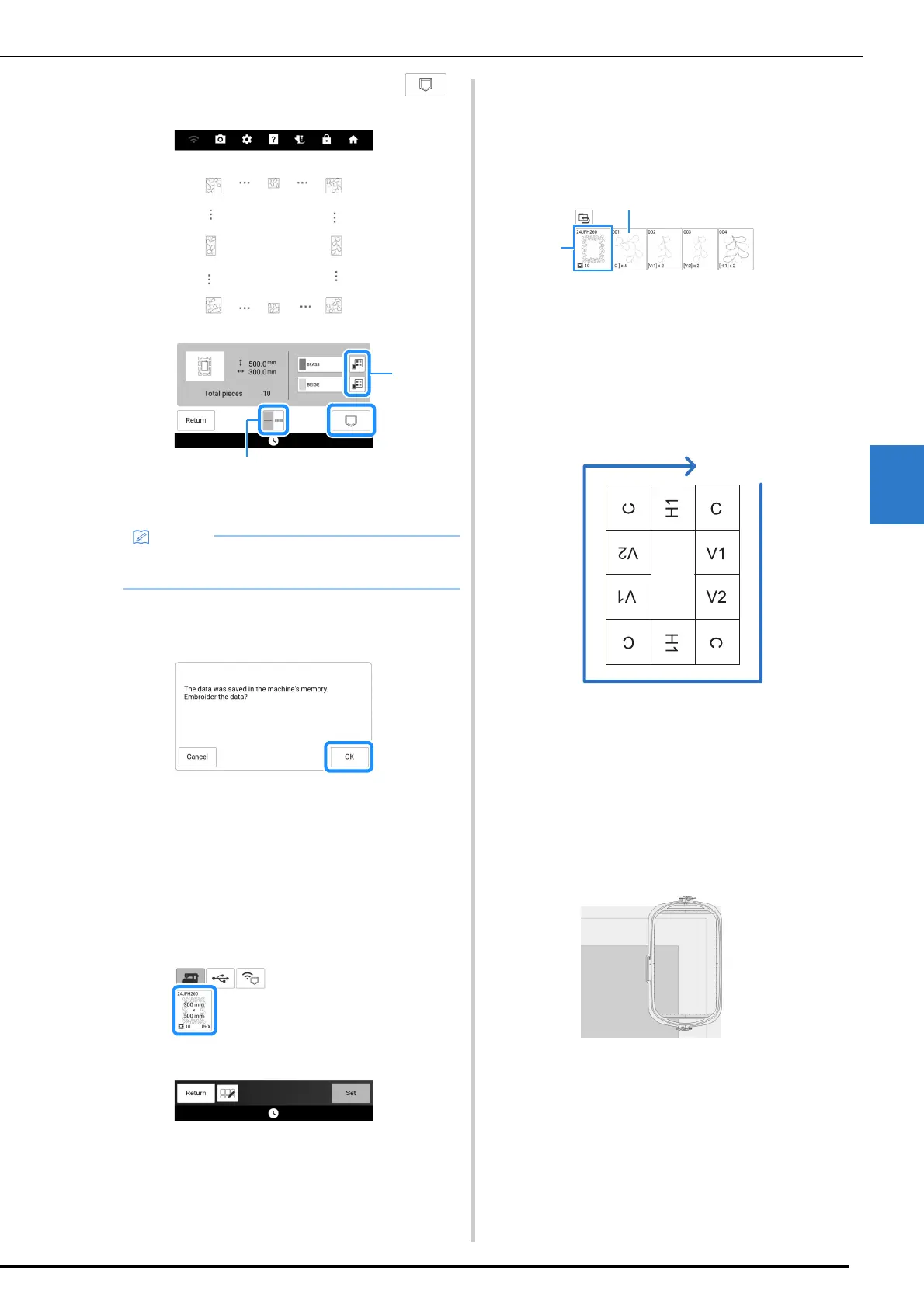
7 Check the pattern, and then touch
to save it.
a The thread colors can be changed.
b Select single stitching or triple stitching.
8 After the following message appears,
touch [OK].
A screen appears so that a pattern from the
machine’s memory can be selected.
Embroidering a Quilting Border
1
In the screen for selecting a pattern from
the machine’s memory, select the saved
data.
A thumbnail of the entire quilting border and
thumbnails of the parts in each section appear.
2 For this example, since we will embroider
the quilting border according to the on-
screen instructions, select the thumbnail
for the entire quilting border. And then
touch [Set].
a Touch this key to embroider the quilting border
according to the on-screen instructions. The
number in the lower-left corner indicates the total
number of segments for the quilt border.
b To embroider by visually aligning the pattern
sections, touch each pattern section to be
embroidered.
You can check where and how many times the part
will be embroidered with the codes written on each
key.
C: Corner
V1: The first part of the vertical side
V2: The second part of the vertical side
H1: The first part of the horizontal side
3 Hoop the quilt in the embroidery frame so
that the marked upper-right corner of the
quilting border is in the embroidering
area, and then attach the embroidery
frame.
• The edges of the pattern may be shortened
when they are displayed.



 To Next Page