Using the Camera to Connect Patterns
216
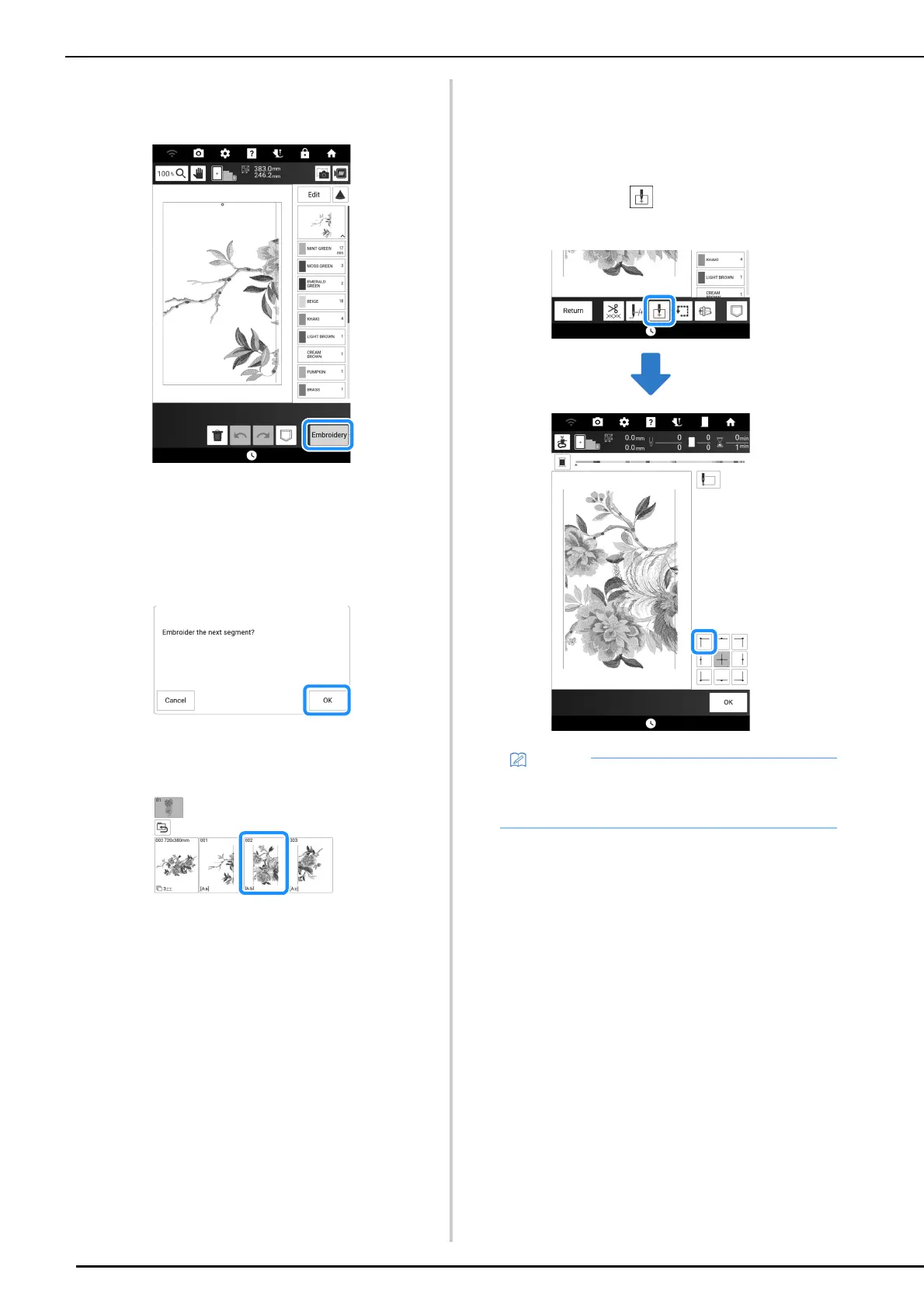
3 Touch [Embroidery] to display the
embroidery screen.
4 Embroider the first pattern.
The pattern and alignment stitching are
embroidered.
5 Touch [OK].
6 Select the next pattern, and then touch
[Embroidery].
7 Rehoop the fabric. Adjust the position
and angle for the next pattern so that the
alignment stitching embroidered with the
first pattern and the needle position for
the next pattern are aligned. For this
example, touch , select the upper-left
needle position, and then touch [OK].
• For best results, if fabric puckers, iron the
wrong side of the fabric to smooth out before
rehooping.



 To Next Page