AP Servo Installation, Configuration, and Calibration
10-14 SkyView System Installation Guide - Revision AA
SV-BUTTON-LEVEL.
If the SV-BUTTON-LEVEL is not used, the button should be a single pole, normally open,
momentary button. Verify that the two terminals of the button are shorted when the button is
pressed and open (no-connect) when the button is released. One terminal of the button should
(momentarily) connect the SkyView display 37-pin connector Pin 28 (Contact #1 Input), and the
other terminal of the button should connect to Ground.
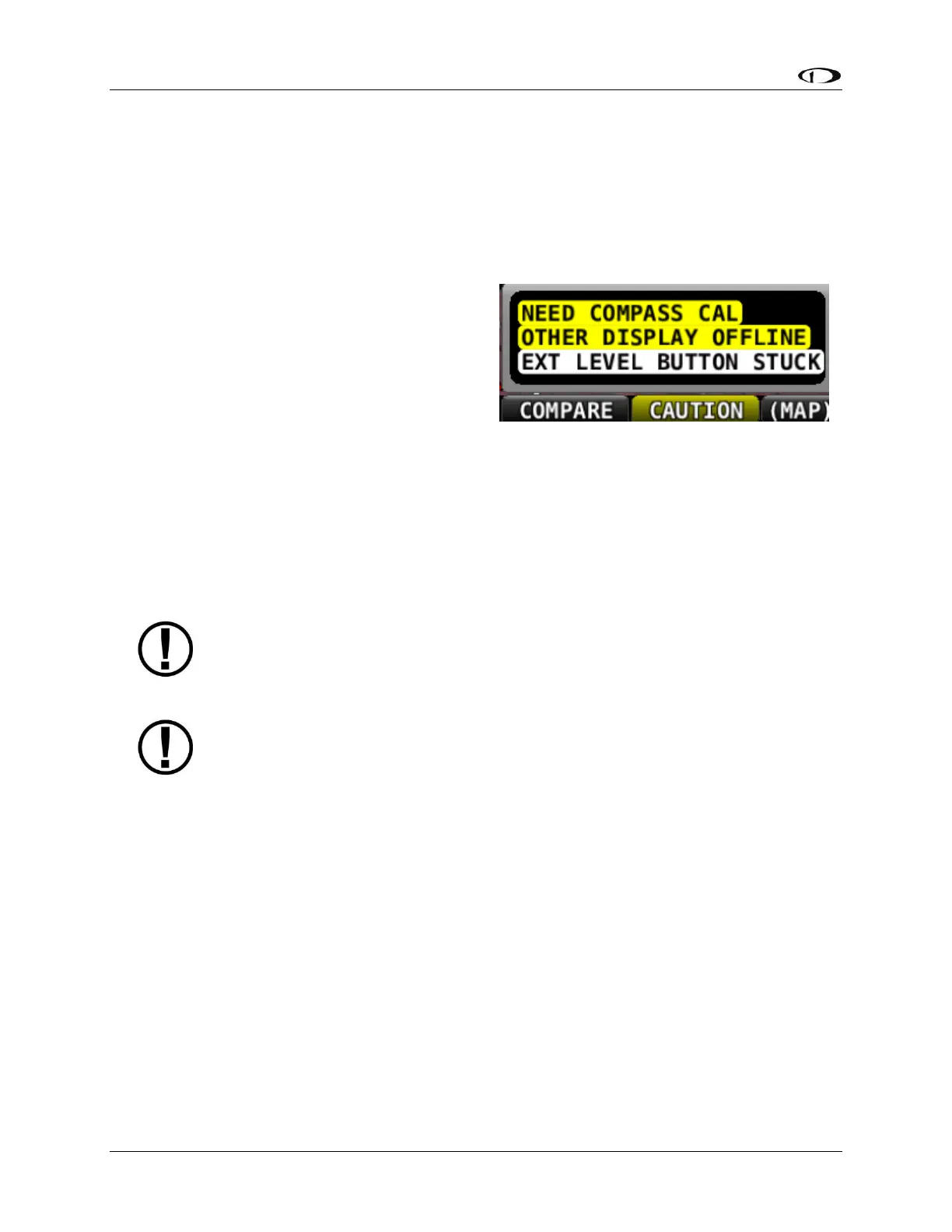
During bootup, SkyView checks the status of the
External LEVEL Button input. If SkyView detects
that the External LEVEL Button is pressed (the
input is grounded) during bootup, the External
LEVEL Button is assumed to be stuck (or
incorrectly installed), resulting in:
A Message is displayed: EXT LEVEL
BUTTON STUCK
The External LEVEL Button input is
ignored for the remainder of the time SkyView is operational (will be checked again at
next bootup).
Considerations for External LEVEL Button and External GO AROUND Button in SkyView
Systems with Multiple SkyView Displays
Prior revisions of the SkyView System Installation Guide recommended that in
SkyView systems with multiple displays, for redundancy the External LEVEL
Button should be connected to all SkyView displays in parallel. The following
recommendations supersede that earlier guidance.
These considerations also apply to the Dynon Avionics SV-BUTTON-LEVEL. Do not connect
CONTACT 1 / LEVEL BUTTON inputs, and CONTACT 2 / GO AROUND BUTTON inputs of multiple
SkyView displays directly together. If you do so, when one display is powered off, it will cause
displays that are powered on to see the CONTACT 1 / LEVEL BUTTON input or the CONTACT 2 /
GO AROUND BUTTON as being pushed (the display powered off will “ground” the input). This
could cause the unintentional activation of LEVEL mode and/or GO AROUND mode, or could
prevent the External LEVEL Button or the External GO AROUND Button from operating.
Installation Options for External LEVEL Button and External GO AROUND Button on Multiple
SkyView Displays
Choose one of these options if you have multiple SkyView displays and you want to connect the
External LEVEL Button or the External GO AROUND Button on all displays for failover /
redundancy:










 To Next Page