The AP Disengage/CWS button should be in a very accessible location, usually mounted to the
stick or yoke. This button’s primary purpose is to immediately disengage the autopilot. It is also
required for autopilot calibration, control wheel steering functionality, and can be used to
engage the autopilot.
This button should be a single pole, normally open, momentary button. Verify that two
terminals of the button are shorted when the button is pressed and open (no-connect) when
the button is released. One terminal of the button should connect to the servos’ yellow wires,
and the other should connect to ground.
While not required, you may install a 4.7 - 5.3k ohm resistor across the AP Disengage/CWS
button. This allows SkyView to detect a break in this circuitry and alert the pilot if this resistor is
present in the installation. If this resistor is installed, set SETUP MENU > AUTOPILOT SETUP >
DISENGAGE BUTTON > ENABLE BROKEN LINE DETECT to “YES”.
During bootup, SkyView checks the status of the AP Disengage/CWS Button. If SkyView detects
that the button is pressed (the input is grounded) during bootup, the AP Disengage/CWS Button
is assumed to be stuck (or incorrectly installed), resulting in:
1. A CAUTION message is displayed: AP DISCONNECT STUCK, and
2. The Autopilot (AP) cannot be engaged for the remainder of the time SkyView is operational
(will be checked again at next bootup).
(Optional) External LEVEL Button
SkyView supports an external button that engages LEVEL mode
in the same way that pressing MAIN MENU > AUTOPILOT >
LEVEL and the LEVEL button on the (optional) SV-AP-PANEL.
This allows the pilot to mount a permanent, dedicated button
on the panel or yoke/stick.
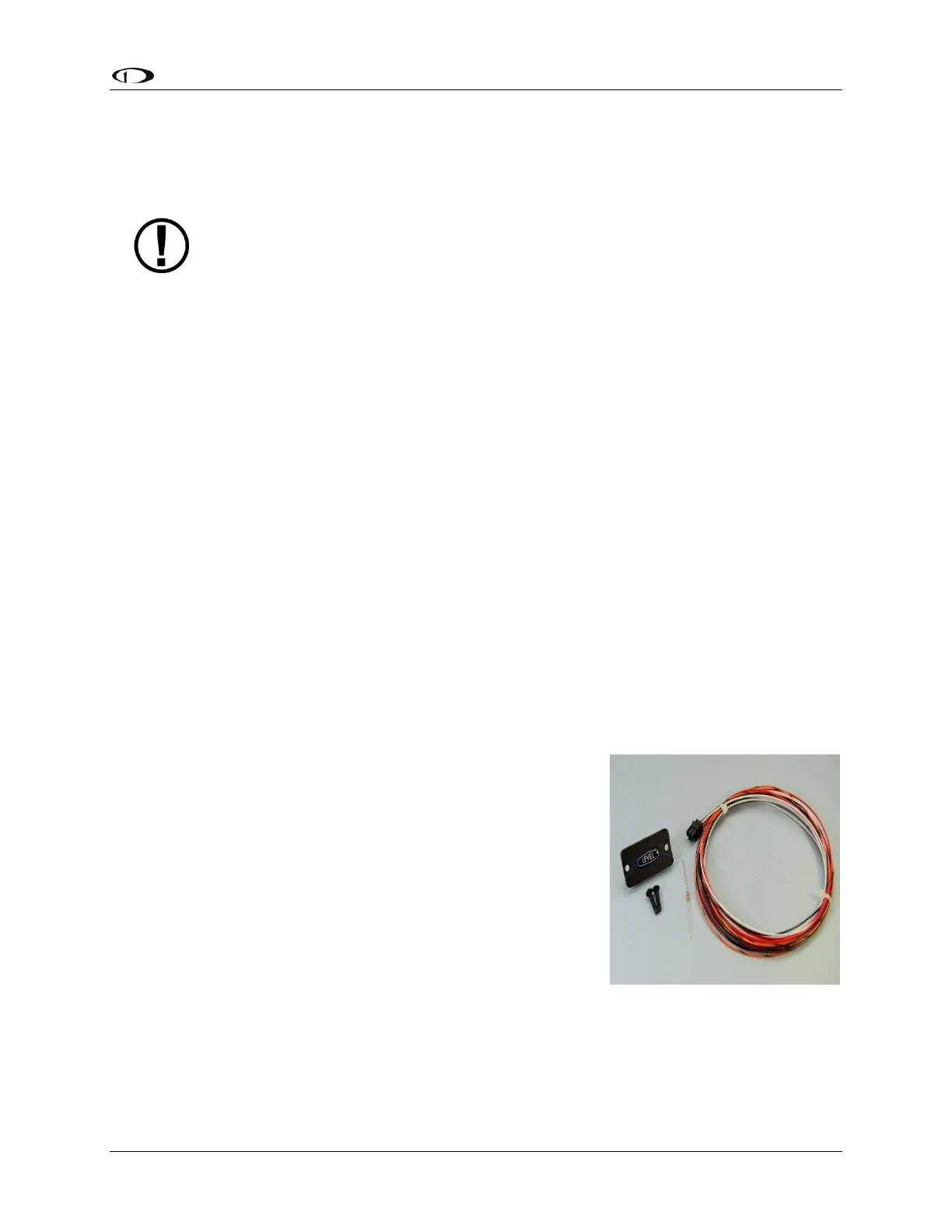
Dynon Avionics offers the SV-BUTTON-LEVEL for panel
installation. The SV-BUTTON-LEVEL has the same appearance as
the LEVEL button of the SV-AP-PANEL, and is backlit (controlled
by SkyView). Installation instructions for the SV-BUTTON-LEVEL
are found in Accessory Installation and Configuration,










 To Next Page