AP Servo Installation, Configuration, and Calibration
10-18 SkyView System Installation Guide - Revision AA
the autopilot is not engaged, pitch and roll the aircraft to center both the horizontal and
vertical bars with the waterline to fly the airplane like the autopilot would.
For more details on Flight Director behavior, see the SkyView Pilot’s User Guide.
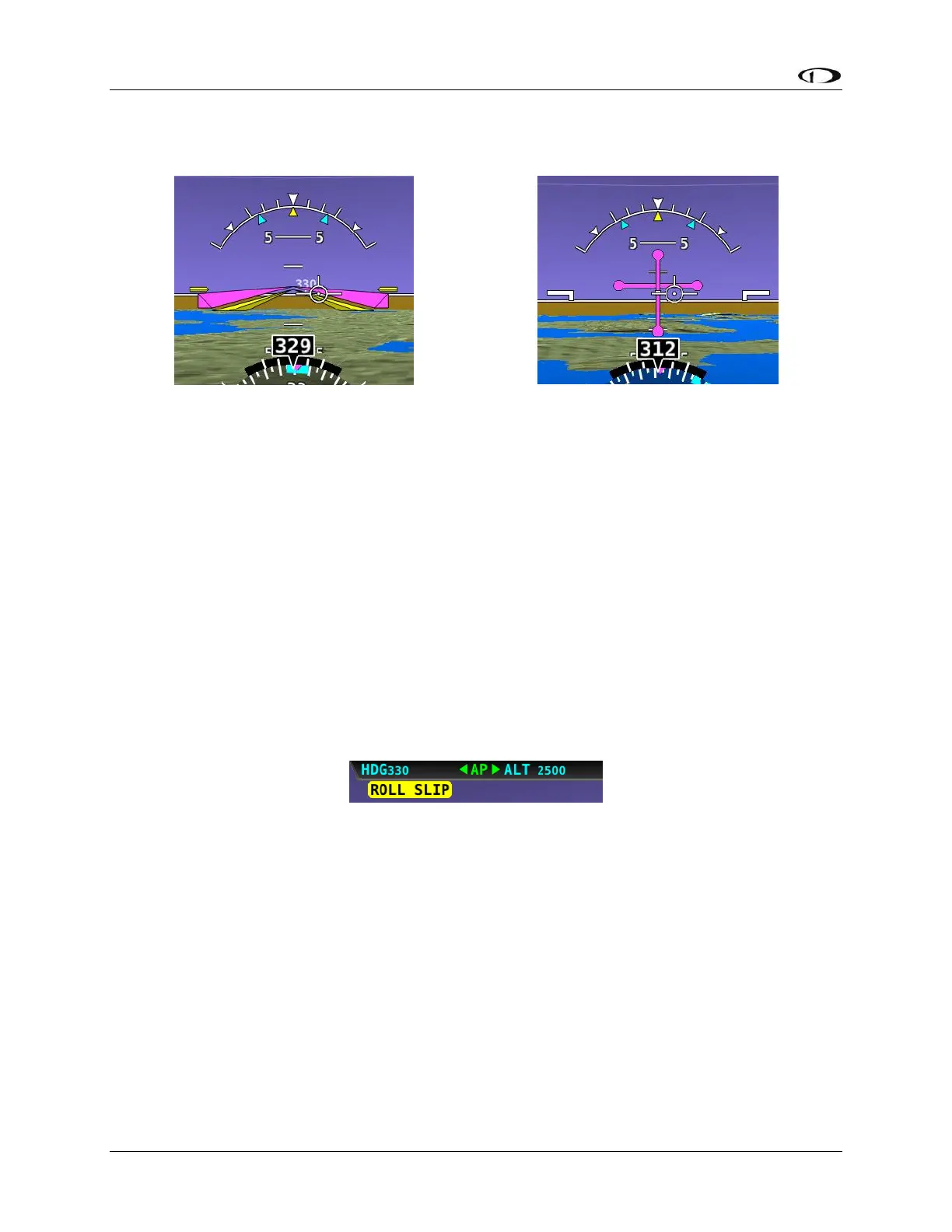
To set the Flight Director style:
1. Go to the Autopilot Flight Director Adjust Page (SETUP MENU > AUTOPILOT SETUP >
FLIGHT DIRECTOR).
2. Choose SINGLE CUE or DUAL CUE.
3. Press ACCEPT to save the value or press CANCEL to return to the Autopilot Setup Menu.
Roll Axis Configuration
Roll Axis Torque
The roll axis torque parameter specifies how much torque the servo will exert before slipping.
Servo slip is indicated by the word SLIP in black letters in a yellow box on the Top Bar for the roll
axis as shown in Figure 120.
Figure 120 – Example Roll Axis Servo Slip Warning
Torque must be set high enough to prevent any slip due to air loads, but low enough that the
pilot can comfortably override the autopilot should the need arise. If the servo slips
continuously, the autopilot cannot fly the aircraft. Torque is specified in percent (%) of
maximum the servo is capable of exerting. The minimum is 10%, the maximum is 100%, and the
default value is 100%. If you can override the servo at 100% torque, use this default value.
To test roll axis servo override force:
1. Return to the Main Menu.
2. Center the aircraft controls.
3. Enter the Autopilot Menu (MAIN MENU > AUTOPILOT).
4. Press the LEVEL button to engage the autopilot.










 To Next Page