SV-XPNDR-261/262 Installation and Configuration
SkyView System Installation Guide - Revision AA 11-31
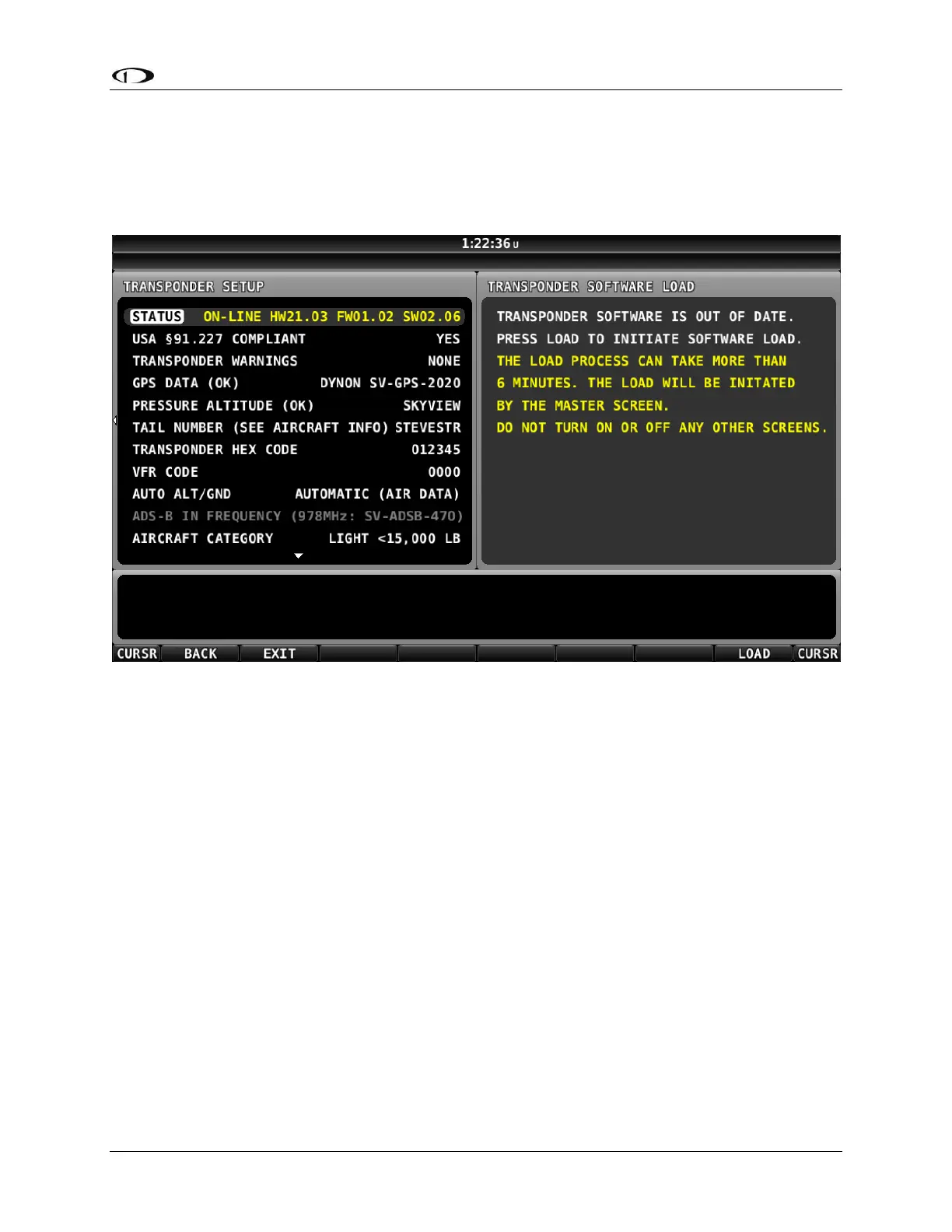
Note the reference to “LOAD WILL BE INITIATED BY MASTER SCREEN”. In a SkyView system, one
display is elected “Master” behind the scenes, and the “Master” display will be the one to
actually load the new Software onto the SV-XPNDR-261/262… which may not be the display
that you began the Software update on (if all displays remained powered on) – see the tip at
the beginning of this procedure to power off all but one SkyView display.
Figure 141 – SV-XPNDR-261/262 Software Update Ready to Load










 To Next Page