SV-XPNDR-261/262 Installation and Configuration
11-32 SkyView System Installation Guide - Revision AA
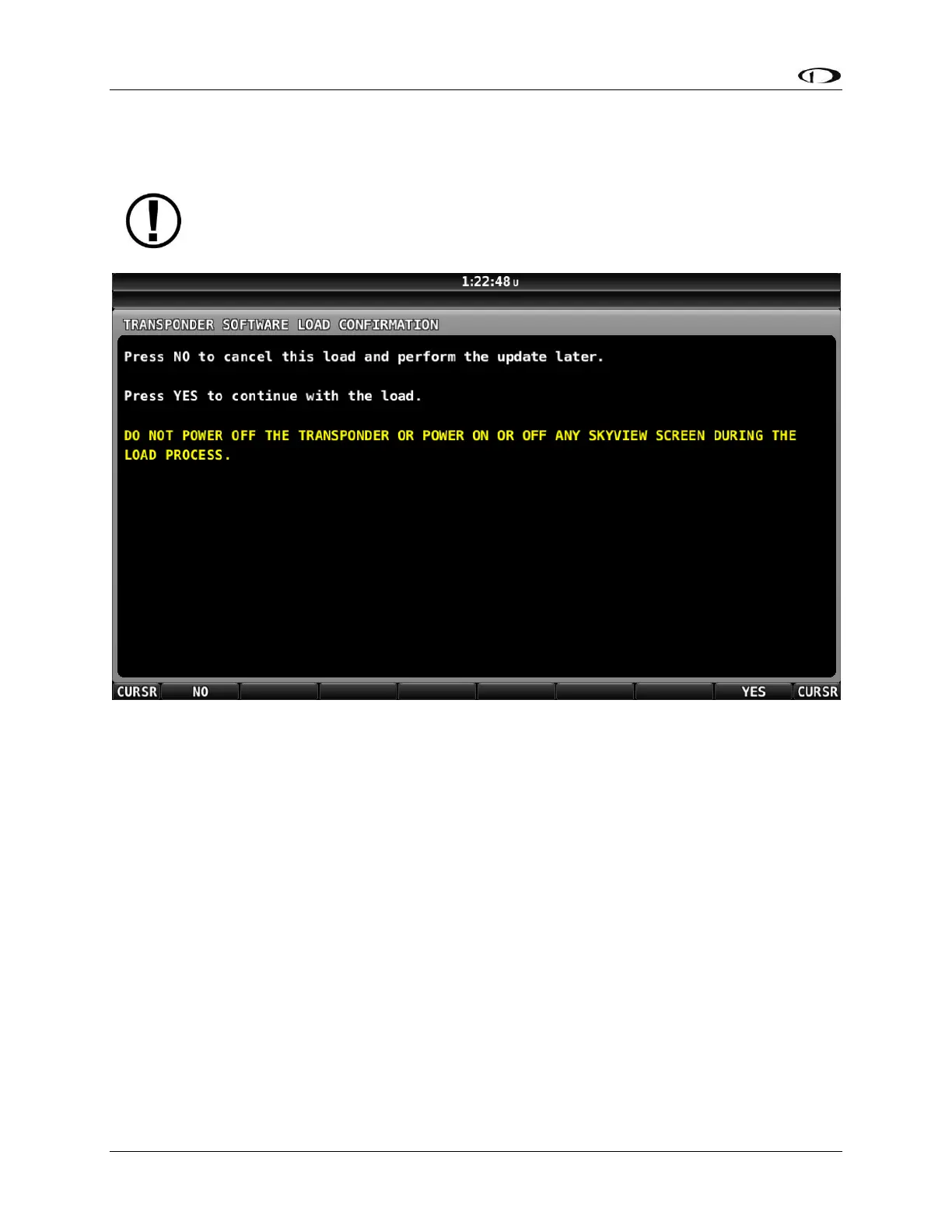
After pushing the LOAD button, the screen in Figure 142 appears (below). This is to ensure that
you intended to perform a Software update to the SV-XPNDR-261/262. Push the YES button.
Figure 142 – SV-XPNDR-261/262 Software Update Confirmation Screen
It is critical not to interrupt the Software update process, thus you should ensure
that there is adequate electrical power for the SkyView display(s) and the SV-
XPNDR-261/262 to operate uninterrupted for at least 10 minutes.










 To Next Page