SV-XPNDR-261/262 Installation and Configuration
SkyView System Installation Guide - Revision AA 11-33
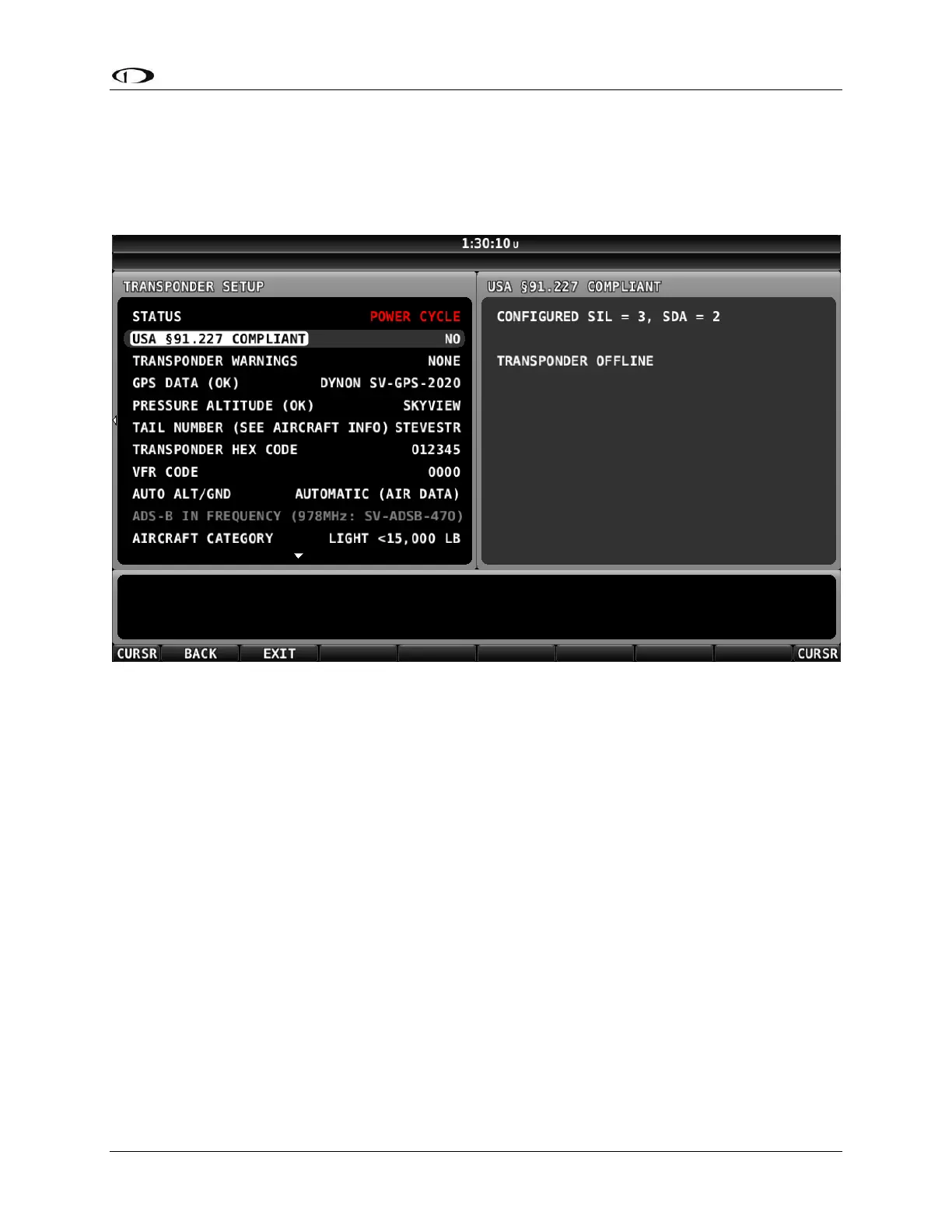
Figure 143 below is the screen that appears after the Software update is complete. Once the
Software update is complete, the SV-XPNDR-261/262 requires a power cycle to restart with the
newer Software. Simply power down the SV-XPNDR-261/262, using the transponder switch,
circuit breaker, etc. Or simply power off the MASTER or AVIONICS switch. A power-off of only a
few seconds is required.
Figure 143 – SV-XPNDR-261/262 Software Update Complete










 To Next Page