Appendix A: Maintenance and Troubleshooting
SkyView System Installation Guide - Revision AA 21-11
4. On the SkyView display that is being tested, during the 30 second power off countdown,
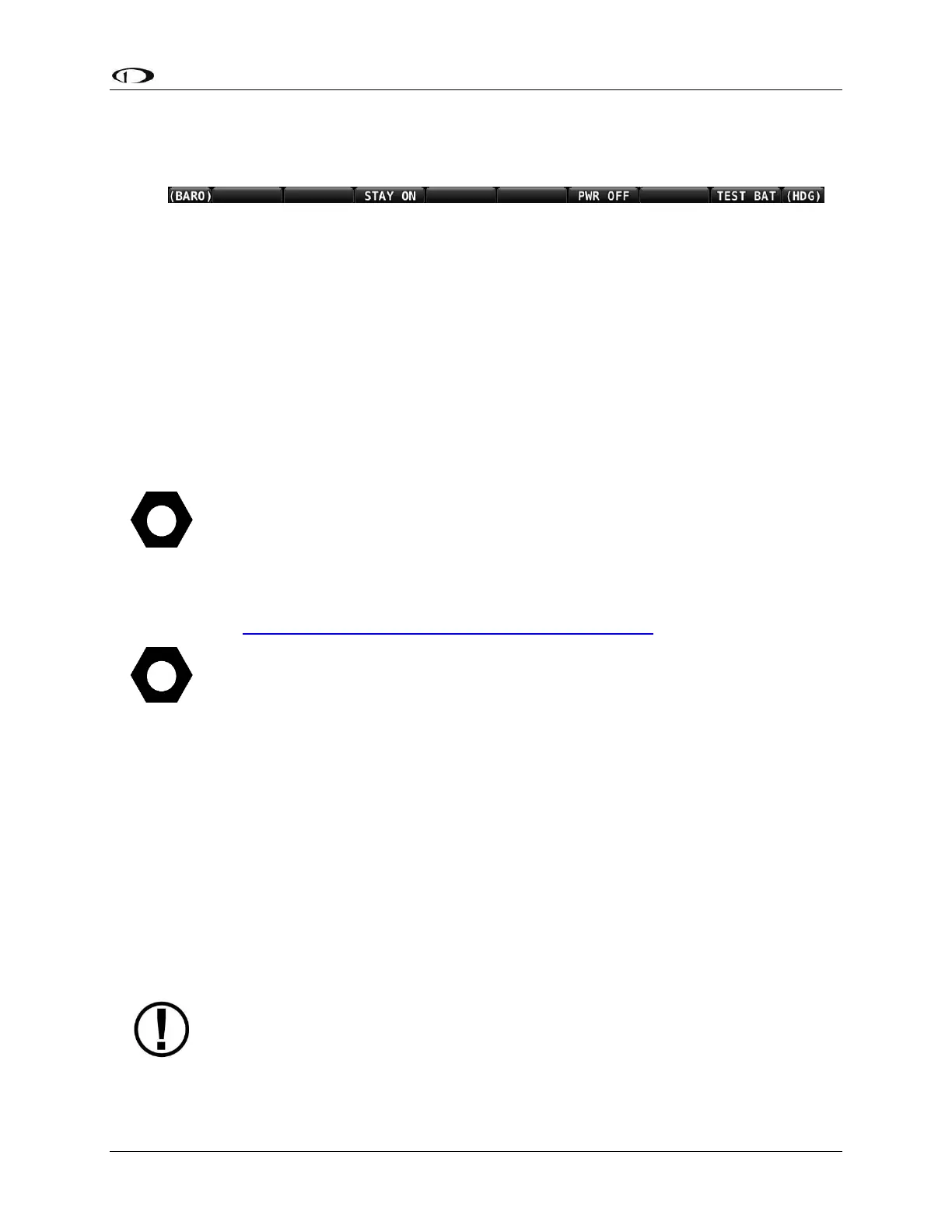
press the TEST BAT button above button 8 (far right button) – see Figure 210 below.
Figure 210 – TEST BAT Button Appears After Removing Power to SkyView Display
5. The BATTERY TEST screen will appear displaying the status of the test. If the SV-BAT-320
is able to power the system for at least 45 minutes, the SV-BAT-320 passes this test.
6. After the test completes (successfully, or unsuccessfully), the SkyView display will
automatically power off.
7. To see the results of the test, enter the SETUP MENU > LOCAL DISPLAY SETUP >
BATTERY BACKUP (SV-BAT-320) STATUS>TEST RESULTS. Make sure the TEST RESULT says
PASS.
8. The BATTERY TEST can be aborted by pressing the PWR OFF button.
Repeat the test procedure for each SkyView display that has an SV-BAT-320 installed.
This test discharges the SV-BAT-320. Recharging the SV-BAT-320 after the test is
recommended, either by flying for approximately four hours or reference SV-BAT-
320 Backup Battery Installation, Charging the SV-BAT-320 for information on
charging the SV-BAT-320.
In the Event of an SV-BAT-320 Test Failure…
See http://dynonavionics.com/docs/support_returns.html for the most current
information on Dynon Avionics warranty terms and conditions.
Note that if an SV-BAT-320 is replaced under warranty, the defective SV-BAT-320
must be returned (at customer’s expense) to Dynon Avionics to avoid being
charged full purchase price of a new SV-BAT-320.
If a SV-BAT-320 does not pass an annual test, and it is still within warranty, contact Dynon
Avionics Technical Support (contact information at the beginning of this manual) for further
assistance. Please have the S/N of the SV-BAT-320 (printed on the SV-BAT-320 product label)
available when you contact Technical Support. See also SV-BAT-320 Backup Battery Installation,
Returning an SV-BAT-320 to Dynon Avionics for Exchange (Warranty Replacement) for
additional information.
If a SV-BAT-320 does not pass an annual test, and is no longer within warranty, dispose of the
used SV-BAT-320 (see below) and purchase a new SV-BAT-320 from Dynon Avionics or a Dynon
Avionics dealer. An SV-BAT-320 cannot be repaired or rebuilt.
Please dispose of a non‐functional SV-BAT-320 in a responsible manner. The SV-
BAT-320 is a Lithium-Ion battery, similar in construction to cordless tool or laptop
computer batteries and thus can be disposed of (recycled) wherever cordless tool
or laptop computer battery recycling is available. For a list of recycling locations in










 To Next Page