215184 119 Revision A
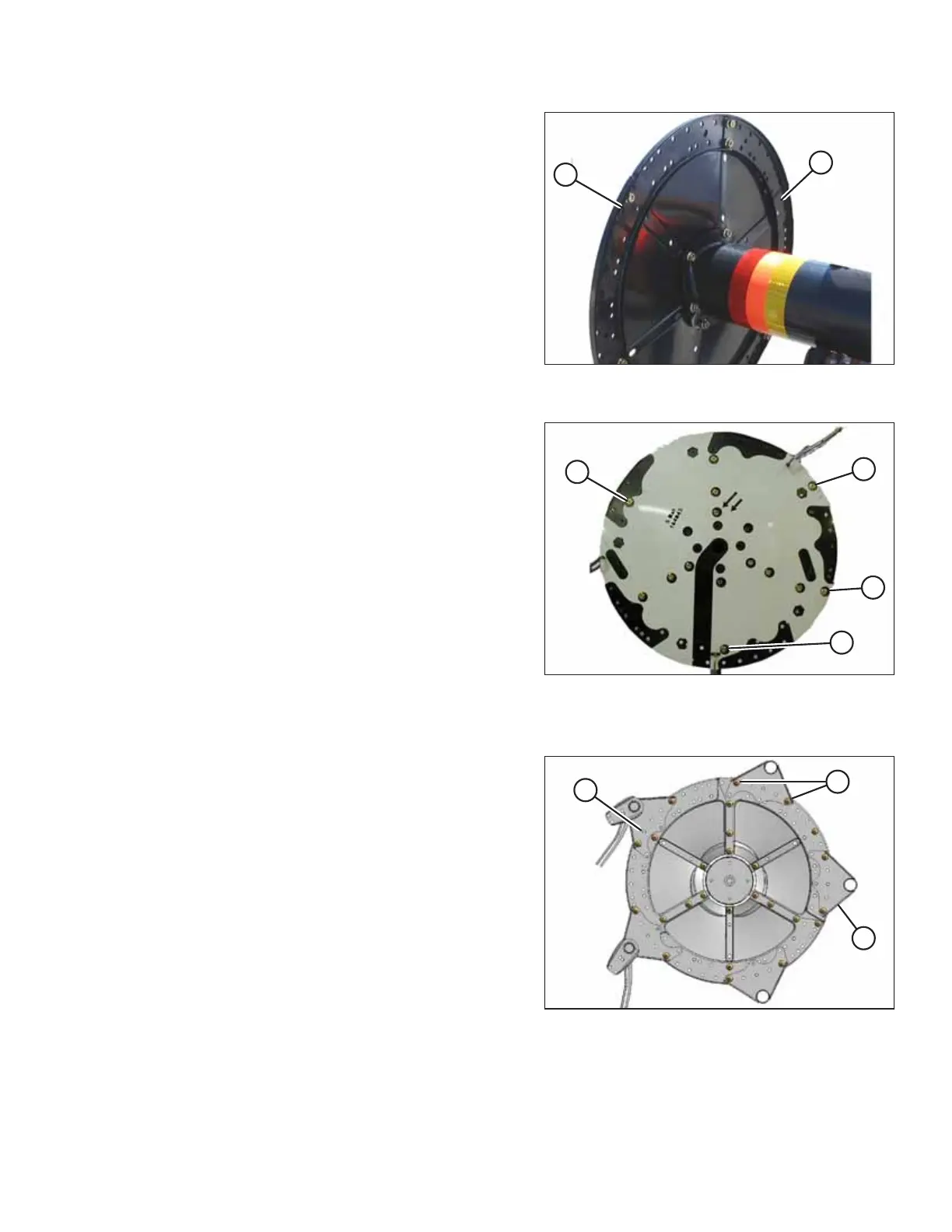
Figure 3.252: Disc Reinforcement Channels on
Cam Track
4. Place disc reinforcement channels (from hardware bag B)
on the inside face of cam end disc. Position each channel so
that center joggle (A) is located over a seam.
Figure 3.253: Template on Disc
5. Loosely install 1/2 x 3/4 in. long Torx
®
bolts and nuts (found
in hardware bag B) at four round hole locations (A) on
template.
Cam End Disc – View from Cam End
Figure 3.254: Cam End Disc – View from Cam End
6. Position tine tubes on discs using the template on the cam
track as a guide.
a. Position brackets (B) on near side.
b. Loosely install ten 1/2 x 1.0 in. Torx
®
bolts (A) (found in
the hardware bag labelled B).
c. Install center bolts (C) later with endshield supports.
ASSEMBLING THE HEADER AND FLOAT MODULE



 To Next Page