215184 221 Revision A
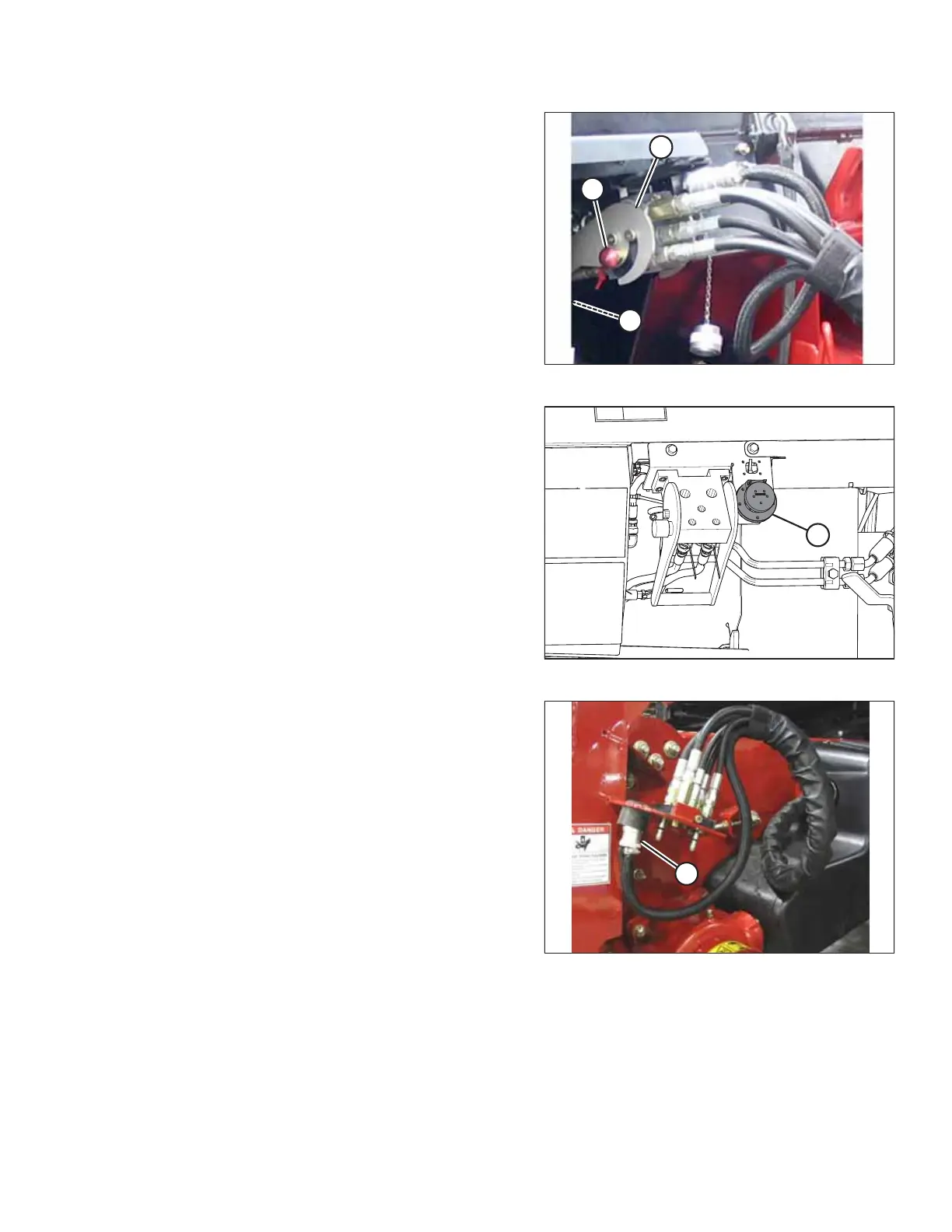
Figure 7.39: Hydraulic Connection
16. Position the coupler onto coupler receptacle (A) and push
handle (B) (not shown) to engage the multicoupler pins into
the receptacle.
17. Push handle (B) to the closed position until lock button (C)
snaps out.
Figure 7.40: Electrical Receptacle
18. Remove the cover from electrical receptacle (A). Ensure the
receptacle is clean and has no signs of damage.
Figure 7.41: Combine Connectors
19. Remove electrical connector (A) from the storage cup on
the combine and route it to the float module receptacle.
ATTACHING HEADER TO COMBINE



 To Next Page