215184 321 Revision A
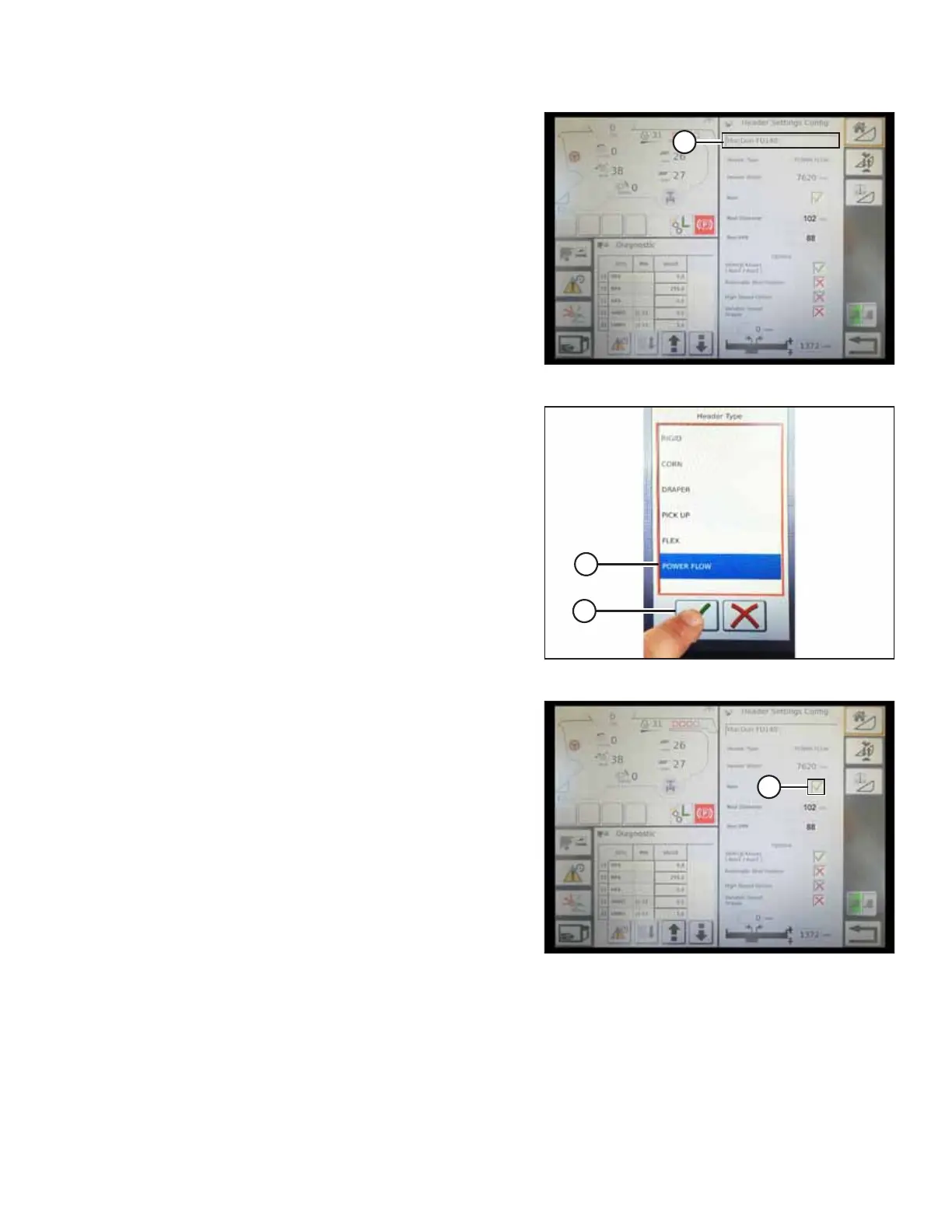
Figure 9.27: Header Settings
4. To specify the type of header installed on the machine,
touch HEADER TYPE field (A).
Figure 9.28: Header Type
5. A list of predefined header types appears.
• For MacDon D1 Series Draper and FD1 Series
FlexDraper
®
headers, touch POWER FLOW (A)
• Touch green check mark (B) to save the selection and
continue
Figure 9.29: Header Settings
6. Make sure that REEL check box (A) is checked.
SETTING UP AUTO HEADER HEIGHT CONTROL



 To Next Page