215184 322 Revision A
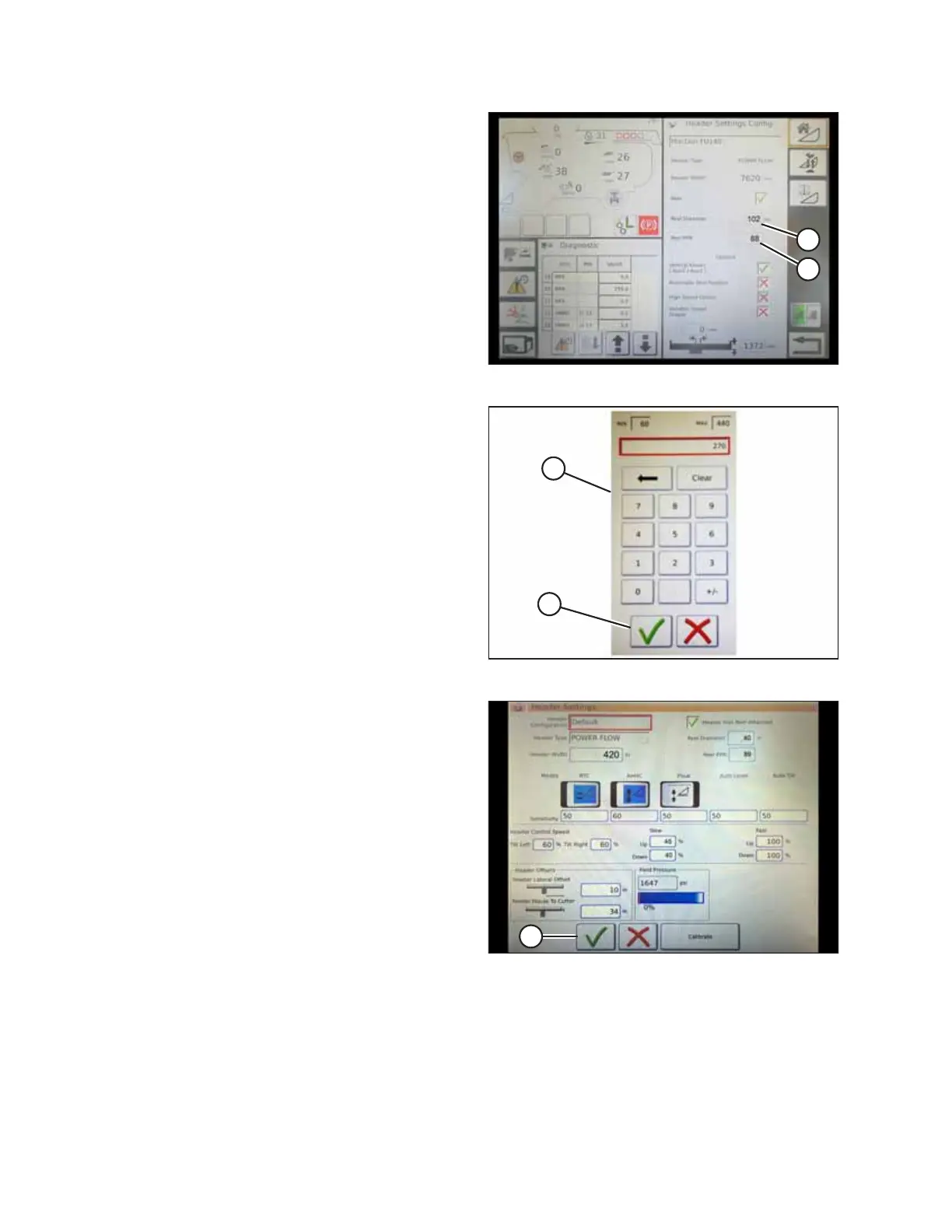
Figure 9.30: Header Settings
7. Touch REEL DIAMETER field (A) and a numeric keypad
displays. Enter 102 for a MacDon reel.
8. Touch REEL PPR (Pulses Per Revolution) field (B) and enter
88 as the value for your MacDon header.
NOTE:
PPR is determined by the number of teeth on the reel
speed sprocket.
Figure 9.31: Numeric Keypad
9. Touch green check mark (B) at the bottom of numeric
keypad (A) when complete, or the red X to cancel.
Figure 9.32: Header Settings Page
10. When complete, touch green check mark (A) at the bottom
of the HEADER SETTINGS page.
SETTING UP AUTO HEADER HEIGHT CONTROL



 To Next Page