215184 11 Revision A
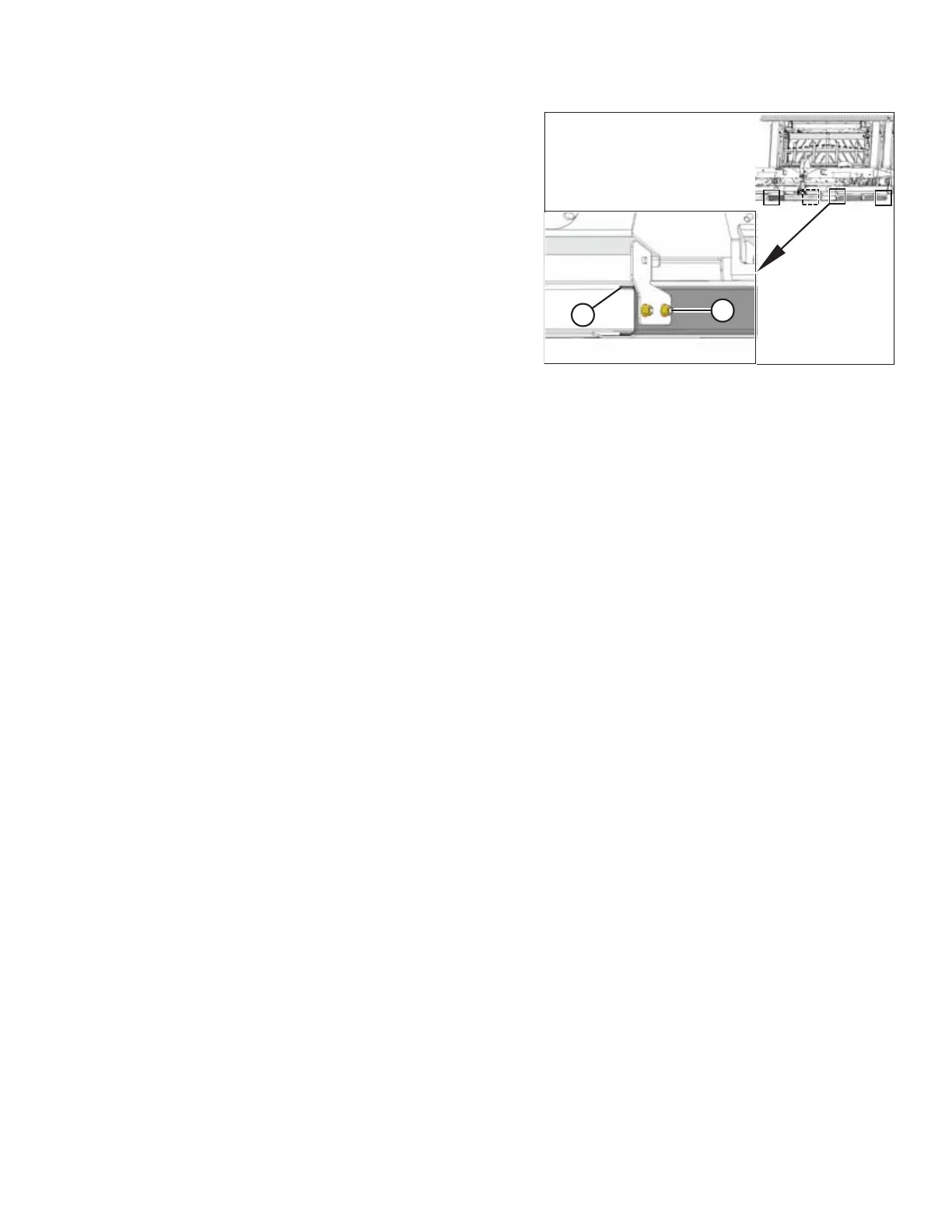
Figure 2.13: Float Module Stands
13. Remove eight bolts (A) total at four places, and remove two
internal support channels (B), one on each side of stand.
14. When headers are separated, repeat Steps 1, page 7 and 2,
page 7 for the second header.
UNLOADING THE HEADER



 To Next Page