215184 375 Revision A
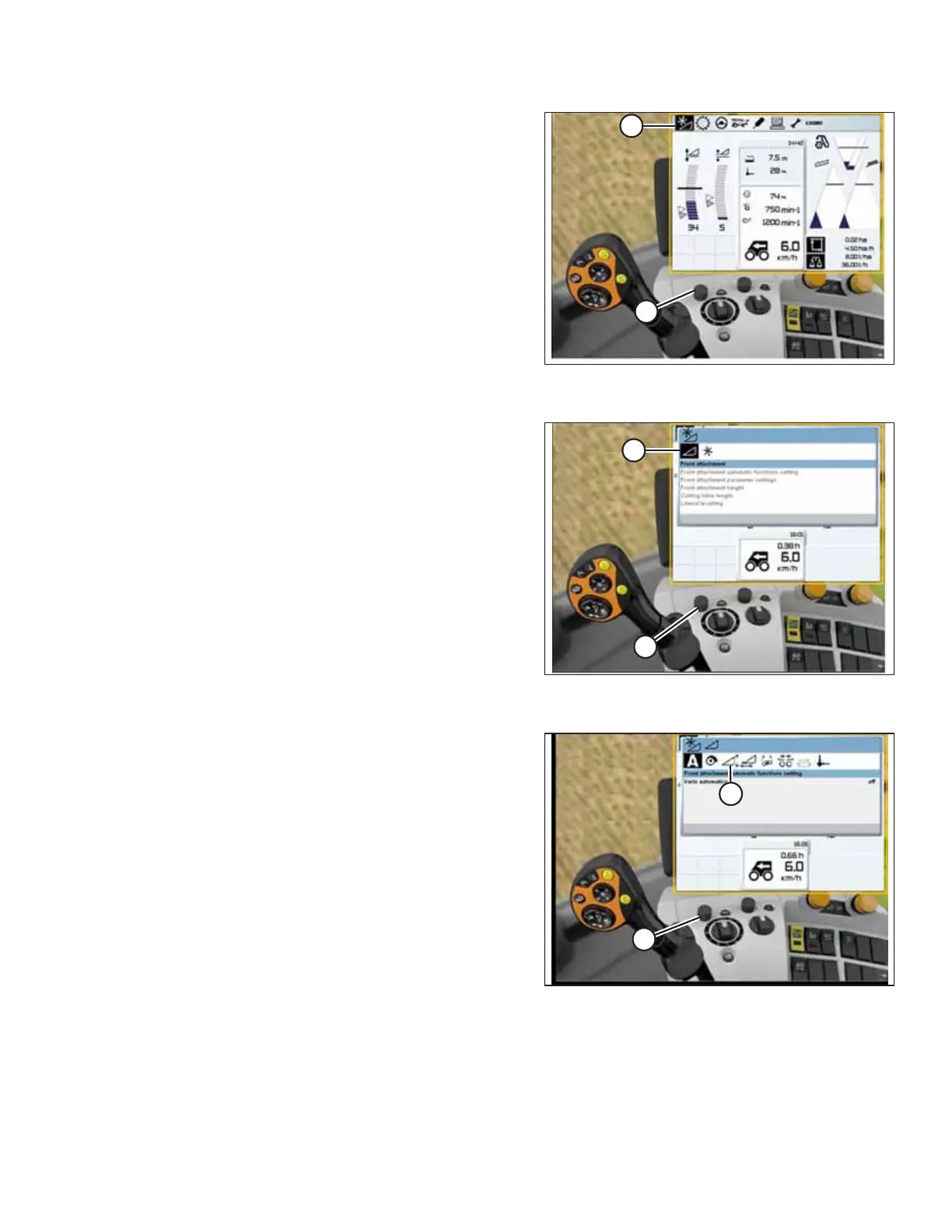
Figure 9.156: CLAAS Combine Display, Console, and
Control Handle
3. Use control knob (A) to highlight AUTO CONTOUR icon (B)
and press control knob (A) to select it.
Figure 9.157: CLAAS Combine Display, Console, and
Control Handle
4. Use control knob (A) to highlight the icon that resembles a
header with up and down arrows (not shown), and press
control knob (A) to select it. Highlighted header icon (B) will
be displayed on the screen.
Figure 9.158: CLAAS Combine Display, Console, and
Control Handle
5. Use control knob (A) to highlight the icon that resembles a
header with up and down arrows (B), and press control
knob (A) to select it.
SETTING UP AUTO HEADER HEIGHT CONTROL



 To Next Page