215184 436 Revision A
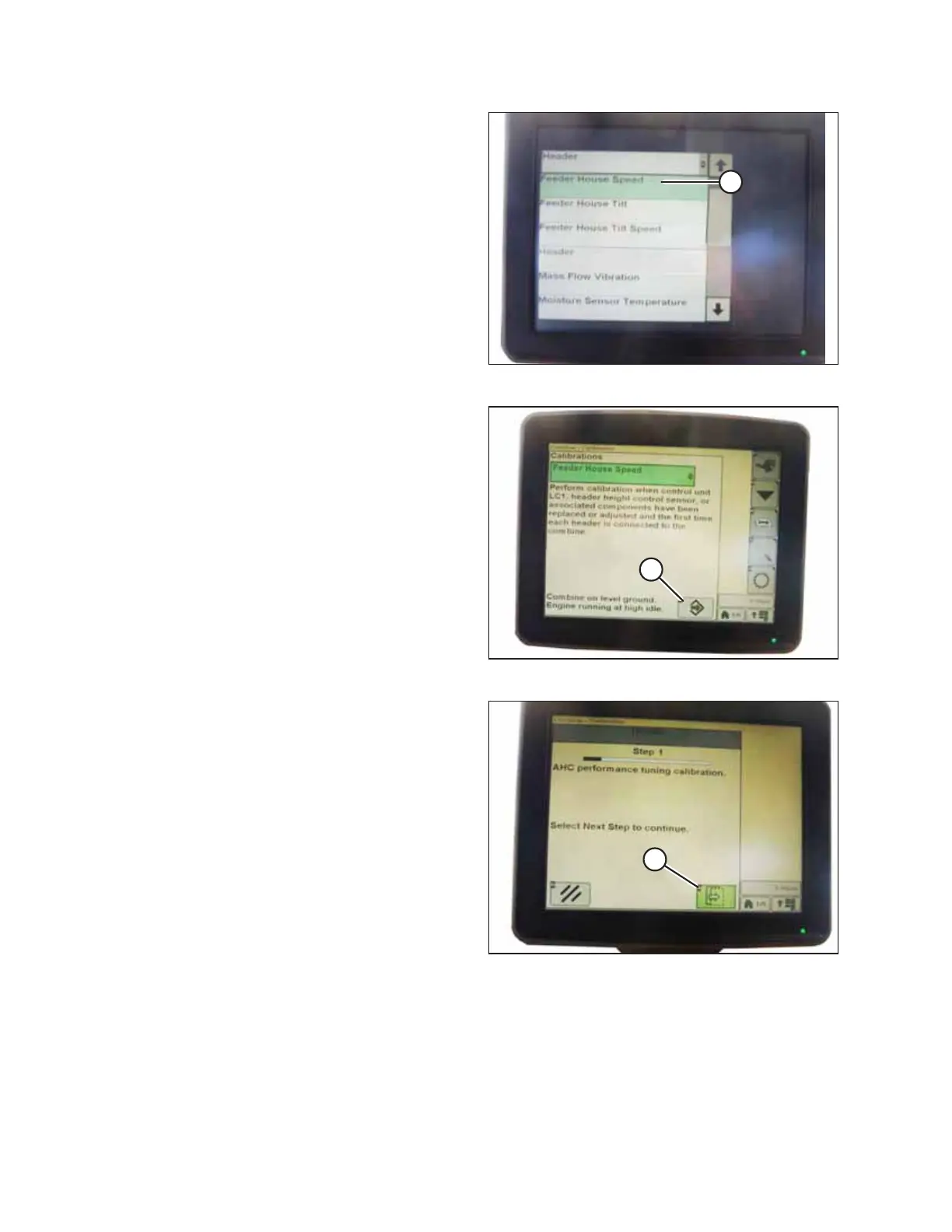
Figure 9.284: John Deere Combine Display
5. Select FEEDER HOUSE SPEED (A) from the list of calibration
options.
NOTE:
Feeder house speed calibration must be done before
header calibration.
Figure 9.285: John Deere Combine Display
6. With FEEDER HOUSE SPEED selected, press icon (A). The
icon will turn green.
Figure 9.286: John Deere Combine Display
7. Press icon (A) and instructions will appear on screen to
guide you through the remaining calibration steps.
SETTING UP AUTO HEADER HEIGHT CONTROL



 To Next Page