215184 444 Revision A
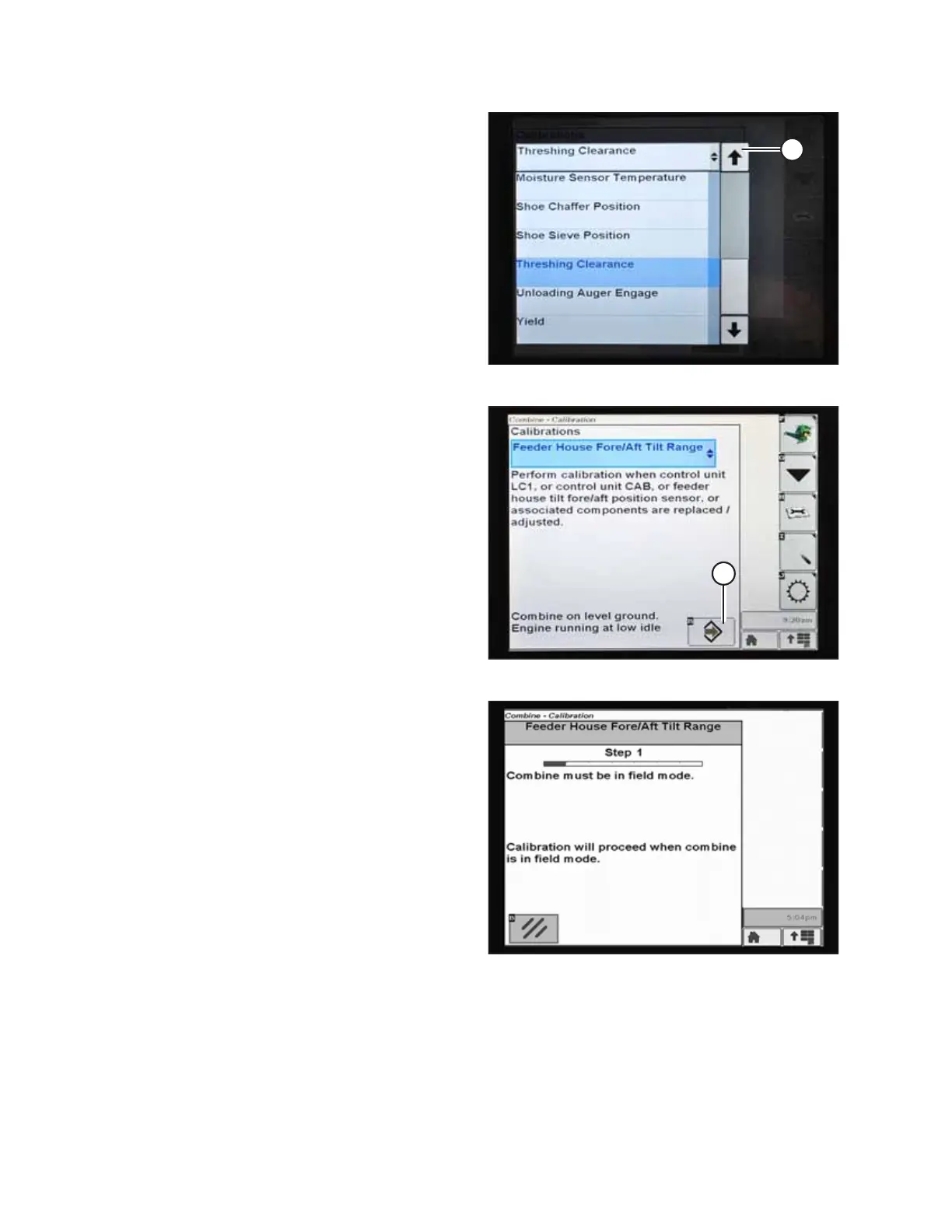
Figure 9.306: John Deere Combine Display
5. Press arrow (A) to cycle up through the calibration options
and select FEEDER HOUSE FORE/AFT TILT RANGE.
Figure 9.307: John Deere Combine Display
6. Press ENTER icon (A).
Figure 9.308: John Deere Combine Display
7. Follow the instructions that appear on the screen. As you
proceed through the calibration process, the display will
automatically update to show the next step.
NOTE:
If an error code appears during calibration, the sensor is out
of voltage range and will require adjustment. For
instructions, refer to Checking Voltage Range from the
Combine Cab – John Deere S and T Series, page 431.
SETTING UP AUTO HEADER HEIGHT CONTROL



 To Next Page