215184 44 Revision A
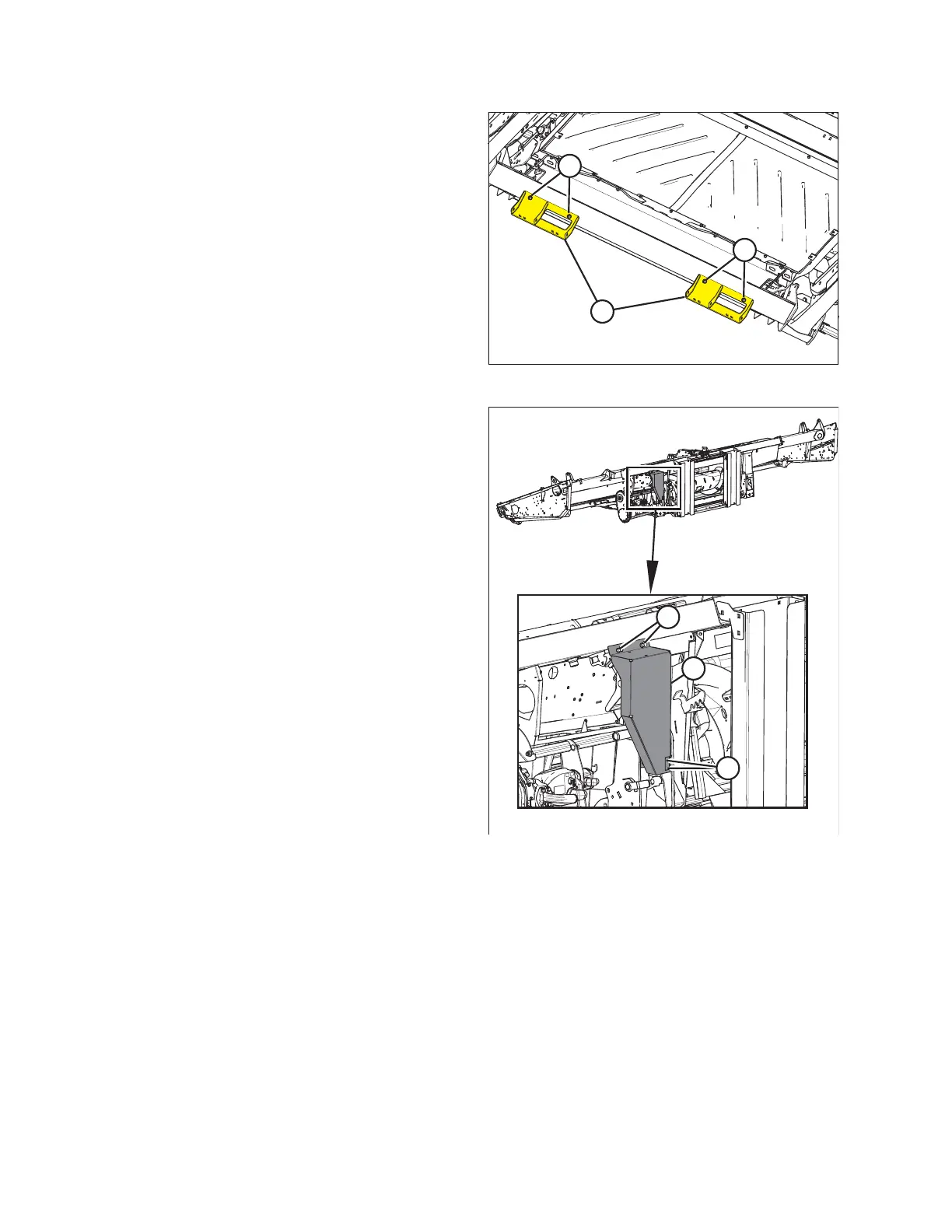
Figure 3.58: View from below the Header
8. Remove four bolts (A) and remove shipping stands (B) from
the bottom of the float module.
Figure 3.59: Coupler Cover
9. Remove two bolts (A) and loosen two bolts (B) securing
coupler cover (C) to the float module.
10. Remove the coupler cover.
ASSEMBLING THE HEADER AND FLOAT MODULE



 To Next Page