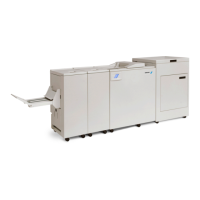
Plockmatic BM3050 system 27 August 2019 3. Repairs and adjustments (REP and ADJ)
3-170
REP 13.1 Bleed Trimmer Upper Knives
Parts List on PL 12.41, 12.42 and 12.44
Removal
WARNING:
Use the Knife Handling Protection when the Protective Plate is removed.
Failure to do so may result in serious injury.
1. Turn off the main power and disconnect the power cord.
2. Remove Front and Rear Covers (REP 12.0 Front and rear cover).
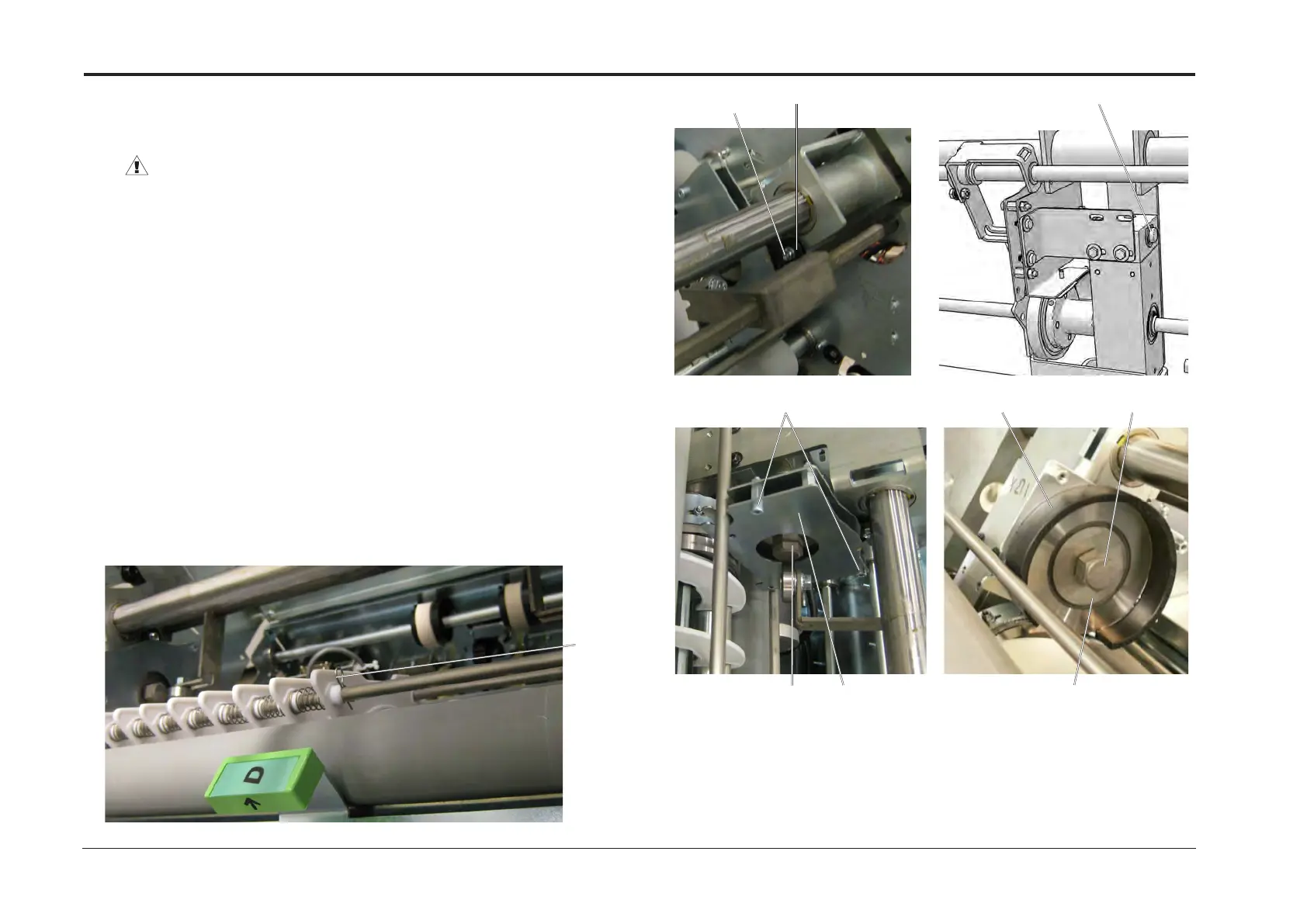
3. Compress and lock Upper Gratings with R-pin [A].
4. Remove screw [B].
5. Remove bearing [C].
6. Prevent the axle [D] from rotating by holding it with an open end wrench. Compress
Knife Spring and loosen Knife Bolt [E].
7. Remove screws (x2) [F].
8. Remove Protective Plate [G].
9. Attache Knife handling protection [H].
10. Remove Knife Bolt [E].
11. Remove Upper Knife [ I ].
12. Repeat on other side.
NOTE:
Upper and Lower Trimmer Knives form a pair that wears against each other.
If replament is required for one of the blades, the other must be replaced simultaneosly.
Replacement
1. Reverse removal procedure.
2. Ensure that the mating surfaces between the knife and knife shaft are thoroughly wiped
clean before reassembly. Any wobble of the blades cutting edge will have impact on
cutting accuracy.
[B] [C]
[F]
[G][E]
[D]
[I]
[E][H]
[A]


 To Next Page