Plockmatic BM3050 system 27 August 2019 1. Installation Procedure
1-38
1.8 SQUARE FOLD MODULE INSTALLATION
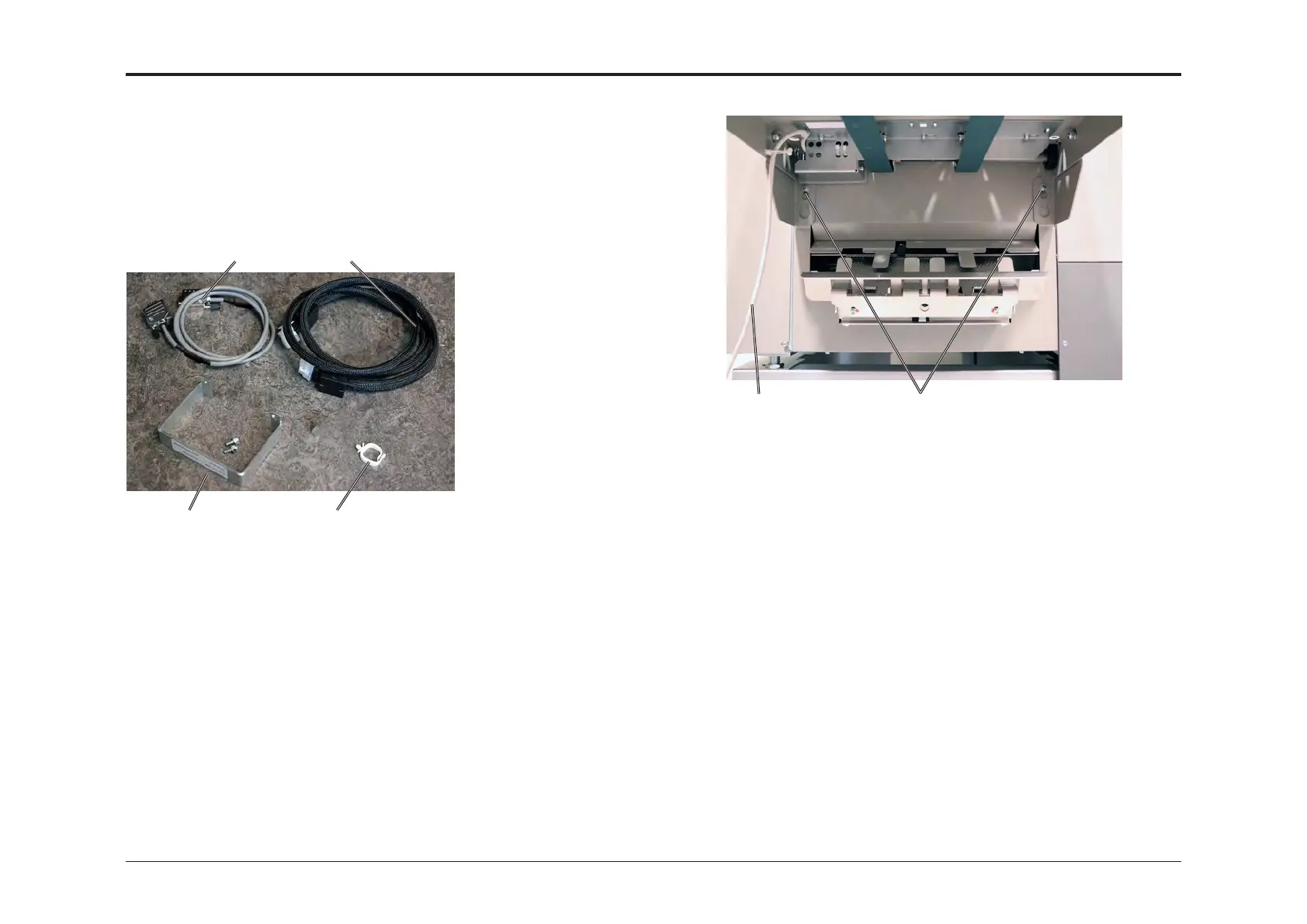
1.8.1 ACCESSORY CHECK
If you don’t have a SQF, proceed to next section.
1.8.2 INSTALLATION PROCEDURE
[3] [4]
[1] [2]
Check the quantity and condition of the accessories against the following
list:
Description Q’ty
1. Communication cable 1
2. Power cord 1
3. Cable protector with 2 screws 1
4. Cable holder 1
[A][B]
1. Loosen two screws [A] on the Booklet Maker.
2. Disconnect the Belt Stacker cable [B] from Booklet Maker.
3. Remove belt stacker from the Booklet Maker.
4. Tighten screws [A].



 To Next Page