Plockmatic BM3050 system 27 August 2019 1. Installation Procedure
1-27
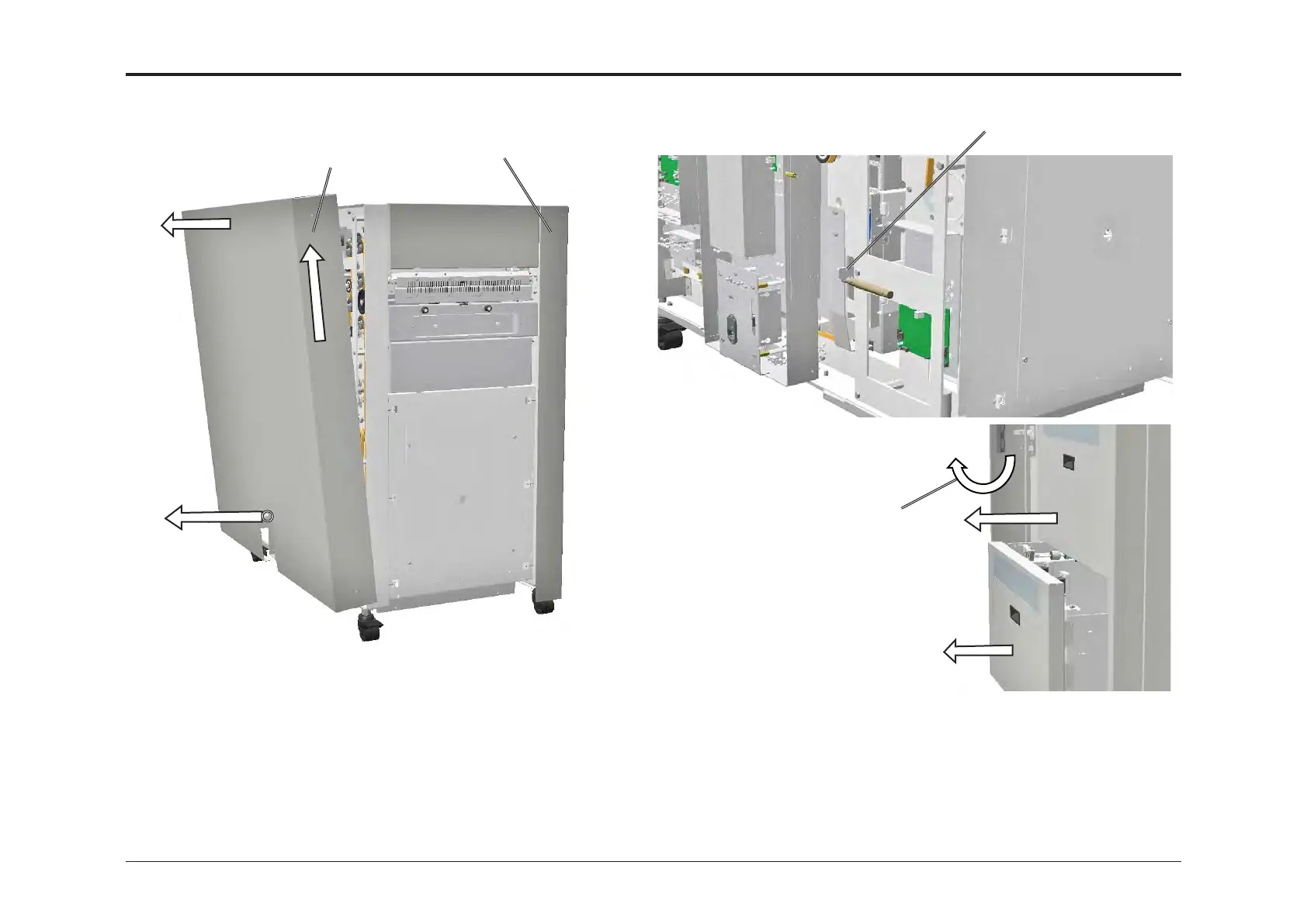
1.4.2 REMOVAL OF COVERS
1. Loosen screw [A]
2. Lift up cover [B]
3. Tilt out top [C]
4. Remove cover
[A]
[B]
[C]
Rear cover
Front cover
1. Lift the latch [D] (x2) and push in the bins
2. Open the front door [E]
3. Lift and remove front cover
[D]
[E]
Front Cover
Rear Cover
NOTE! Make sure that there is no paper in bin.
With back cover off there is a tilt risk at fully
loaded bin.



 To Next Page