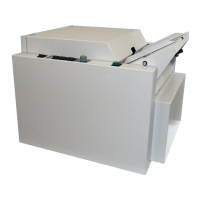
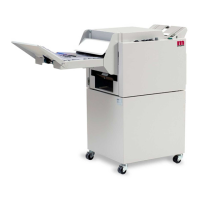
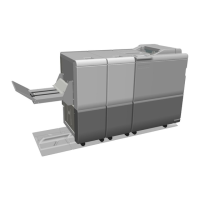
Plockmatic BM3050 system 27 August 2019 5. Service tables (GP)
5-28
GP 19 Update Software
Purpose
The purpose of this procedure is to provide the instructions needed to install software to the
Booklet Maker system.
Software Information
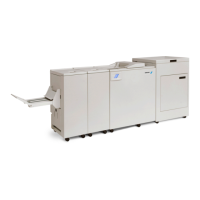
BM3050_30353050/3035 S/W package is applicable for the following System congura-
tions:
With or without AF/VF602 + With or without RCT + BM3050/3035
With or without AF/VF602 + With or without RCT + BM3050/3035 + Trimmer
With or without AF/VF602 + With or without RCT + BM3050/3035 + SquareFold + Trimmer
S/W release supports the following printer models:
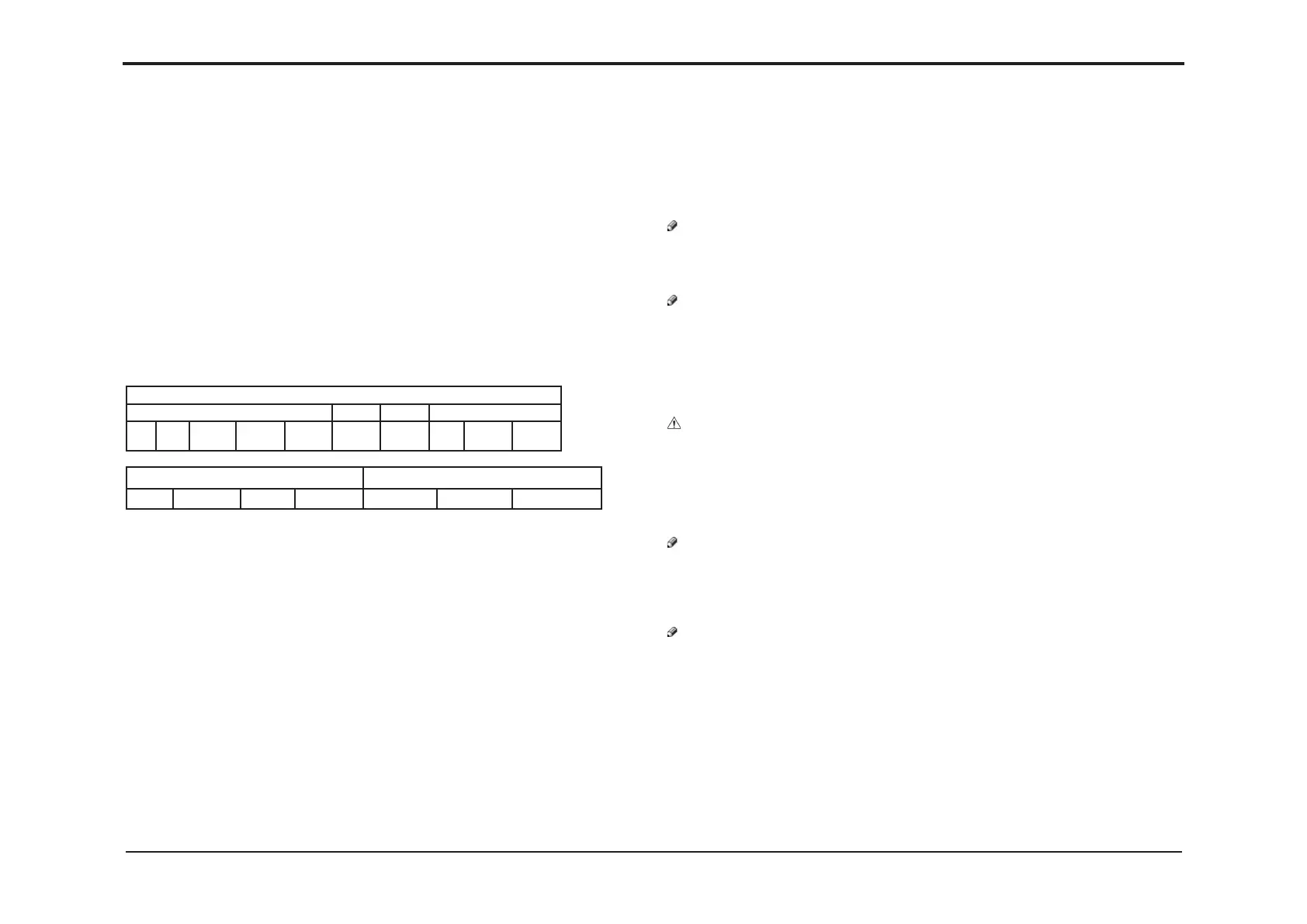
At release of this documentation, software conguration is as follows:
PBM3050 system software vXXXXXX.zip
Booklet maker SQF FTR RCT
UI CPU MD6DC
Upper
MD6DC
Middle
MD6DC
Lower
MD6DC MD6DC CPU MD3DC MD1SM
VF602 software package vXXXXXX.zip AF602 software package vXXXXXX.zip
M21H SP sensor Bin CPU Main CPU M21H Bin CPU Main CPU
Latest software can be downloaded from Plockmatic Customer center
https://plockmaticgroup.com/customer-login/
Tools
Tools needed for updating software are located behind the rear cover of the Booklet Maker:
SW Loading cable RS232 4+2P for loading
- MD6DC PCB’s on Booklet Maker
- MD3DC PCB on RCT
- MD1SM PCB’s on RCT
SW Download cable DB9M to DB9F
- CPU PCB on Booklet Maker
- MD6DC PCB on SQF MD6DC PCB on Trimmer
USB to STM32F
- All PCB’s AF & VF602
USB to RS232 Converter with connection for 4+2P for loading
- For connection to lap top missing serial port (RS232)
USB memory stick
- For Booklet Maker User Interface and Single Point Download
Initial Actions
1. Download the latest software package and unzip it.
2. Check the attached document that came with the software for special instruction.
NOTE:
Always ensure that the software versions are within the same release on all installed
modules. Mixing of software versions between releases can cause the machine to not work
properly or not recognize all modules in the system.
NOTE:
Temporary settings, see Section 2 Making Booklets in the Operator Manual, will be erased
during a software update. Check Operator Manual for information how to save these settings.
Settings changed under the Tools Tab, see Section 3 Tools in the Operator Manual, will be
erased during a software update. To keep these settings you have to make note of them.
Procedure
CAUTION!
ESD Hazard! ESD (Electrostatic Discharge) can cause hardware crashes, data and/or com-
munications problems. Failure to use proper ESD procedures will cause damage to electronic
components (example: PCBs). ESD problems can be minimized by maintaining all machine
ground connections, ensuring the proper handling of circuit boards and sensors. Use ESD
protection when working near PCBs. Failure to use ESD protection is likely to result in a PCB
failure.
NOTE:
Single point download will only work for upgrades of system where all PCB’s already have
valid software of minimum launch version. New PCB’s come without any software so if any
PCB is replaced, you must rst load it individually with a valid software. Individual software
loading will be described below.
NOTE:
Two types of PCB’s in the RCT are not yet covered by Single Point Download:
- PBM RCT MD3DC which applies to PCB “B”
- PBM RCT MD1SM which applies to PCB’s “C, D, E, H and J”
All PCB’s in AF & VF602 are not yet covered by Single Point Download.
So even if all PCB’s have valid software and a software update is performed using Single
Point Download, these PCB’s needs to be updated individually.
continued on next page


 To Next Page