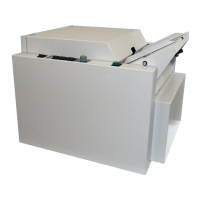
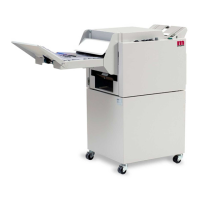
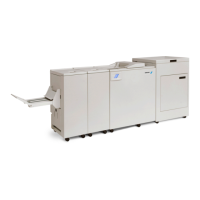
Plockmatic BM3050 system 27 August 2019 5. Service tables (GP)
5-34
GP 24 SQF Adjust Mode
Purpose
This procedure will explain how to use the Square Folder Adjust Mode.
Procedure
Go to Section 3, BQ 10 Fold Skew
GP 25 Trimmer. Adjustment, compressor air stream trim
waste kit
Condition
You need to have a compressor air stream trim waste kit (optional) installed
to be able to take advantage of this adjustment.
Purpose
This procedure explains how set the delay (NVM 23) and the duration (NVM 24) of the air blast
to avoid trim strips from causing jams by not entering the trim bin.
Normally the default settings will be quite sufcient.
However, under certain circumstances these settings might need to be adjusted to
help the trim strips to enter the trim bin.
Unfortunately there are no specic guidelines that can clearly tell you in which direction you
need to alter the settings.
Try increasing/decreasing the values and see what works for the actual job.
Note: Adjustment of air blast duration is in milliseconds.
Procedure
1. Enter Service Mode (GP 1)
2. Select target (module) BM
3. Select [NVM]
4. Scroll down to NVM 23 and/or 24.
5. Enter a new value by pressing the [+] or [-] buttons and
conrm by pressing the [OK] button.
6. Press [Exit]


 To Next Page