Plockmatic BM3050 system 27 August 2019 1. Installation Procedure
1-58
1.13.3 PERFORMING A SELF DIAGNOSTIC
1. Turn on the power for the Booklet Maker
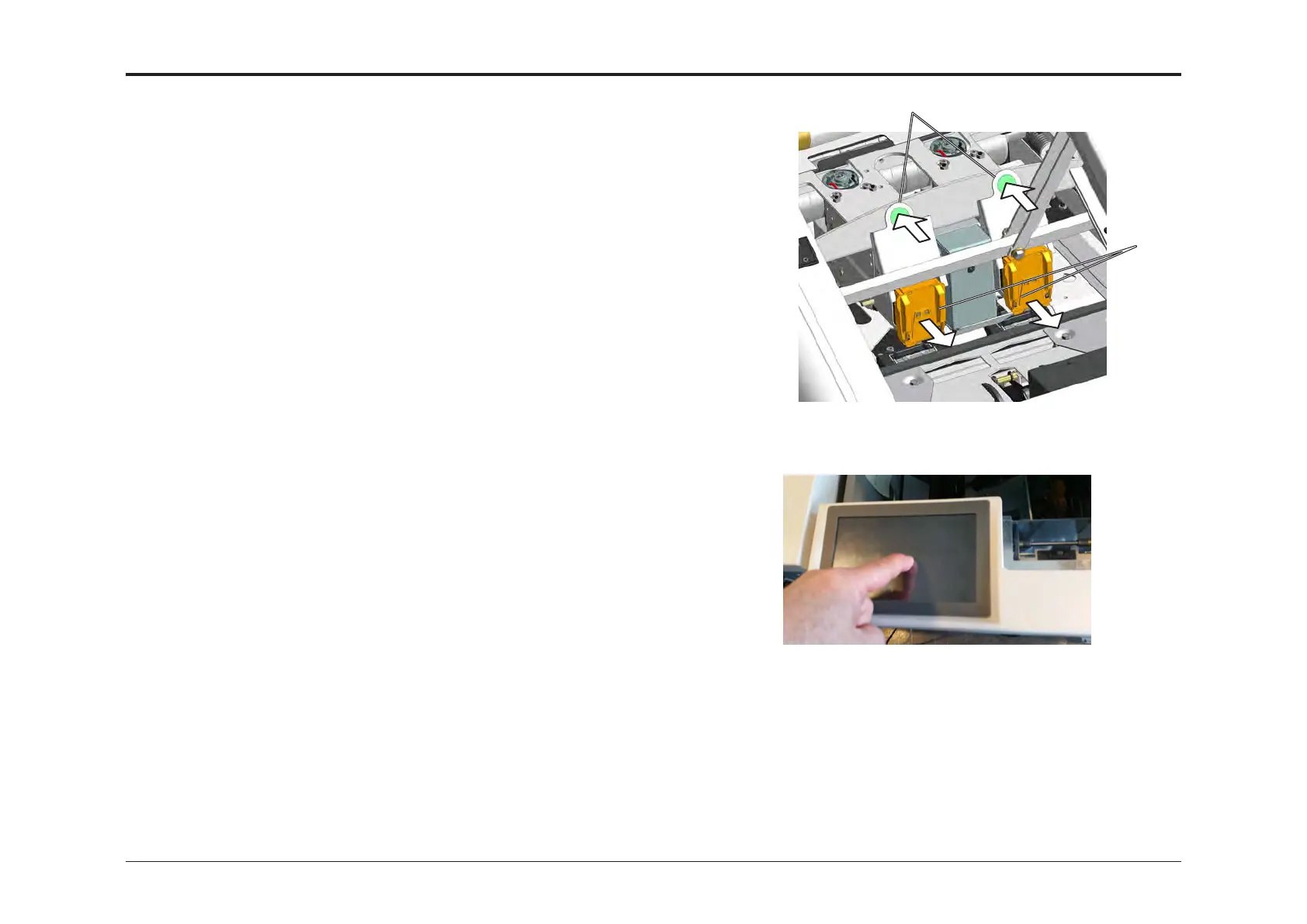
2. Open the booklet maker top cover.
Put a nger onto the screen and hold it there.
3. Turn on the power for the booklet maker.
4. Close the top cover.
If you keep holding your nger onto the screen
you will get the Service Menu.
Key in password 1974 and press [OK].
5. Press the button for the module to be diagnosed.
6. Press the line “Diagnostics”.
7. Press [Start] button.
8. Press [Home] to go back.
9. Repeat step 6 through 8 until all modules have been diagnosed.
10. On all modules, you should get the message:
Complete!
0 errors found
If you should receive a fault code after performing a
detailed self diagnostic, a service manual and trained technician is
required to solve the problem.
11. Exit diagnostic mode by powering off the system.
12. Reinstall the two staple cartridges and close the top cover.
[A]
[B]



 To Next Page