Plockmatic BM3050 system 27 August 2019 3. Repairs and adjustments (REP and ADJ)
3-12
Removal (Trimmer from Square Folder )
1. Turn off the main power and disconnect the power cord.
2. Loosen locking nuts (x2) [A].
3. Push Locking Bracket down [B].
4. Move Trimmer aside.
NOTE:
Ensure cables on the rear of the machine are not interfering when moving the TR / SQF.
[A]
[B]
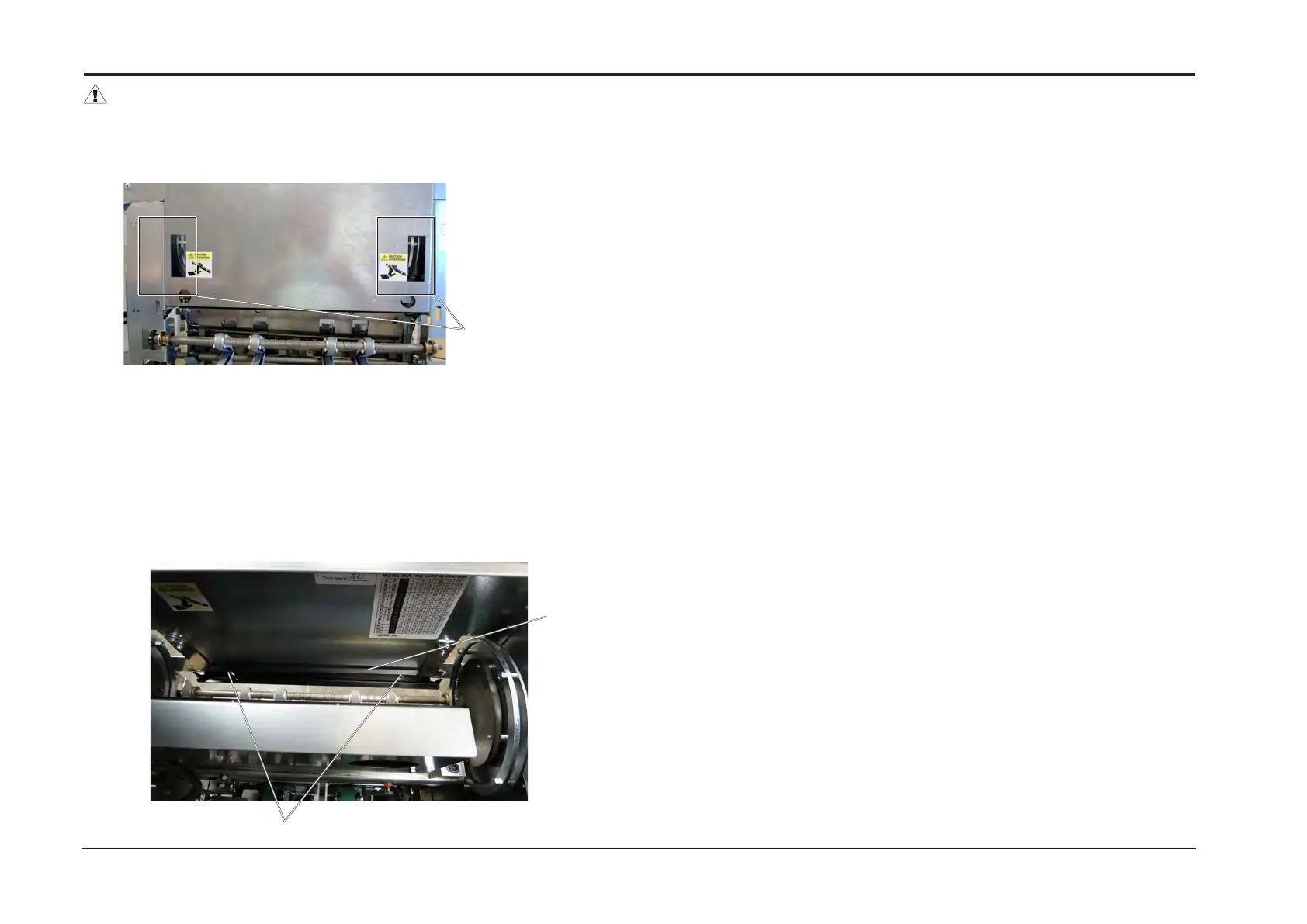
WARNING:
If Top cover closes when undocking the SQF and TR (while Power is not switched off ),
the BM3050 system could initiate a test-run, and the knife might be moving in the knife cam
areas and result in personal injury.
Moving parts in the knife
cam areas



 To Next Page