NFC Card Reader Type M27 (M502-10)
D0AP/D0C4/D0C5/D0C6/M0BQ/M0D1 2-62 SM
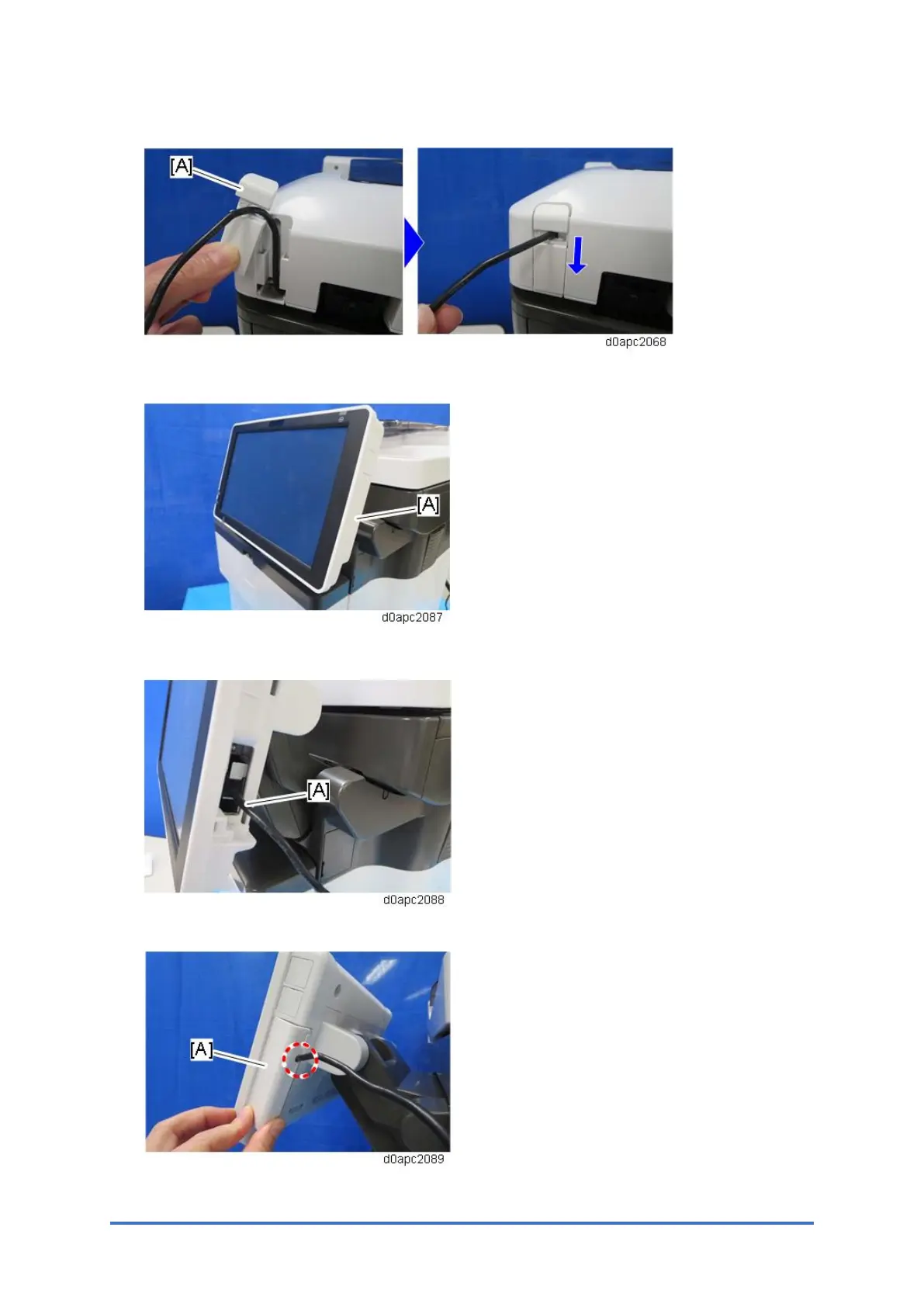
17. Pass the USB cable through the hole, and then attach the small cover [A].
18. Remove the side cover [A] of the operation panel.
19. Connect the USB cable [A] to the operation panel.
20. Pass the USB cable through the hole, and then attach side cover [A] of the operation panel.
21. Remove the paper cassette.



 To Next Page