LED Optics
D0AP/D0C4/D0C5/D0C6/M0BQ/M0D1 4-82 SM
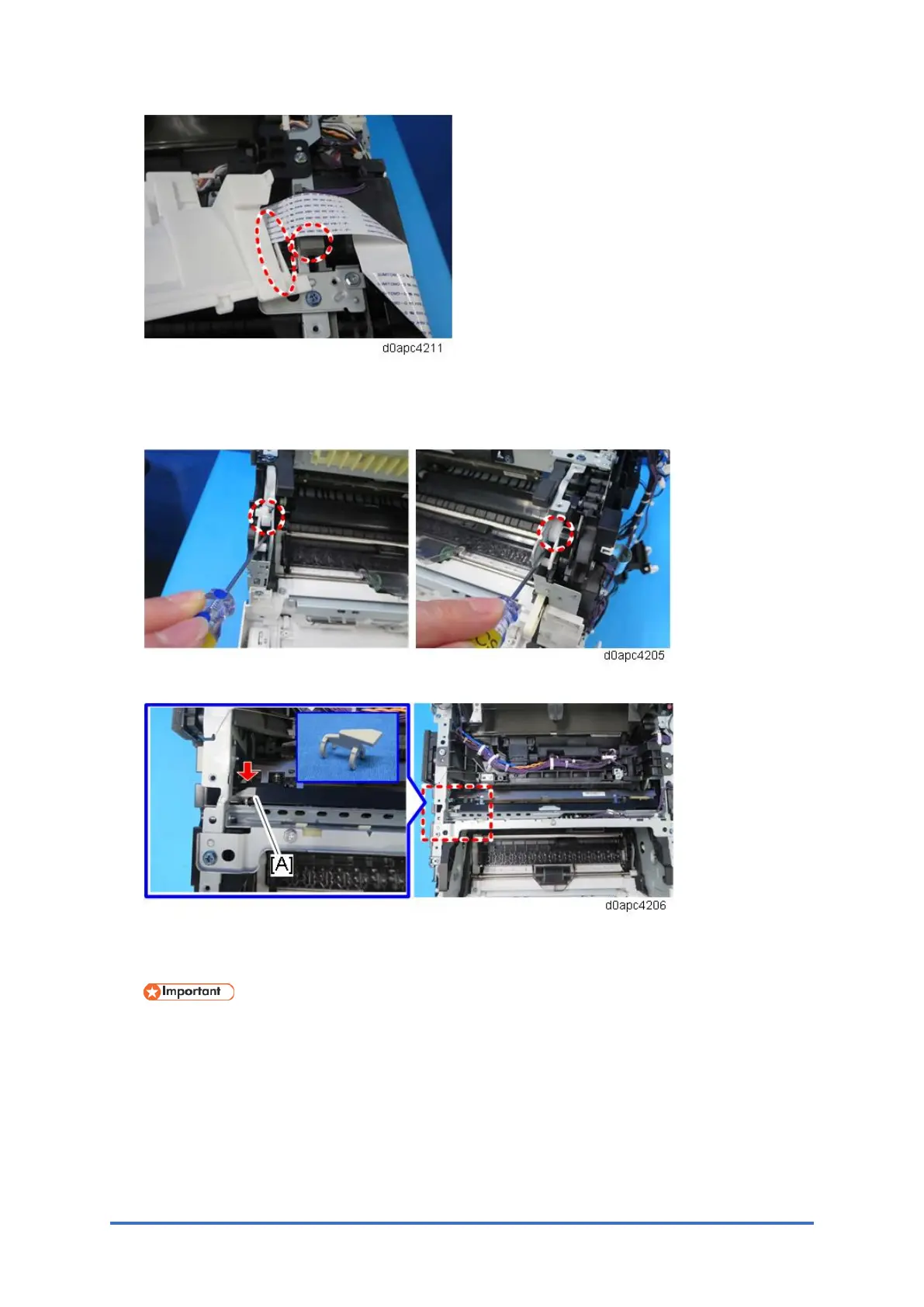
8. Return the LED unit to its original position.
To unlock, open the front cover or use a small flathead screwdriver to raise the joints
(circled in red) on the left and right.
9. Remove the spacer [A].
10. Pull out the LED unit [A].
Slide the LED unit to left, and then pull out the LED unit's right shaft.
Work carefully when removing the LED unit to avoid hitting the lenses. A damaged lens
could cause vertical streaks to appear on prints.



 To Next Page